Digital signage
Front Row: Free Landscape Conference Signage Template
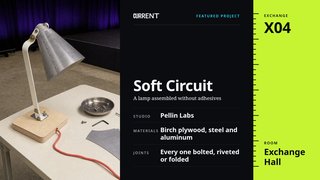
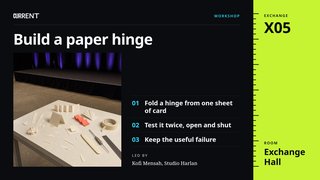
Nine designs for a conference on design and technology, in three groups of three: orientation, the keynote and the exchange. A group can go up together, or a single design can stand alone in a hallway.
The HTML version plays in FloSync as it is. Files from design and presentation apps must be exported as images or video before FloSync can play them.
Free to use under the FloSync Template License.
About the Front Row Conference Template
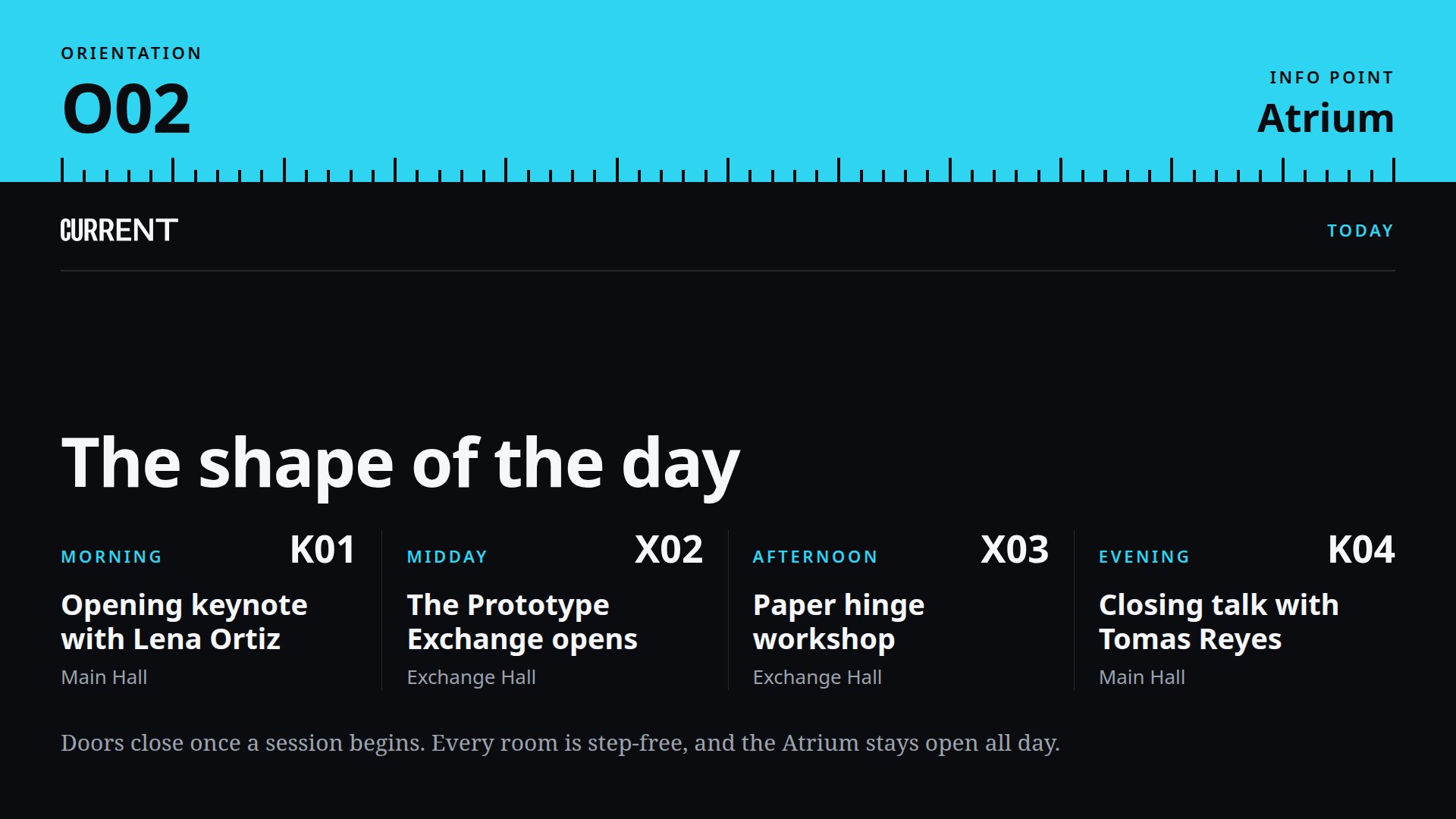
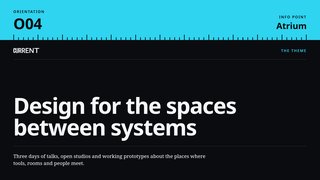
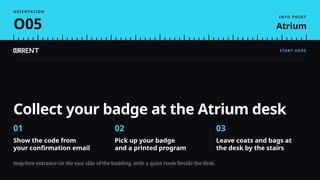
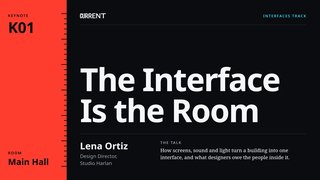
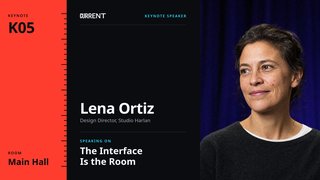
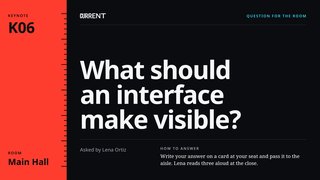
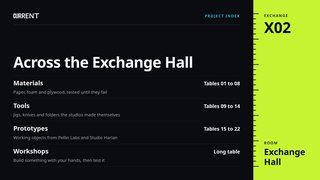
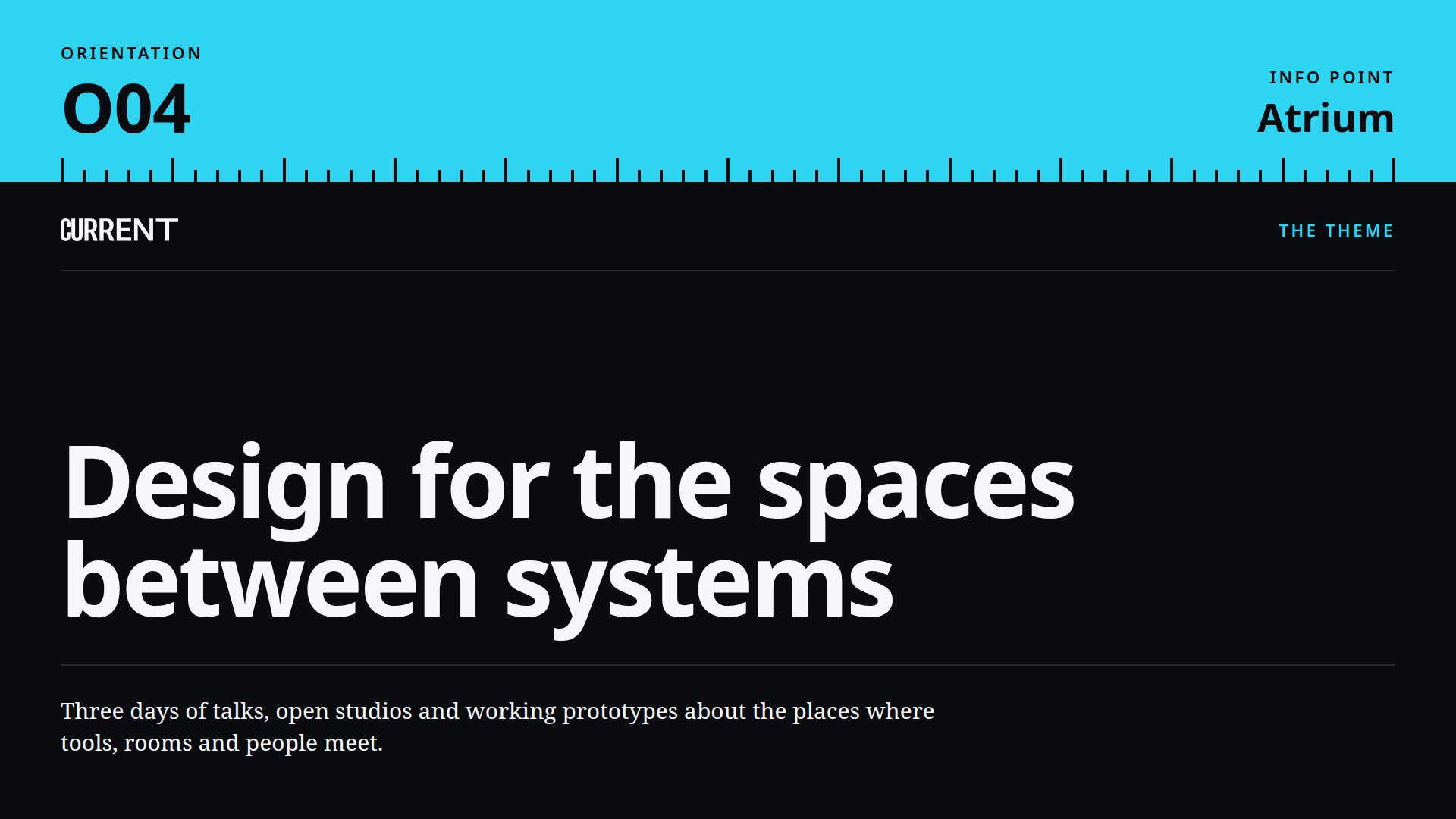
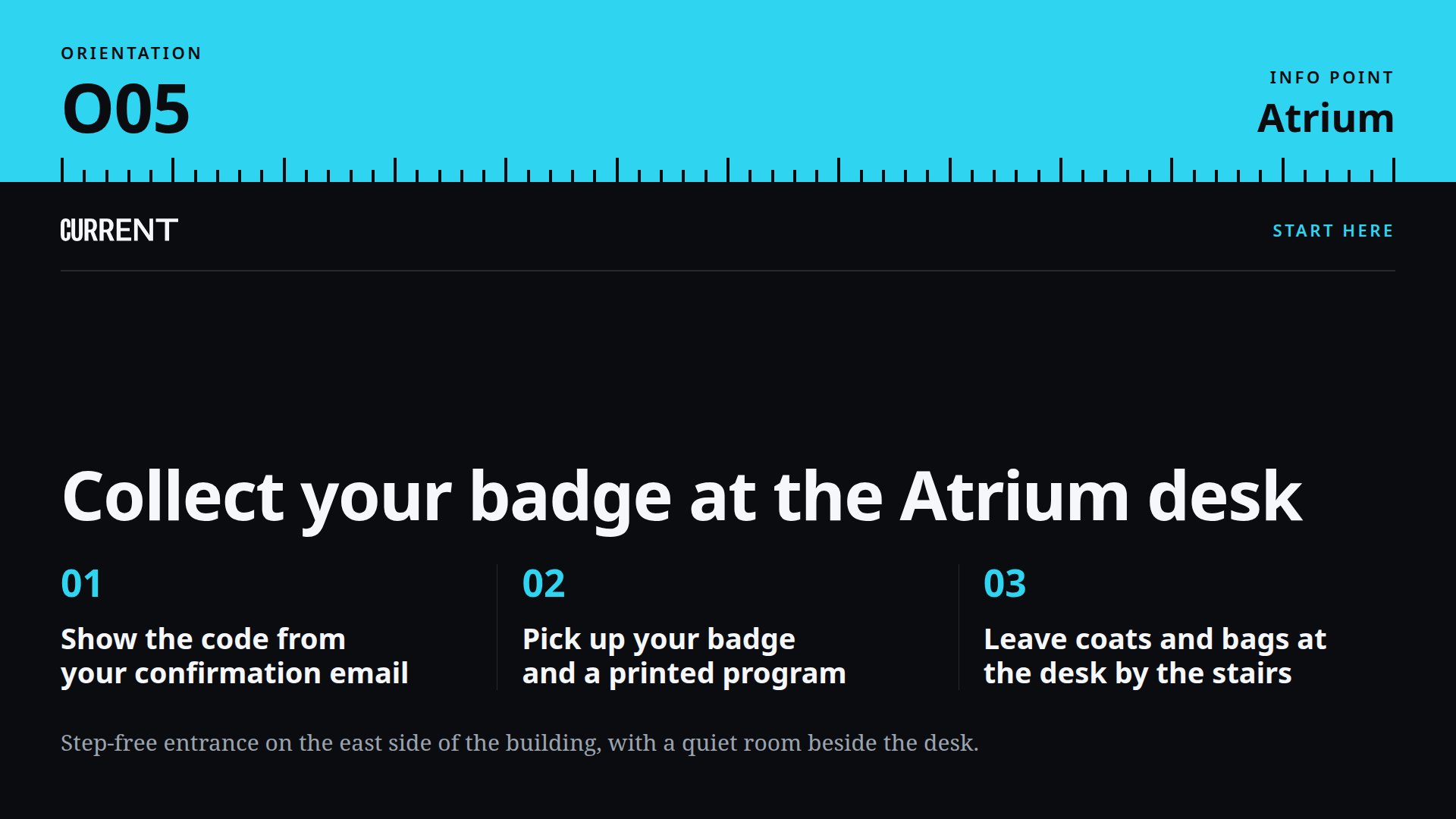
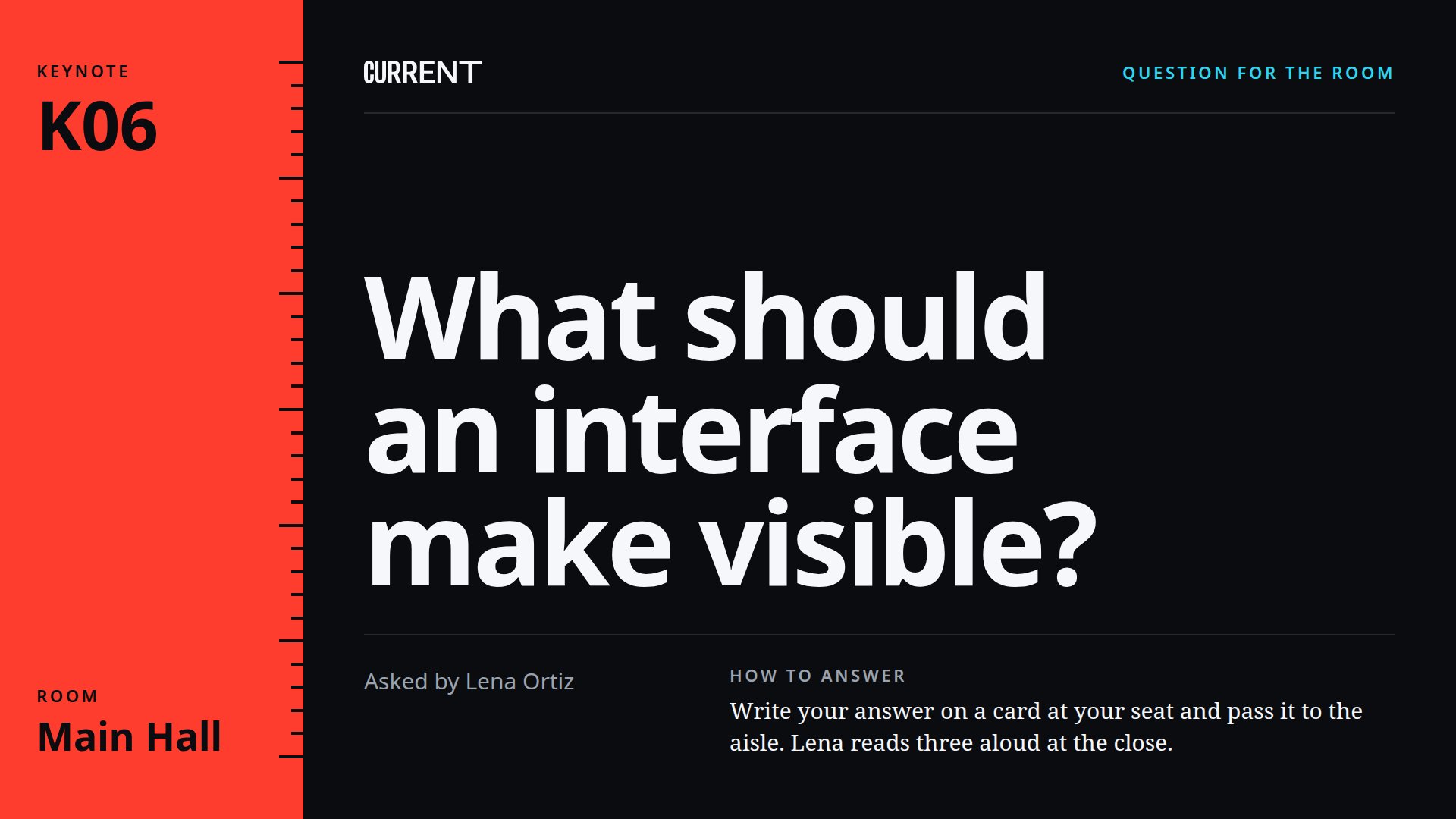
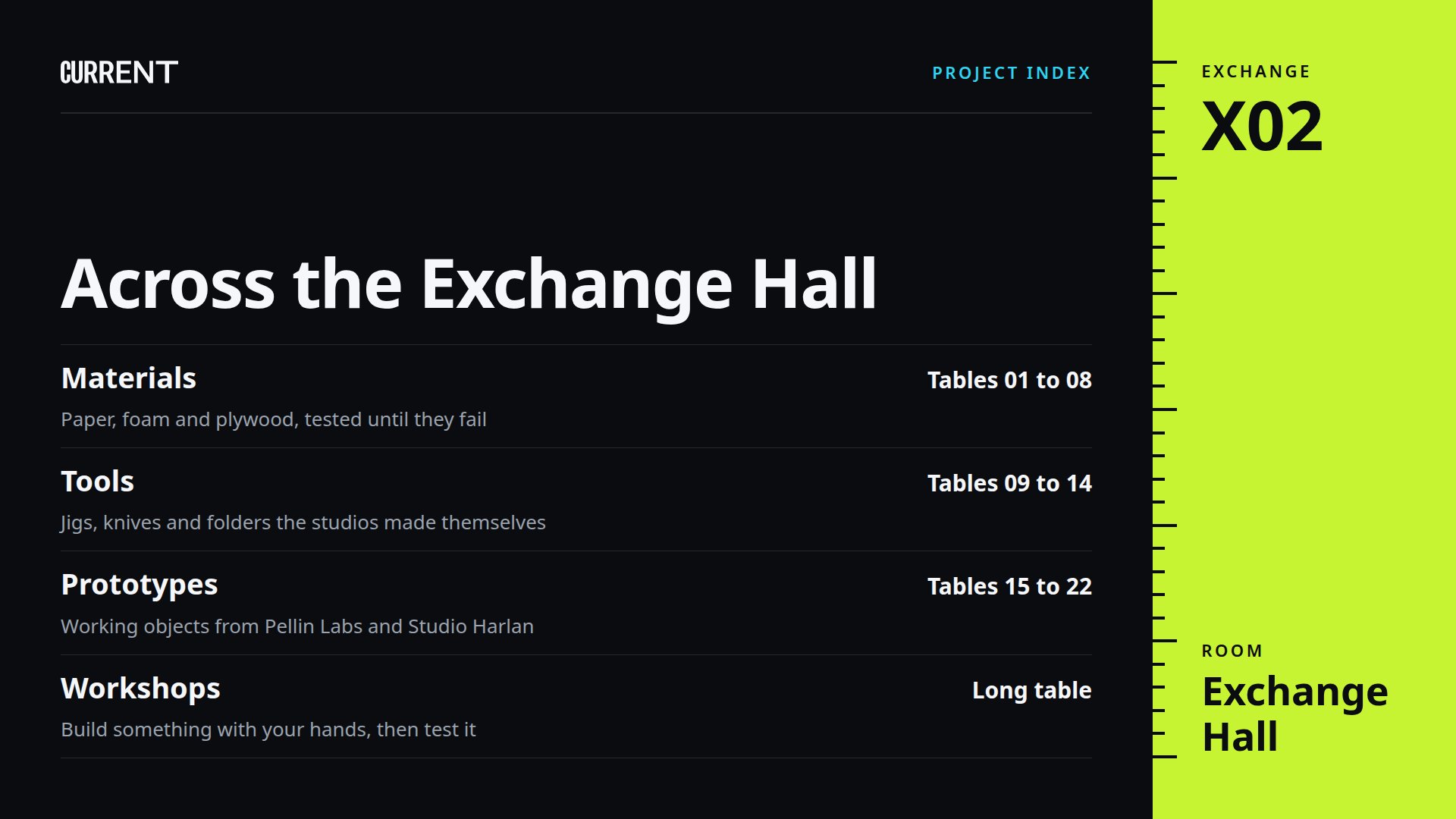
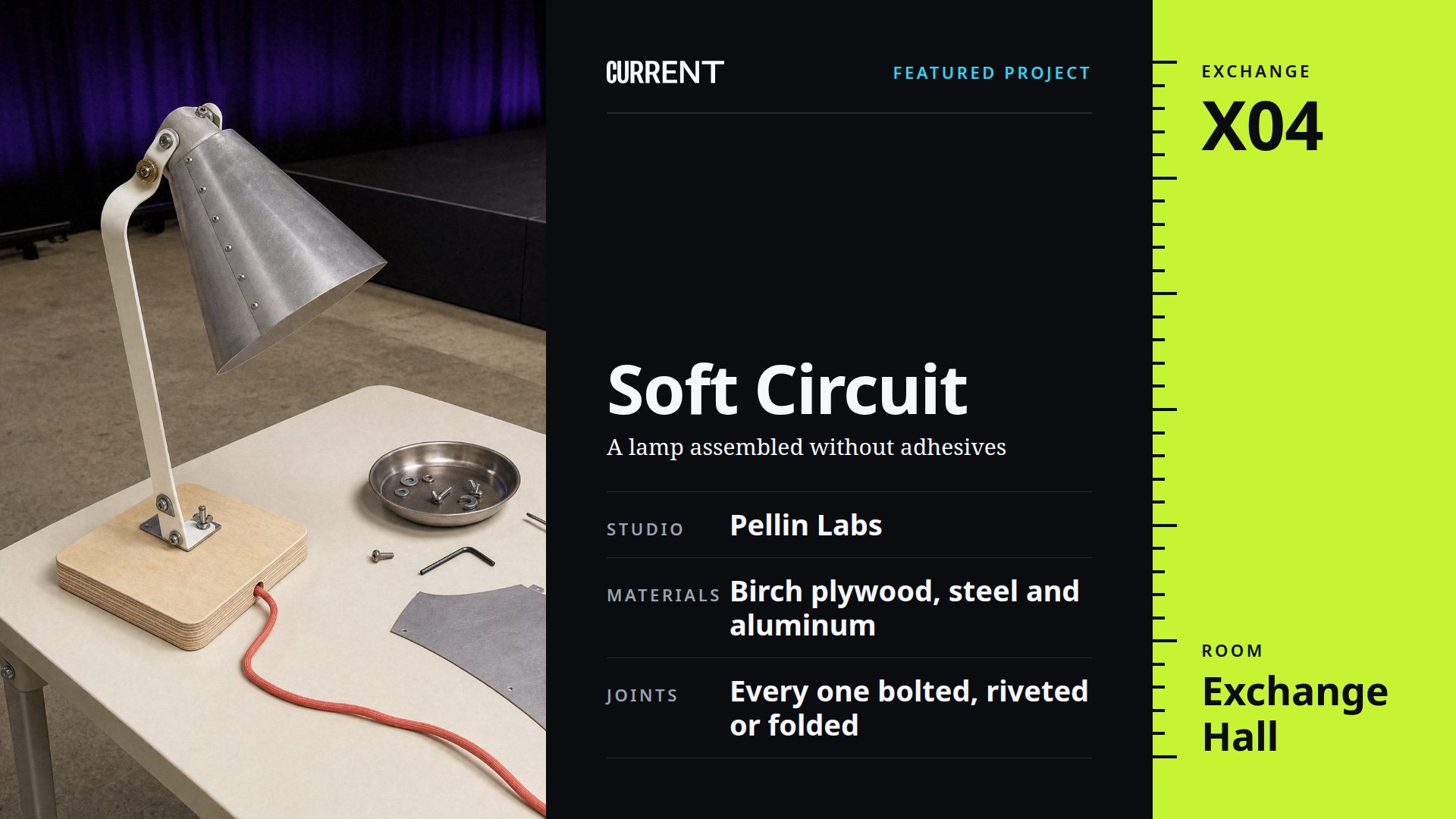
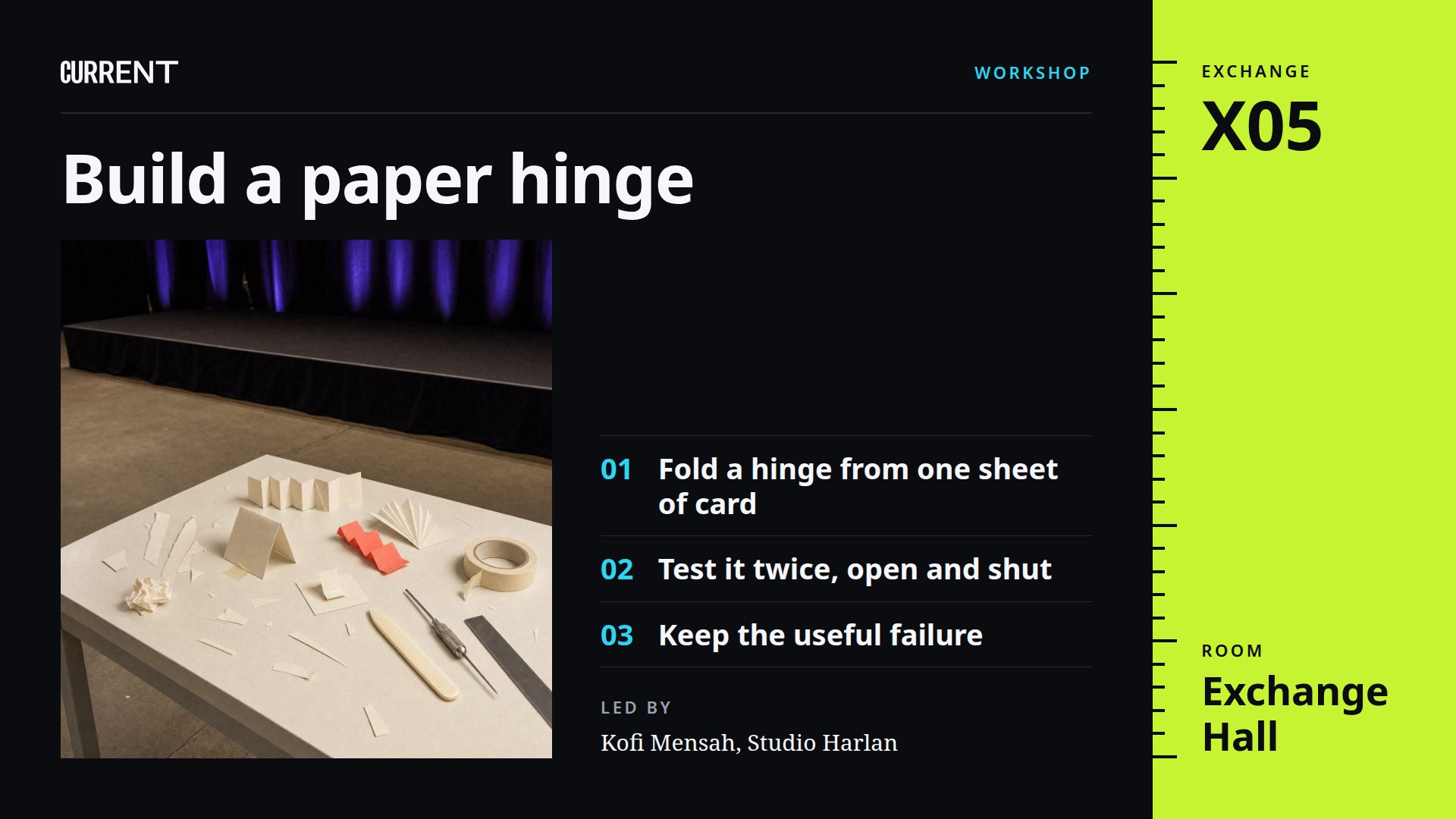
Front Row is for CURRENT, a design and technology conference, and its nine designs come in three groups. Arrival gets the orientation group: the theme, the day's program and badge pickup. On the main stage the keynote group shows the talk, the speaker and a question for the audience, and the exhibit hall has the exchange group, with its index, a featured project and a workshop brief.
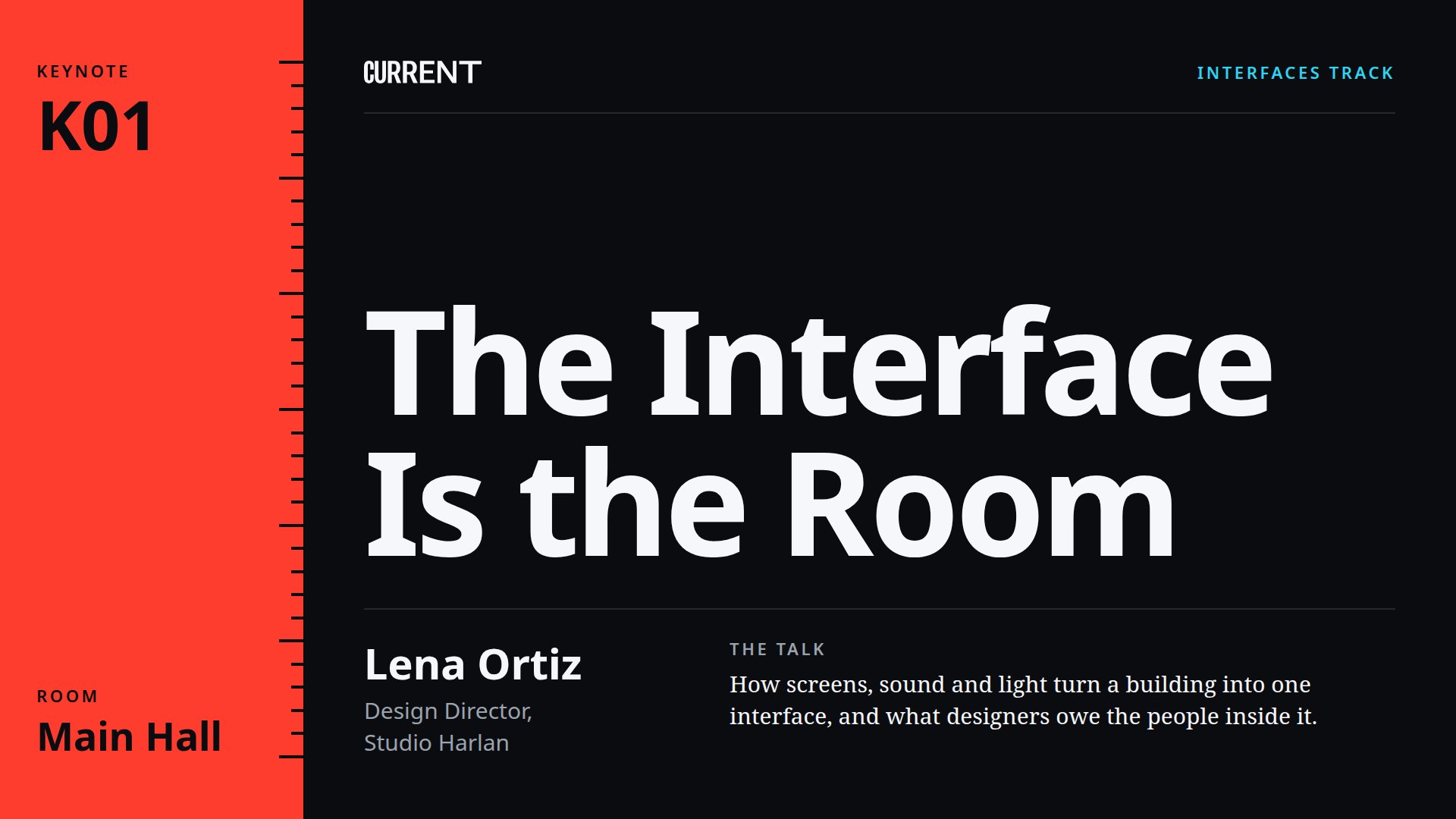
Each group has its own rail color, cyan for orientation, red for the keynote and lime for the exchange. The rail carries the group's name, the code and the room, and the codes tie the designs together: the program lists K01 for the opening keynote, and the session design for that talk carries K01 too. All nine are black, with headlines in Noto Sans and the longer lines in Noto Serif.
Put the Front Row Designs on Your Screens with FloSync
Start with the HTML download and unzip it somewhere permanent, since FloSync plays the pages from wherever you leave them. The orientation, keynote and exchange folders hold one group each.
A conference day runs well as one scene per group. Open the schedule panel, switch it to Interval with the timer icon, and make three scenes named Orientation, Keynote and Exchange. Select a scene, leave the mode dropdown on Independent, right-click each screen box and choose Load HTML File... to give it a page from that group's folder.
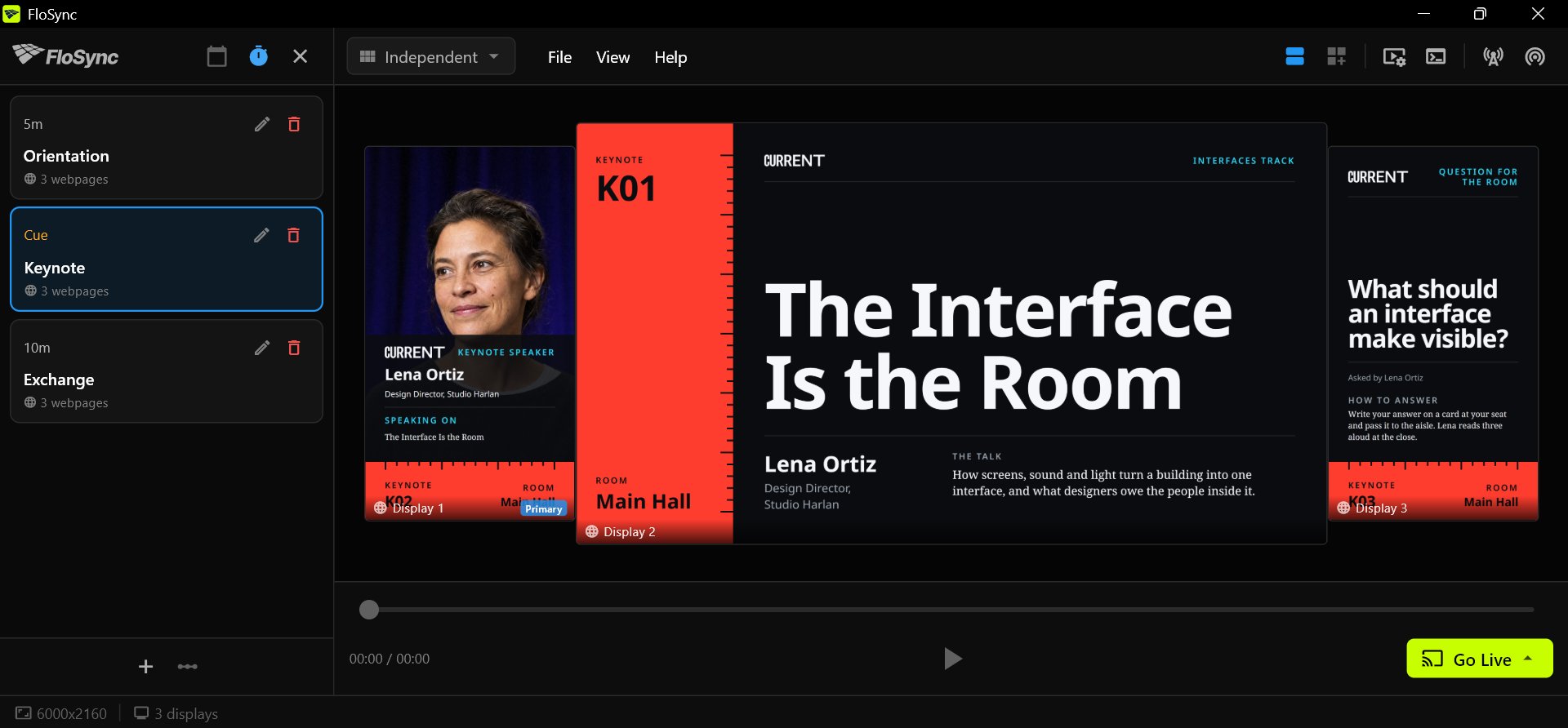
Set each scene's duration with its pencil icon, a few minutes for Orientation and Exchange, for example. Choose Go Live (Beginning) and FloSync moves through the groups in order, then starts again. Interval scenes covers the schedule panel in full.
Swap In Your Event's Names, Codes, Photos and Colors
The conference, its speakers, its studios and its projects are all invented.
In the HTML pages every word is plain text, the code and the room on the rail included: open a design in a text editor and type in your own talks, session numbers and halls.
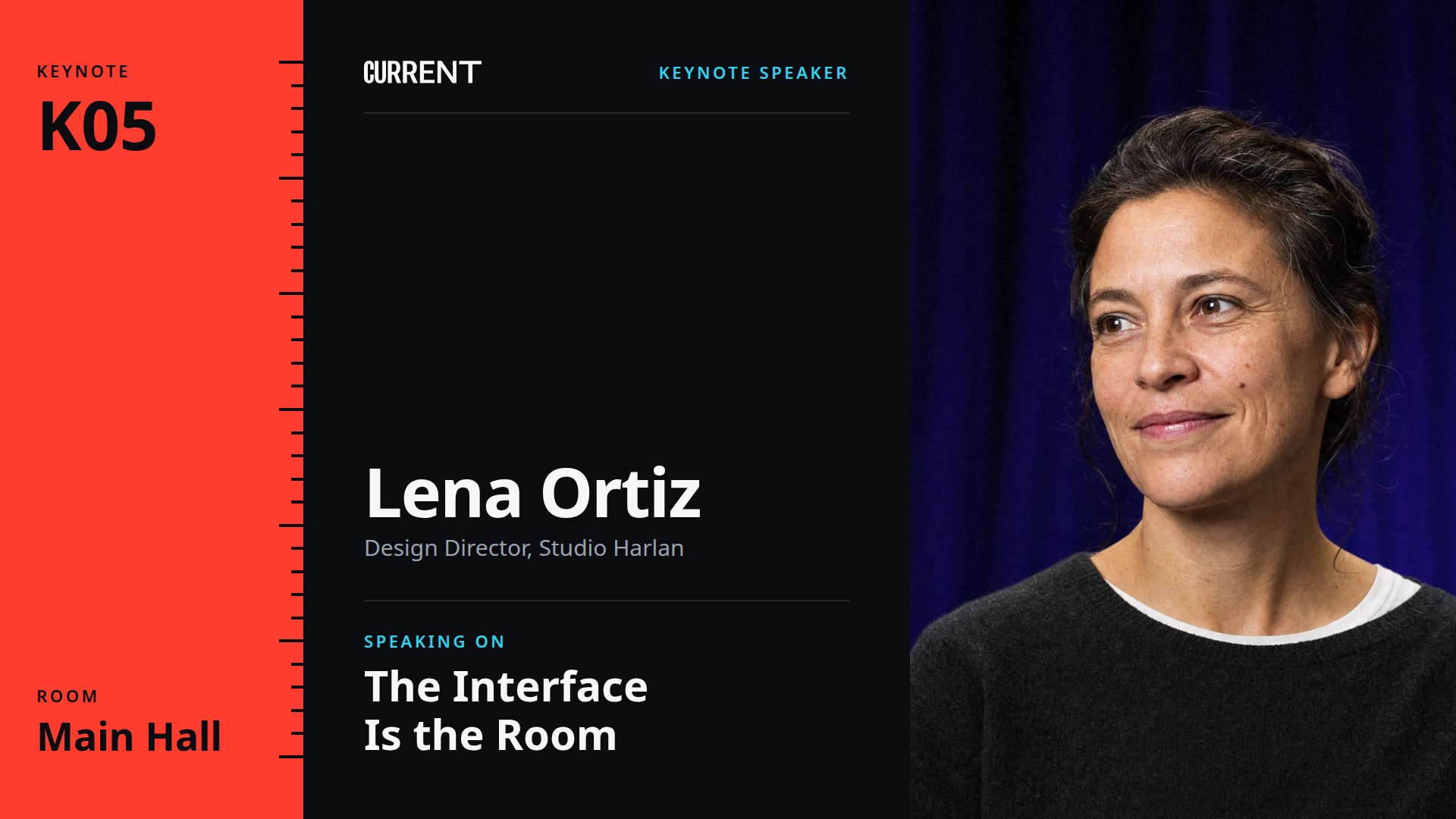
Three designs carry a photograph: the speaker's headshot, the featured project and the workshop. The photographs are square, in the images folder beside each group's pages, and each design crops its own to fit, so a replacement of the same shape needs nothing else. The logo is current-lockup.svg, and any SVG or PNG of the same height replaces it. The colors, the rail's included, are set in the :root block at the top of each page.
The PowerPoint deck and the Illustrator file hold all nine designs, one slide or artboard each, with live text. Install Noto Sans and Noto Serif from the fonts folder before you open them, or the layout will look wrong.
For a program that changes on the day, the HTML pages save a step, since a slide or artboard has to be exported to an image or video again after every change.
Every Design in the Set
The nine designs in their three groups. Each group is a folder of its own in the HTML download.
Frequently asked questions
Can I use Front Row at my conference or event?
Yes, and an event agency can reuse the set for every client and every ticketed show, rewriting it each time and showing it without crediting anyone on the screens. Passing the files to a client or another studio, or building a new template from them, means keeping the credit line and the license with them. Reselling the files as they are is not allowed.
Can I run the Front Row designs without FloSync?
Yes. The designs are web pages, so a laptop plugged into a hall screen can show one in a browser, and the deck and artboards open in their own apps. FloSync, also free, lets one computer give each screen its own design and rotate the three groups on a timer.
What are the codes on the colored rail?
They number the designs, so the program can point to them. K01 on the program is the opening keynote, and the session design for that talk carries K01 on its rail. The codes and the room names are plain text, so use your own session numbers and rooms.
Can I use only one of the groups?
Yes. Each group is a folder of its own and every design is a page of its own, so an event with no exhibit hall can leave the exchange group out.
Will Front Row work on a 4K screen in a conference hall?
Yes. The HTML pages rescale to fill a 4K screen, and the PowerPoint and Illustrator files are 3840 by 2160, while Canva asks for the size at download. The headshot and the two project photographs are placeholders, so a 4K screen needs your own high-resolution versions.
What Is FloSync?
FloSync is free software for Mac and Windows that runs images, video, and web pages across one screen or many. Each screen can carry its own content, and a schedule can change them all together at the times you set, so a design like this one keeps itself current while you get on with your day. It is free to download, with no account and no monthly fee.