Digital signage
Front Row: Free Portrait Conference Signage Template
Nine conference designs made for tall screens, for a totem at registration, the side of a stage or a stand in the exhibit hall.
The HTML version plays in FloSync as it is. Files from design and presentation apps must be exported as images or video before FloSync can play them.
Free to use under the FloSync Template License.
About the Front Row Portrait Template
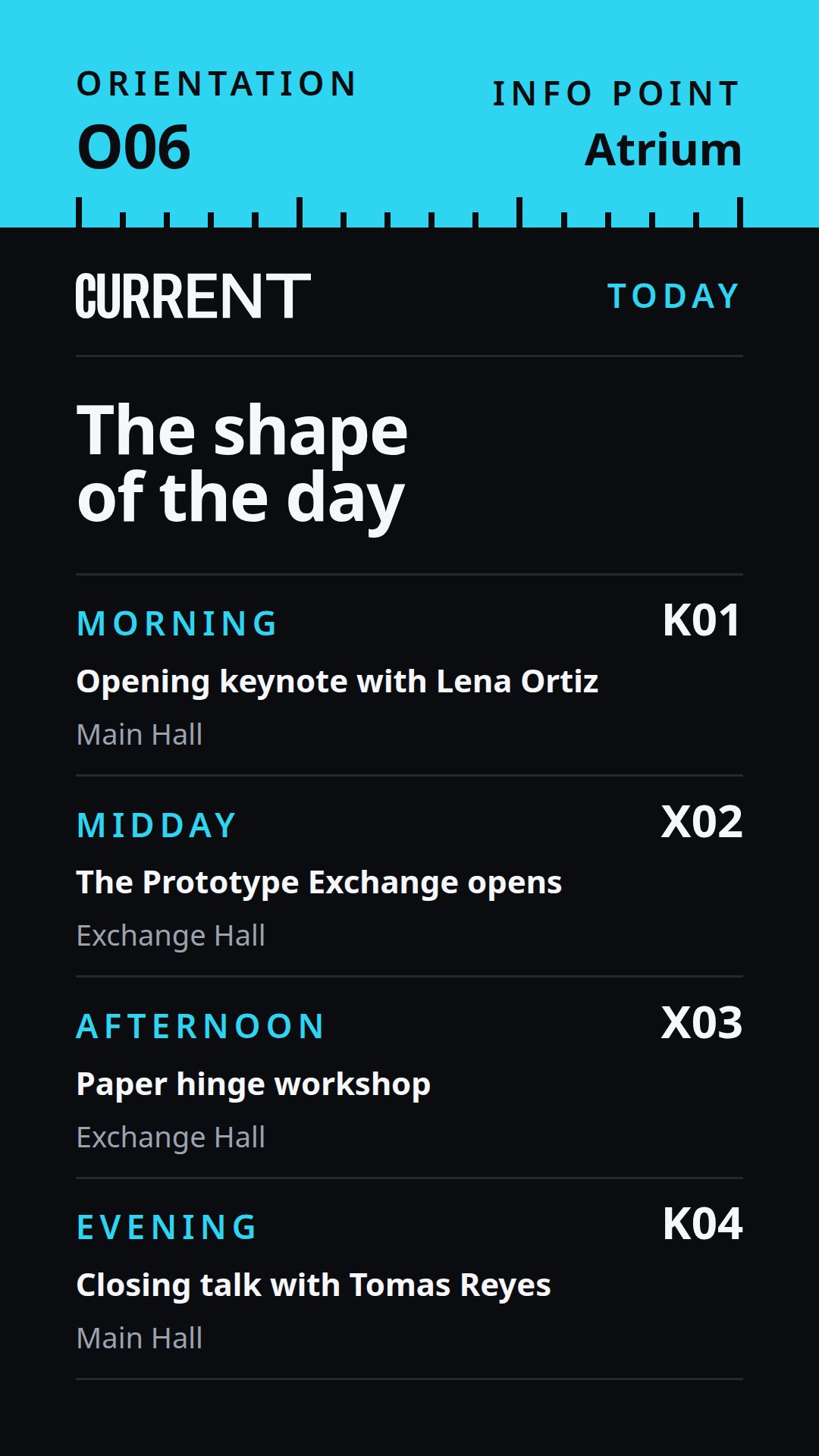
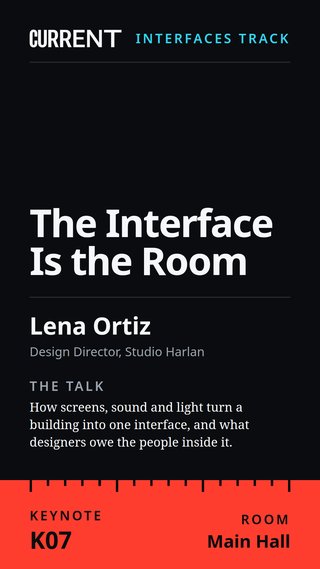
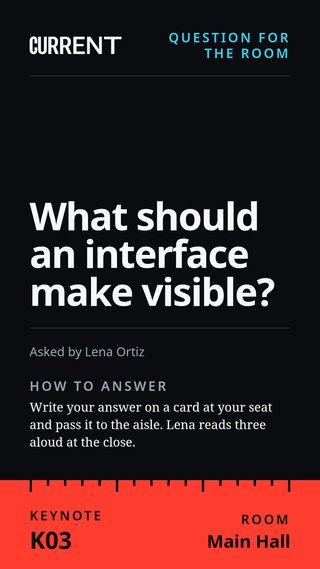
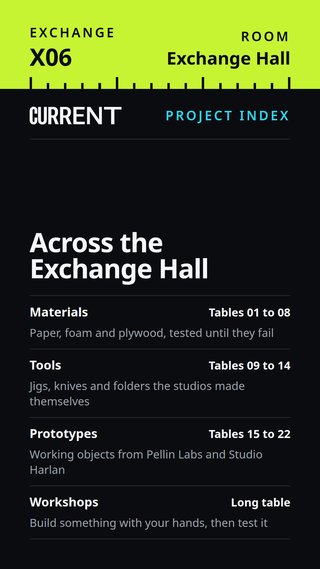
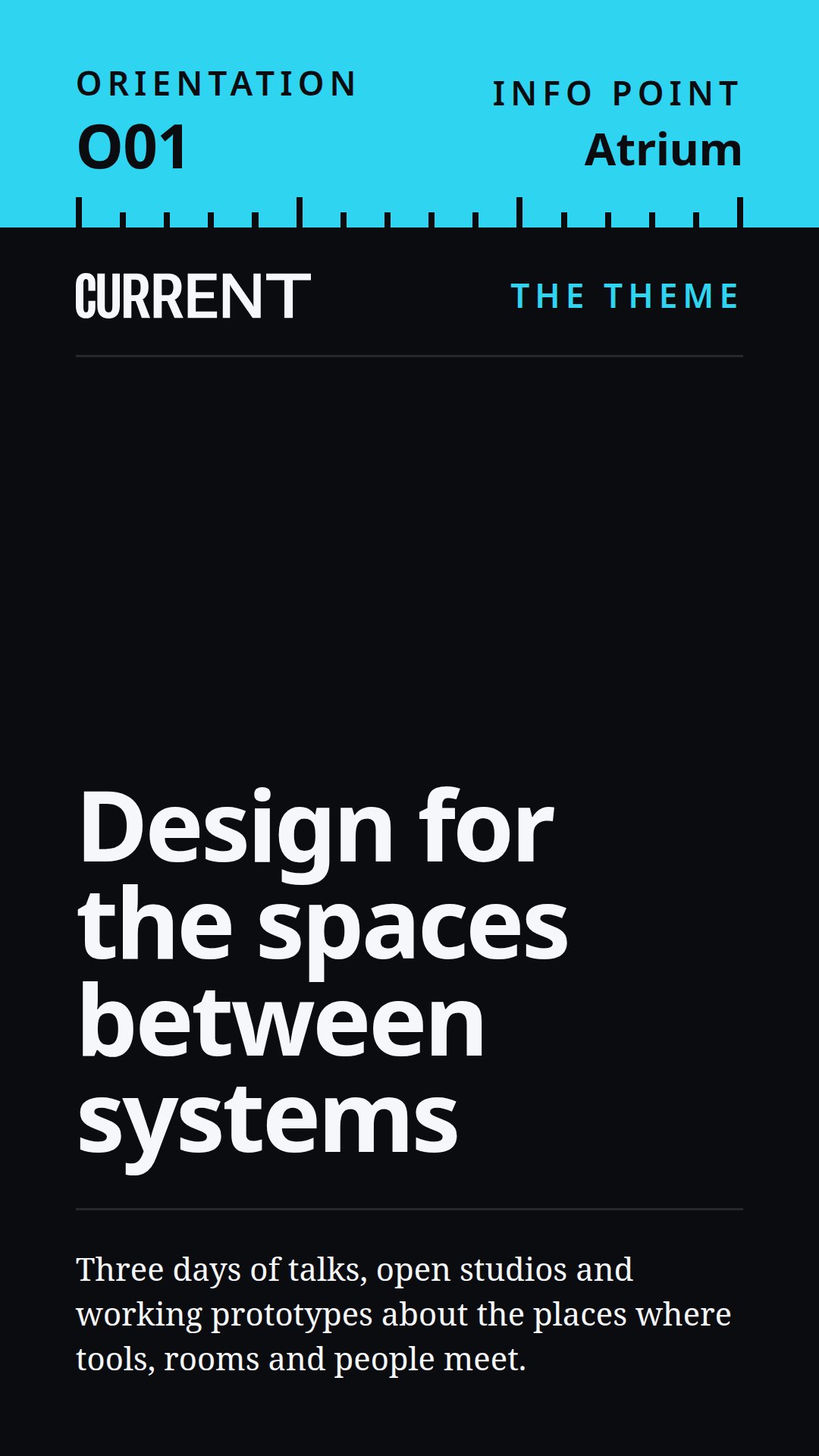
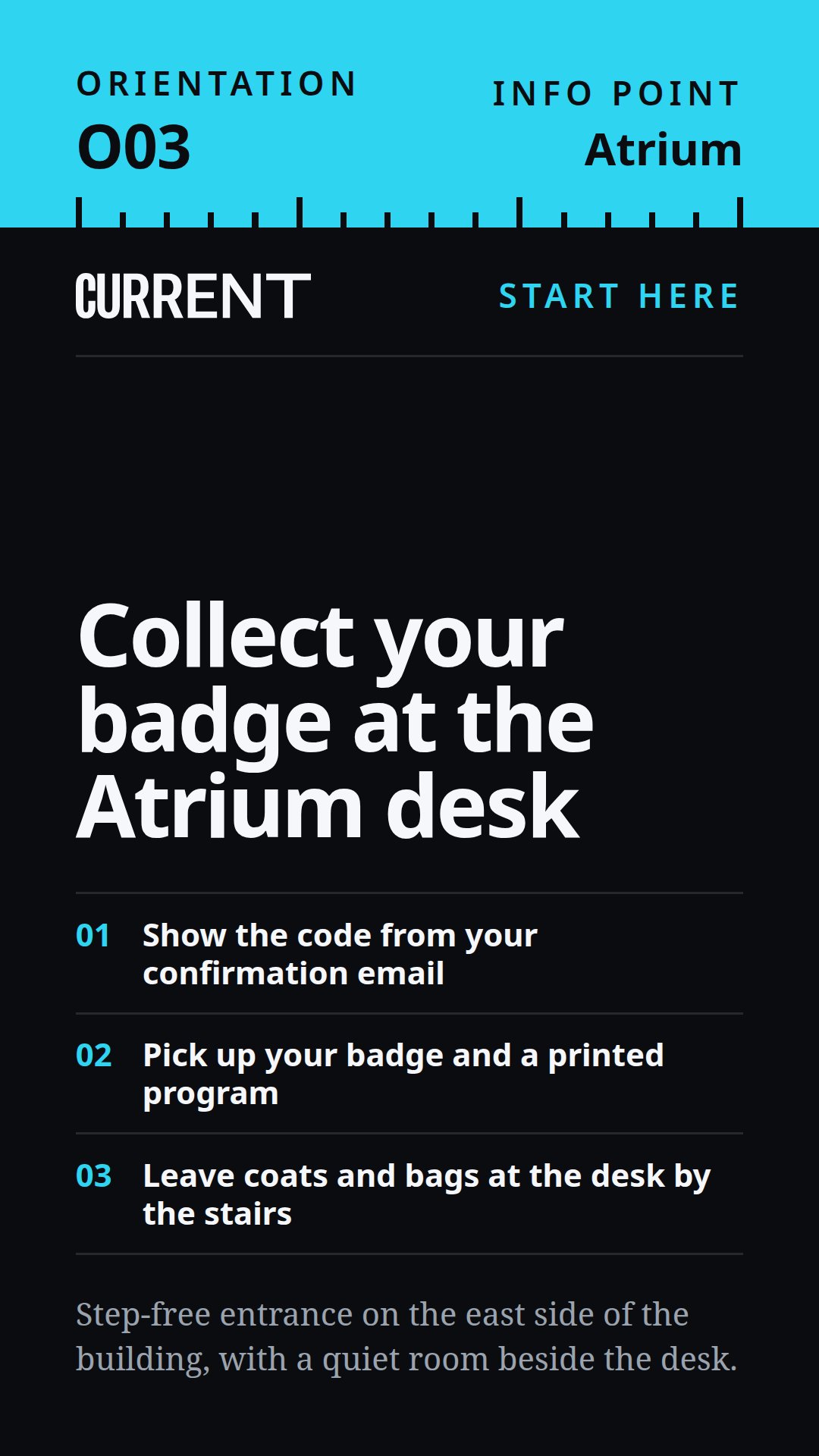
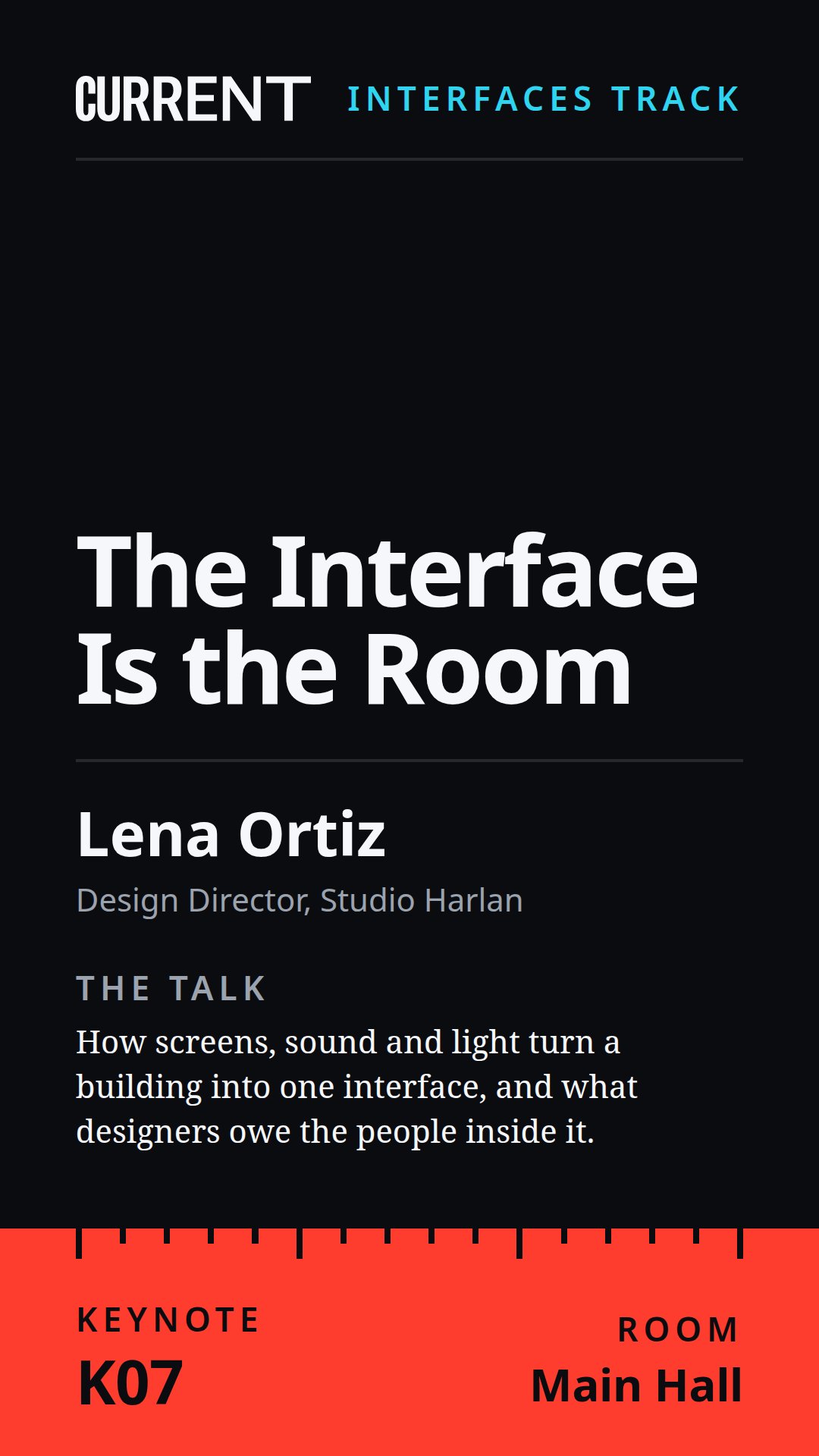
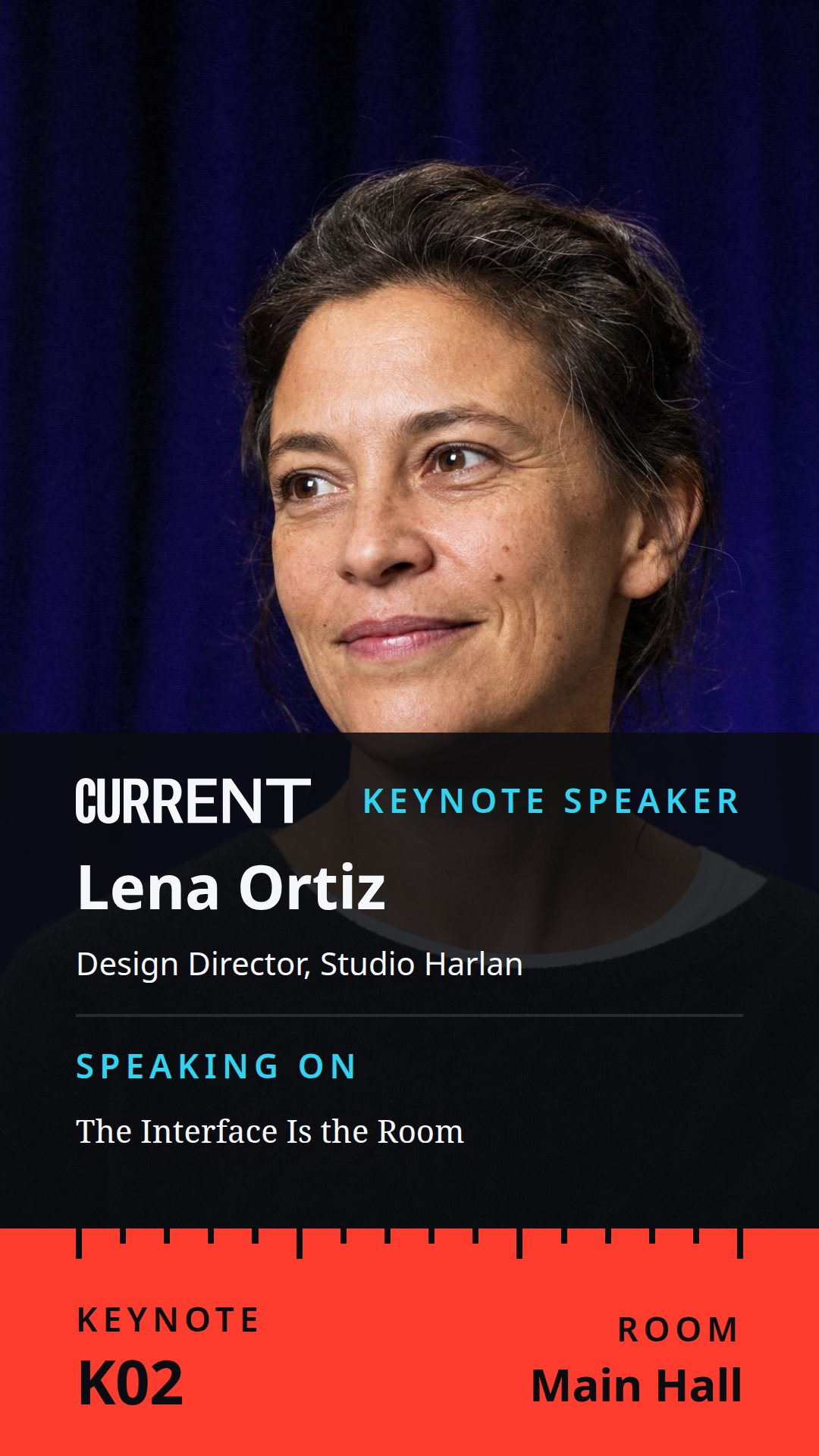
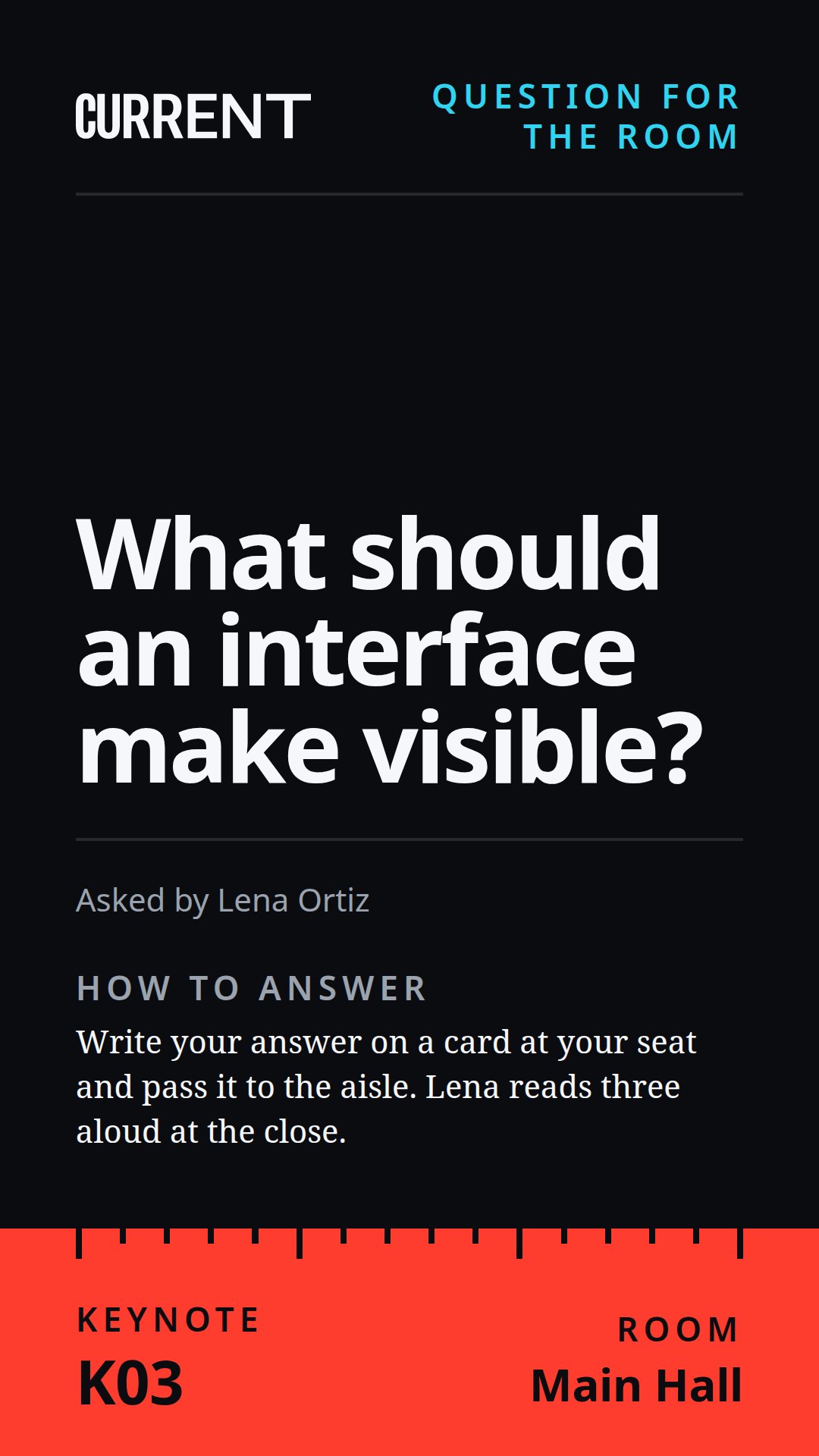
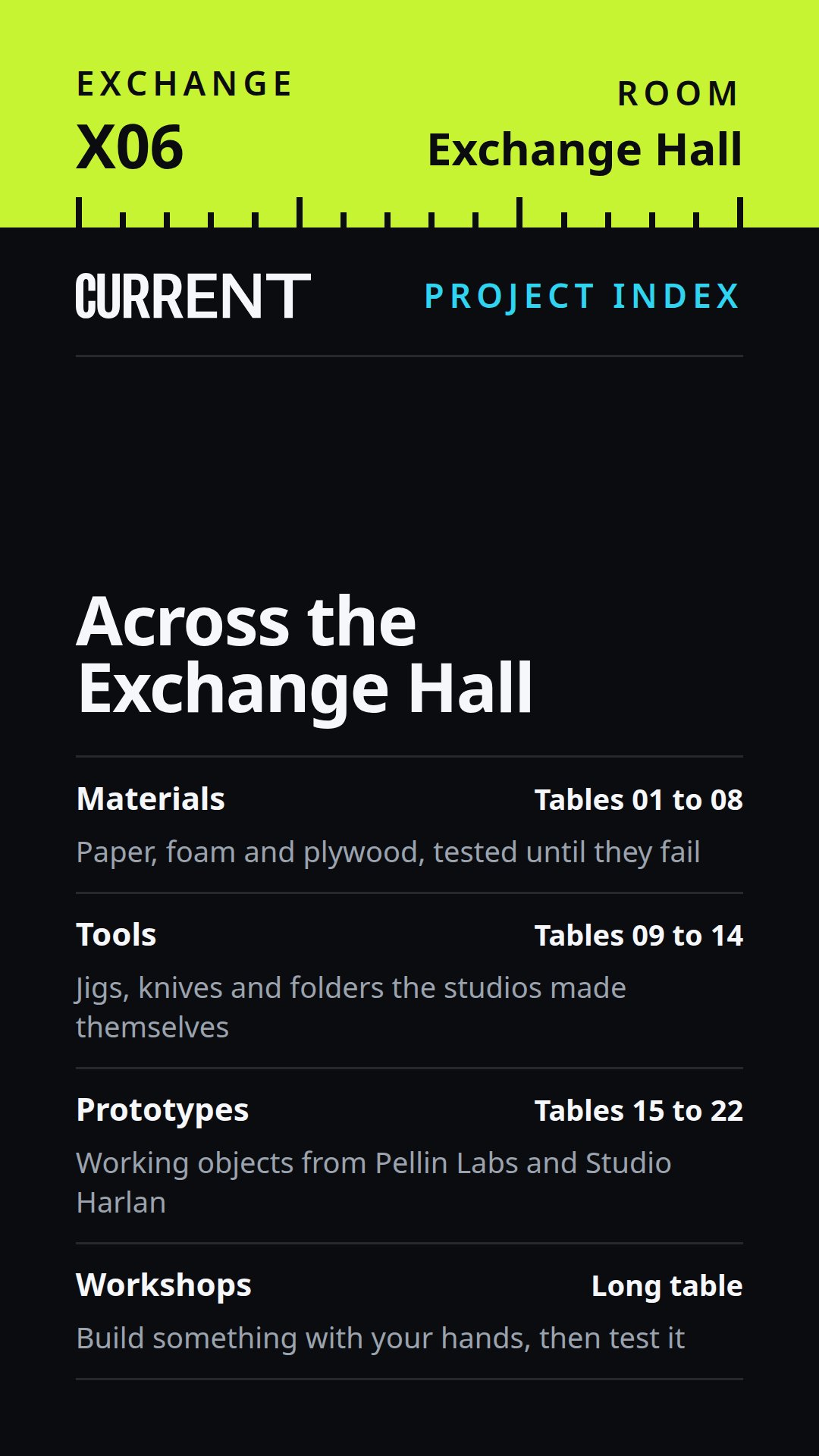
The portrait set does the same nine jobs as the landscape set, each design laid out again for a tall screen. The rail moves with it: the orientation and exchange groups carry it across the top, and the keynote group along the foot of the screen.
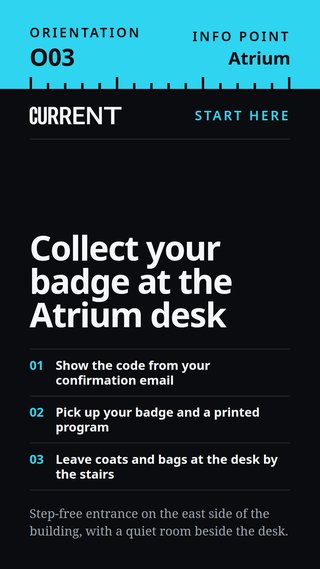
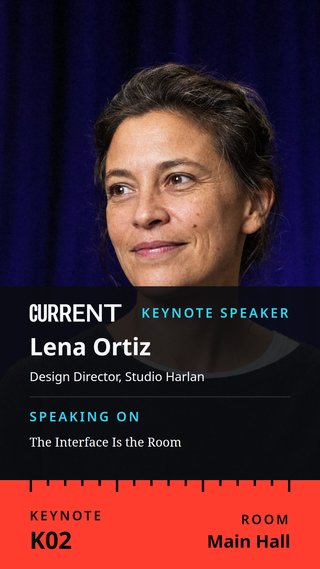
The speaker's headshot takes the whole upper half of the speaker design, and the arrival design's three steps stack in a column. The portrait program leaves out the note on doors and access, so its three or four parts of the day fill the height. The codes differ from the landscape set's as well: the tall speaker design is K02 where the wide one is K05, so both sets can hang at one event.
Put the Front Row Portrait Designs on Your Screens with FloSync
Unzip the HTML download somewhere permanent. The orientation, keynote and exchange folders hold one group each.
Portrait and landscape screens can run from the same computer. In Independent mode each screen box holds its own page whichever way the screen is mounted, so a landscape session design from the other set can sit between two tall keynote designs. Right-click a screen box and choose Load HTML File... to give it a page.
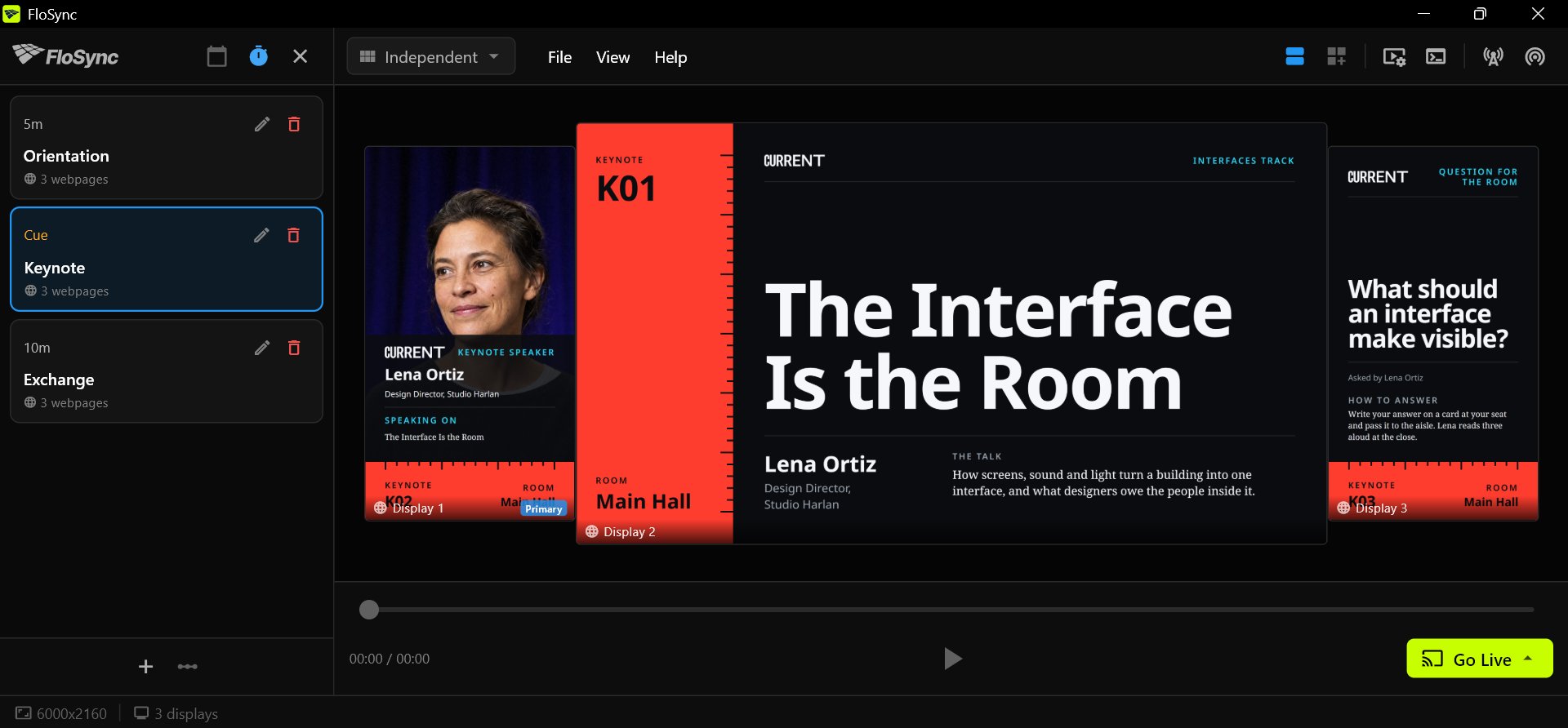
The keynote designs should stay up until the talk ends. In the schedule panel's Interval mode, give the keynote a scene of its own and set its duration to Cue: it holds until you press an arrow key or a number key, while the scenes with a duration move on by themselves. Choose Go Live (Beginning) to start from the first scene. Cue scenes has the details.
Make the Portrait Designs Your Event's Own
Every name in the designs is invented, and every word is plain text in the page, the code and room on the rail included. Open a design in a text editor and type over it. A title longer than the one shown wraps onto more lines on a tall screen, so look at each edited design once on the real screen.
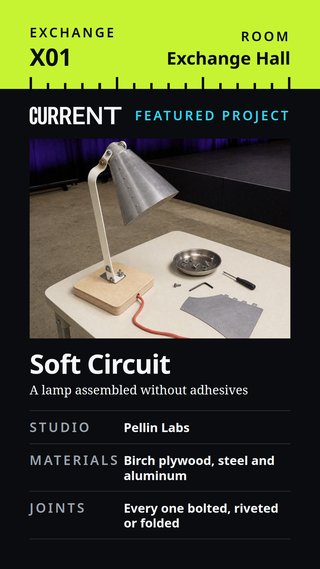
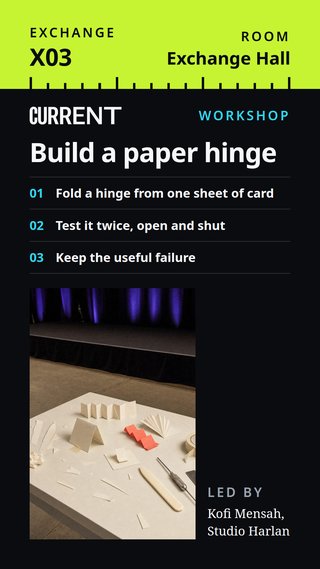
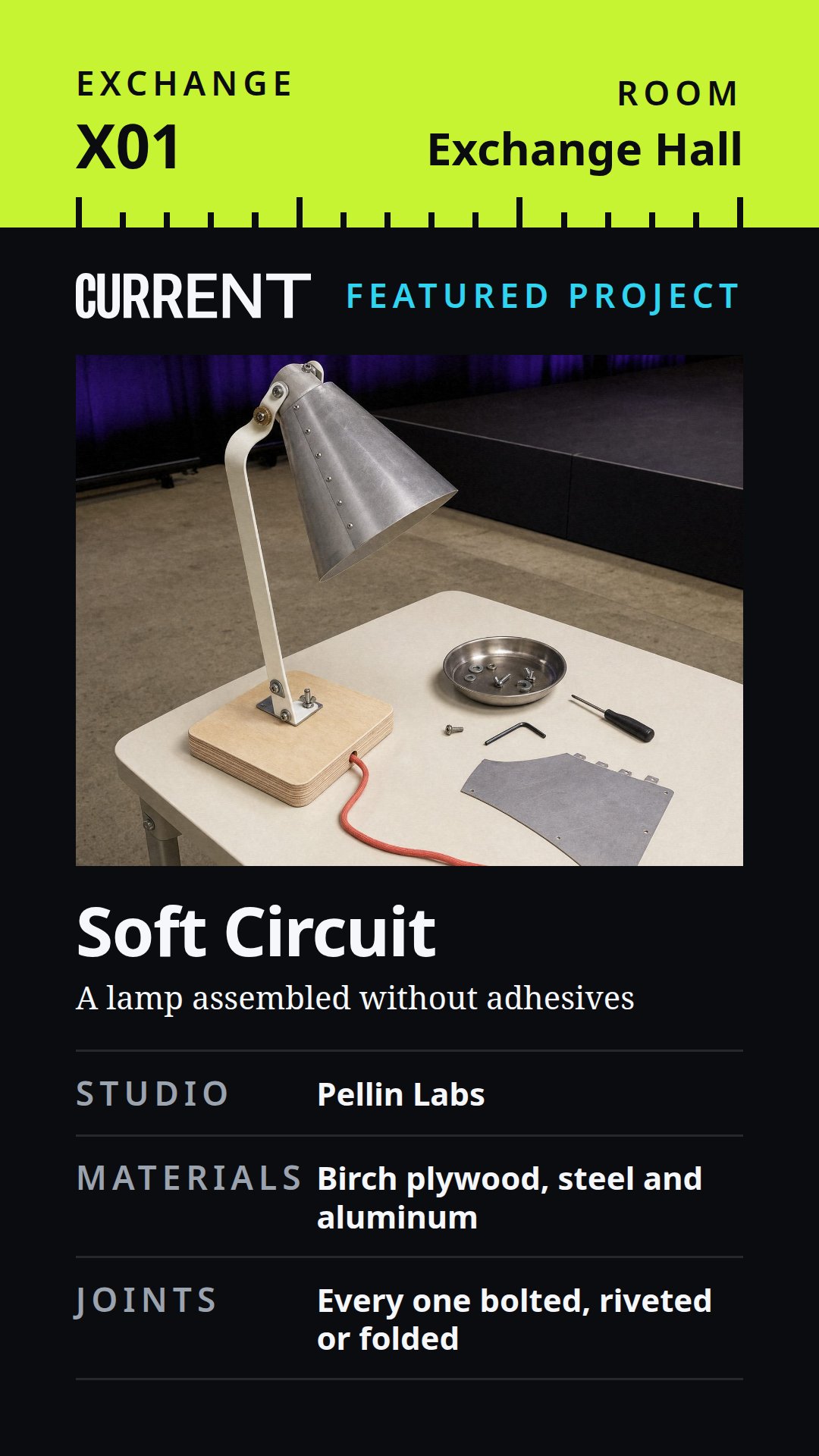
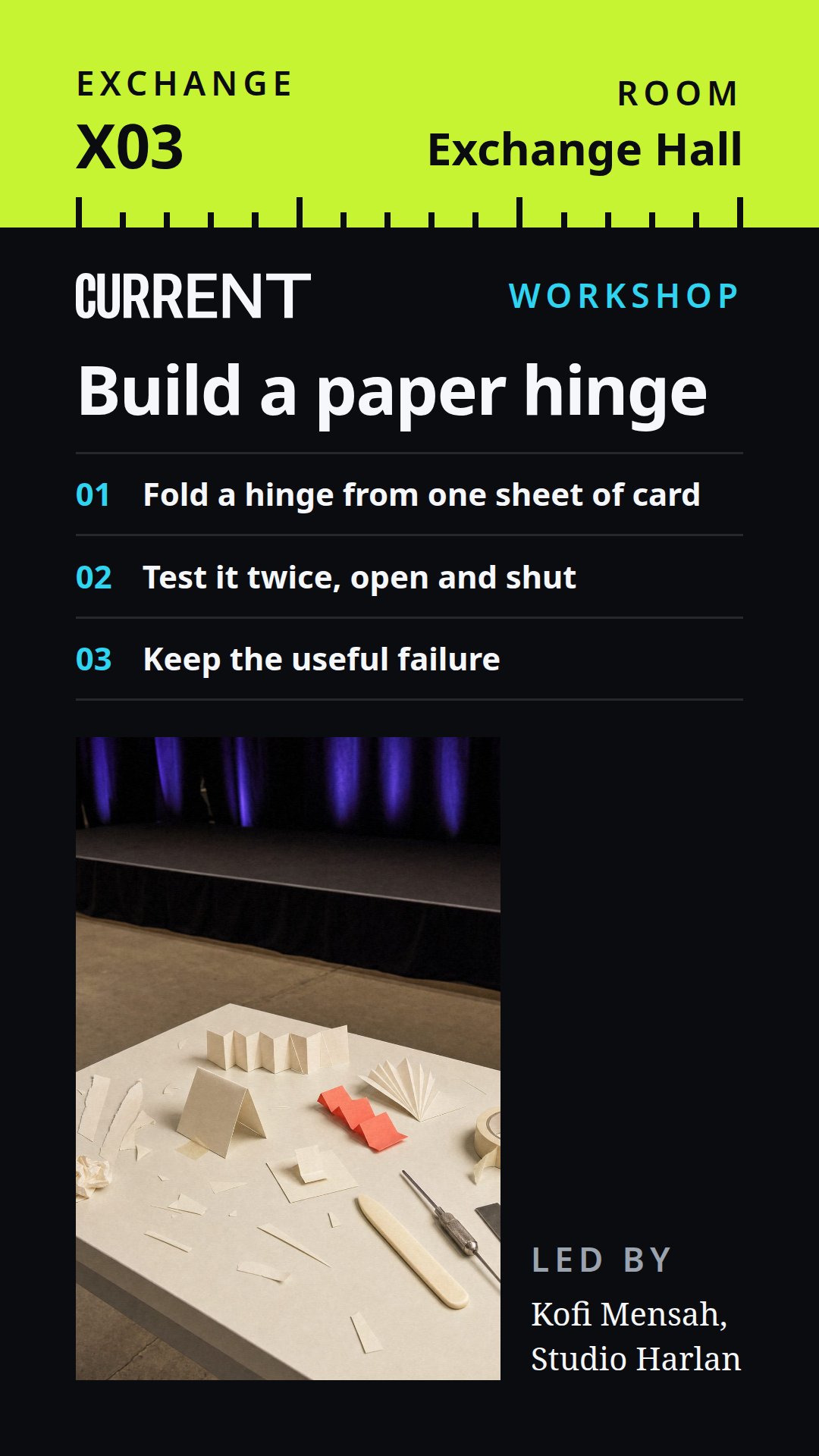
The headshot, the lamp and the paper hinges are the same square photographs the landscape set uses, and each design crops its own to fit, so one replacement photograph serves both orientations. They are in the images folder beside each group's pages. The logo is current-lockup.svg, and the colors are set at the top of each page.
The PowerPoint and Illustrator files hold the nine designs as tall slides and artboards. Install Noto Sans and Noto Serif from the fonts folder first, then save each one as an image or a video and load that file on its screen in FloSync.
Every Design in the Set
The nine designs, the orientation group first, then the keynote and the exchange.
Frequently asked questions
Can I use the Front Row portrait designs at my event?
Yes, whether the event is free or ticketed, and whether you run one conference or produce them for others. Edit the designs, show them and leave the screens free of any credit. If the files leave your hands, or become the base of a new template, the credit line and the license must go with them, and the files may never be sold as they are.
Do the portrait designs need FloSync?
No. A tall screen with a browser can show any design full screen, and the portrait deck and Illustrator file work without FloSync too. FloSync, which is free, is what holds a keynote design on screen until you advance it and runs portrait and landscape screens from one computer.
How many sessions fit on the program?
The program is laid out for three or four parts of the day, each with a code, a line and a room. For a longer day, use two copies of the program, one for the morning and one for the afternoon.
Can I use the portrait designs beside landscape ones?
Yes. The two sets share their colors, type and rails, and every design has a code of its own, so no two designs at one event share a number. Each orientation is its own download, on its own page.
Will the portrait designs work on a tall 4K screen beside the stage?
Yes. The portrait PowerPoint and Illustrator files are 2160 by 3840, the HTML scales to any tall screen, and Canva lets you set the size on export. The speaker's headshot is the photograph a 4K screen shows largest, so replace it with a high-resolution portrait first.
What Is FloSync?
FloSync is free software for Mac and Windows that runs images, video, and web pages across one screen or many. Each screen can carry its own content, and a schedule can change them all together at the times you set, so a design like this one keeps itself current while you get on with your day. It is free to download, with no account and no monthly fee.