Digital signage
Tide Line: Free Landscape Resort Signage Template
Twelve designs for a seaside resort, from the arrival welcome to the kids club and a beach wedding. None of them needs another, so use one or all twelve.
The HTML version plays in FloSync as it is. Files from design and presentation apps must be exported as images or video before FloSync can play them.
Free to use under the FloSync Template License.
About the Tide Line Resort Template
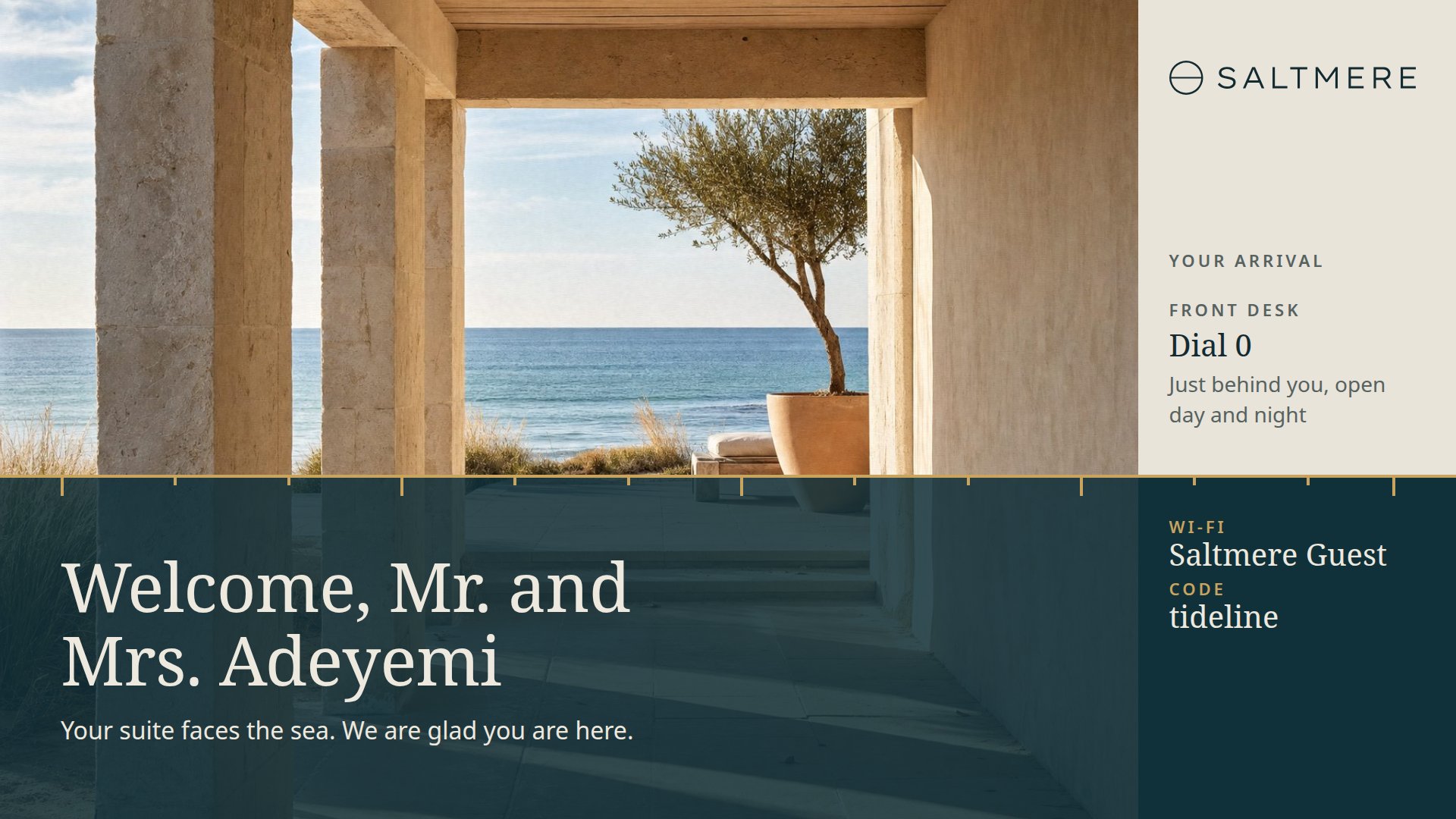
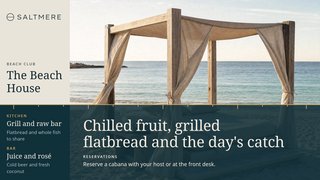
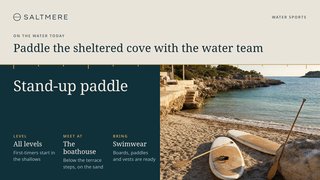
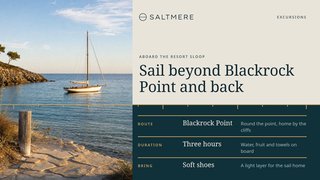
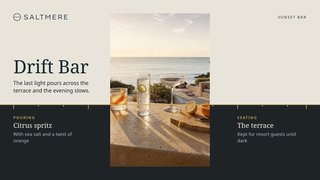
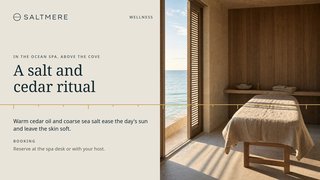
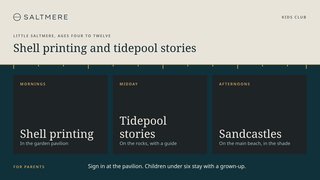
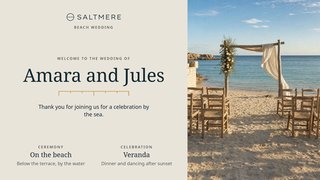
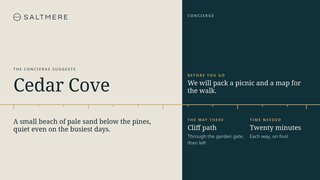
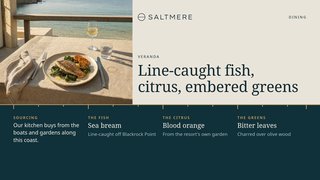
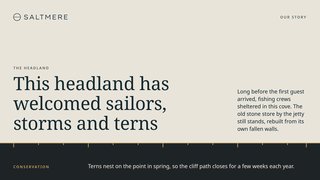
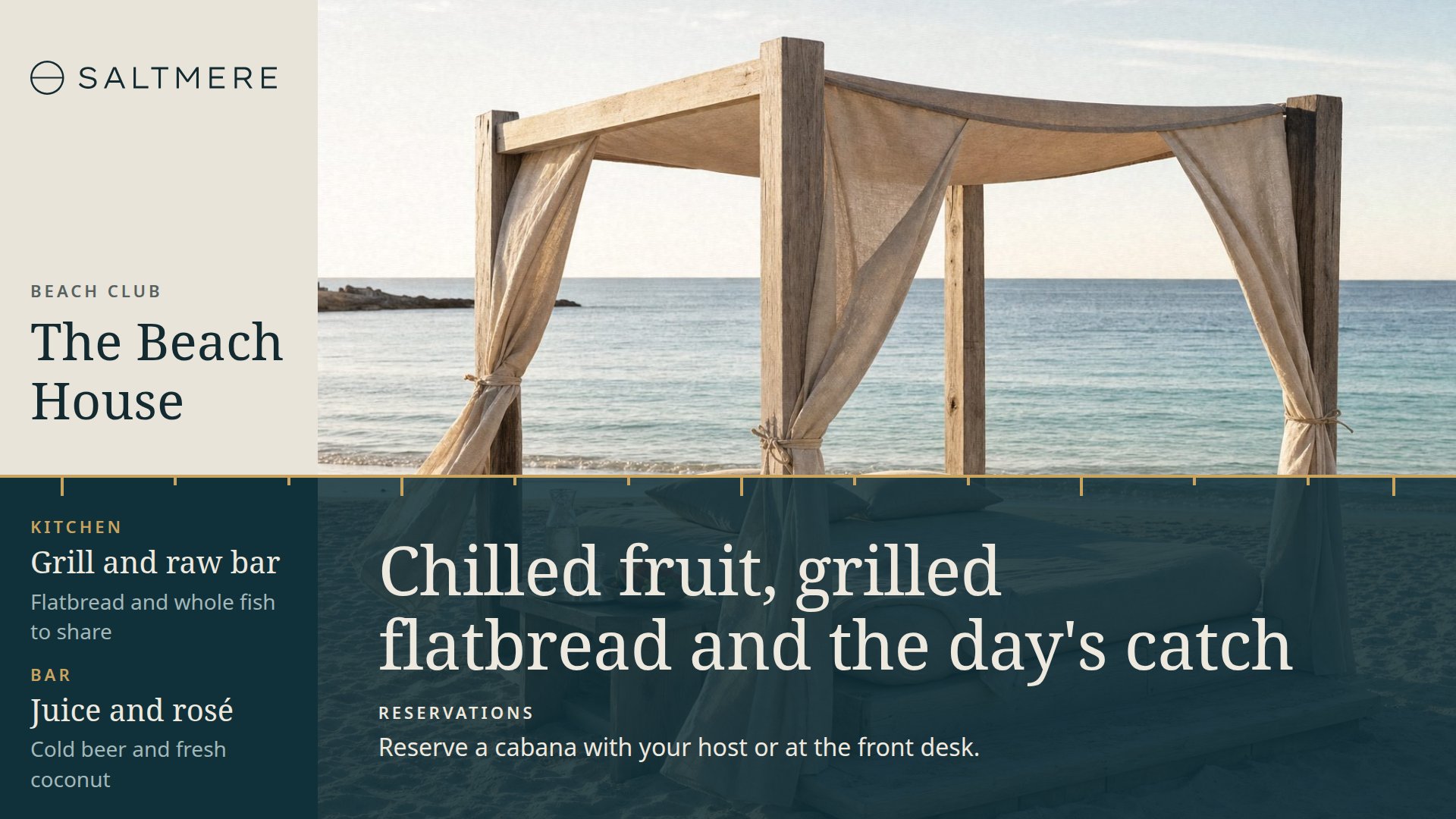
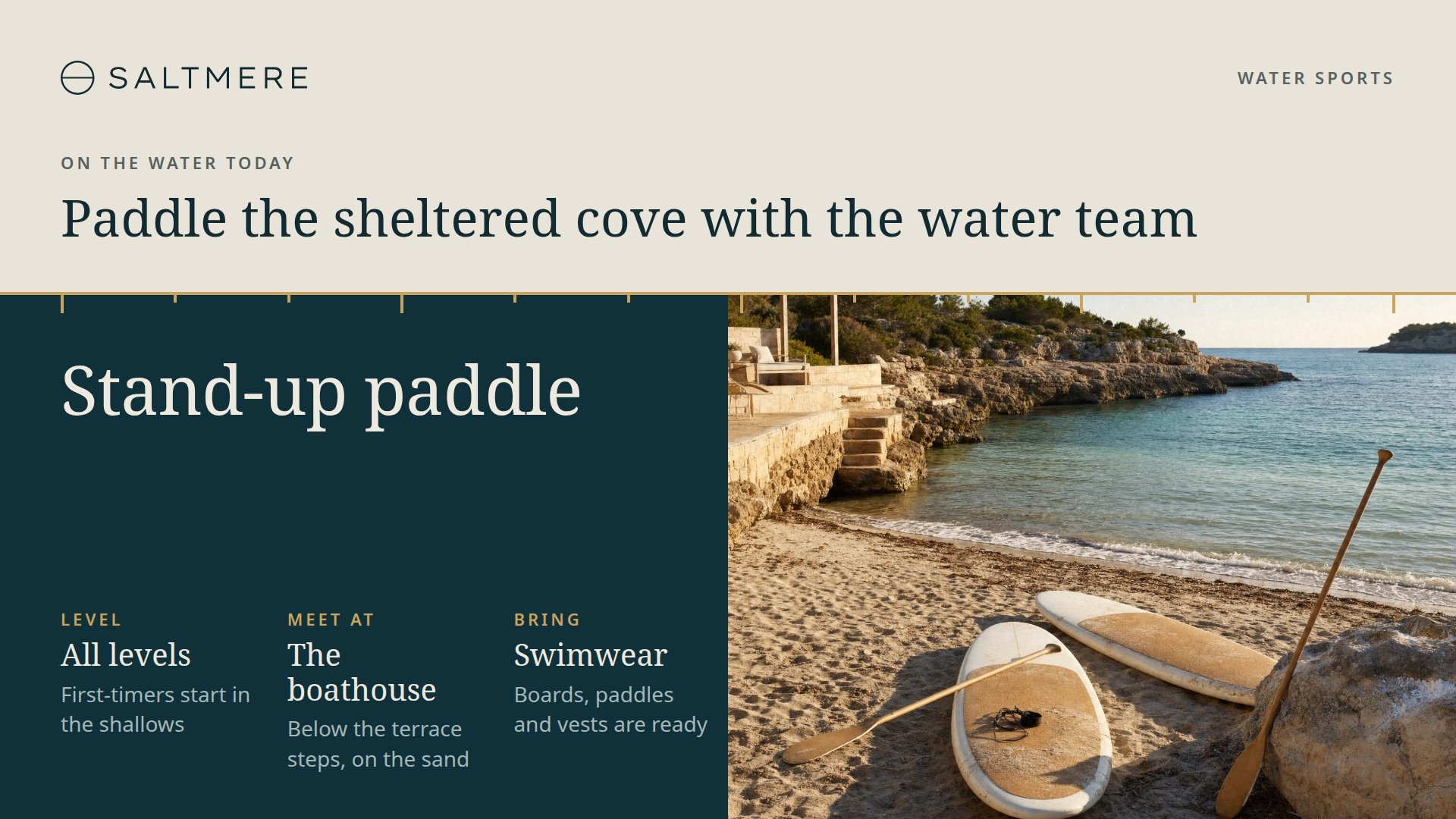
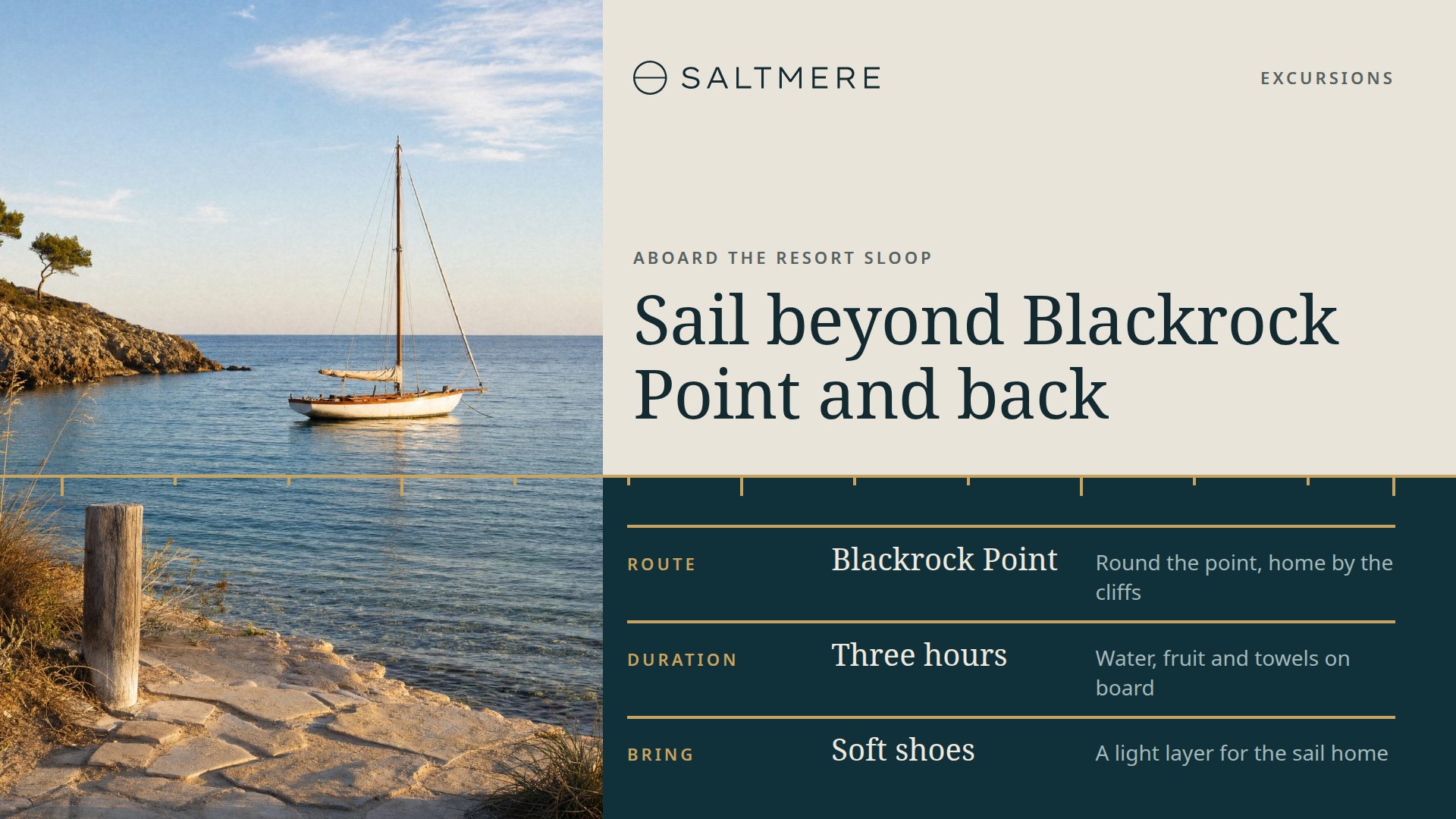
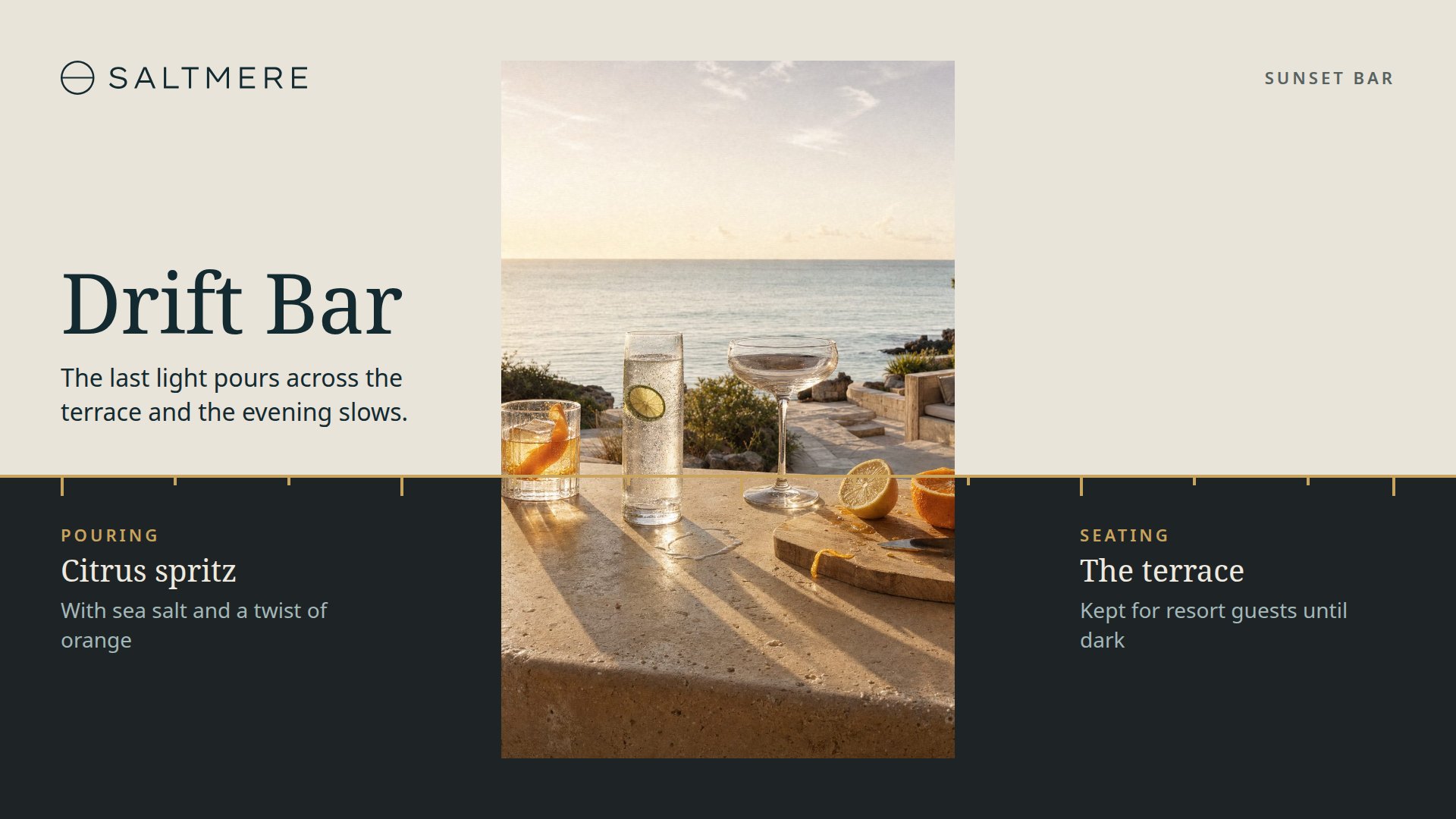
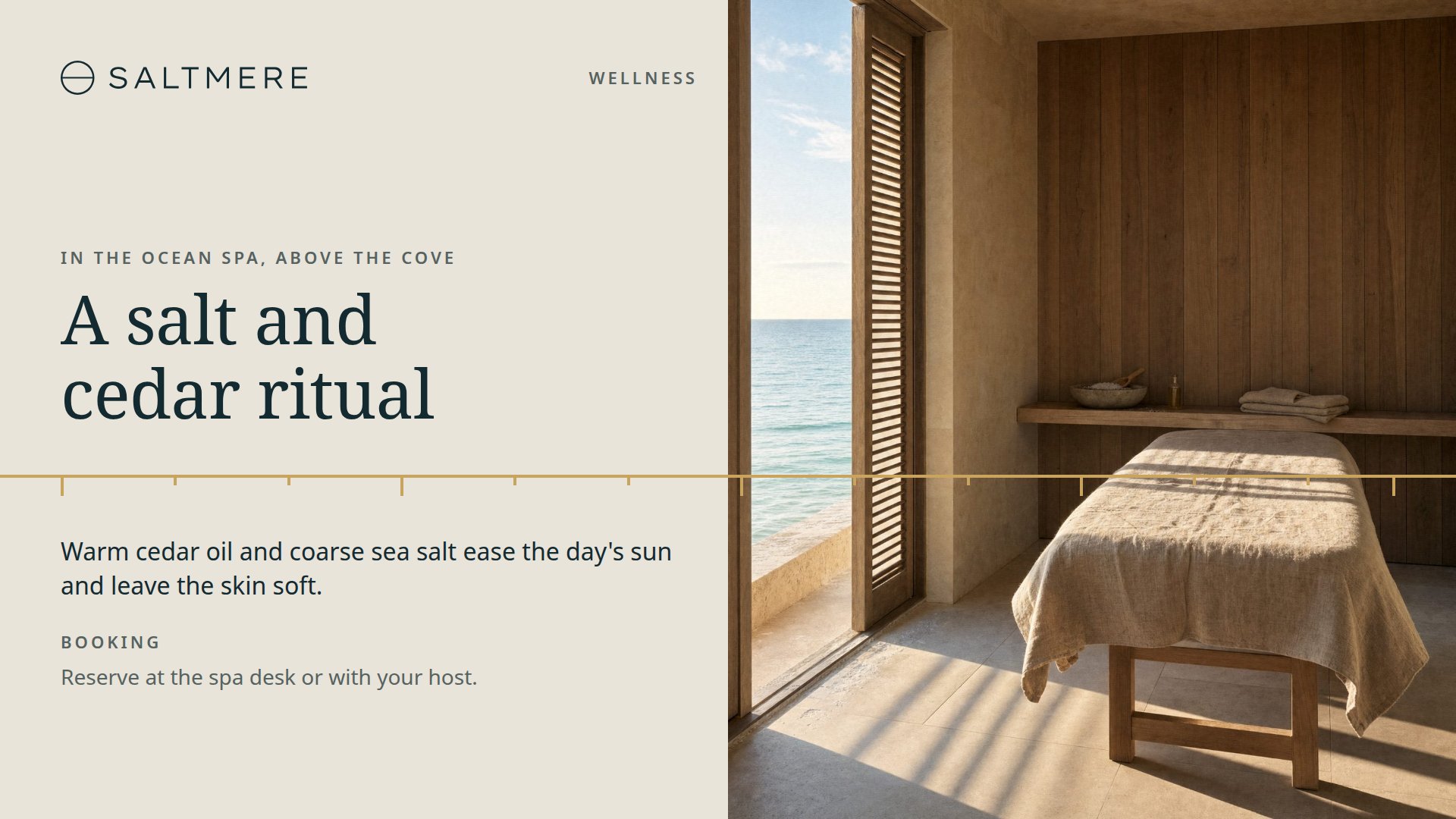
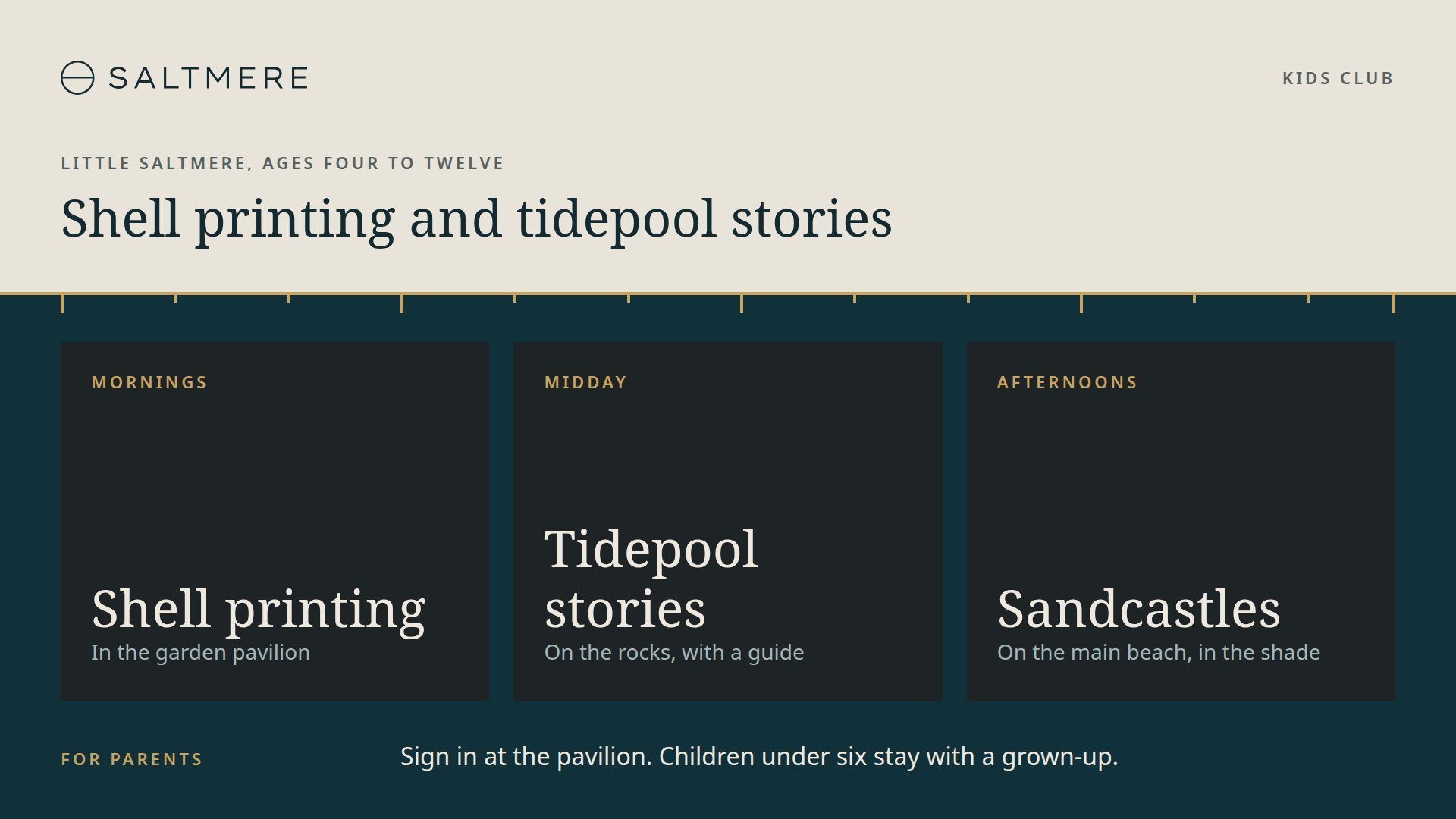
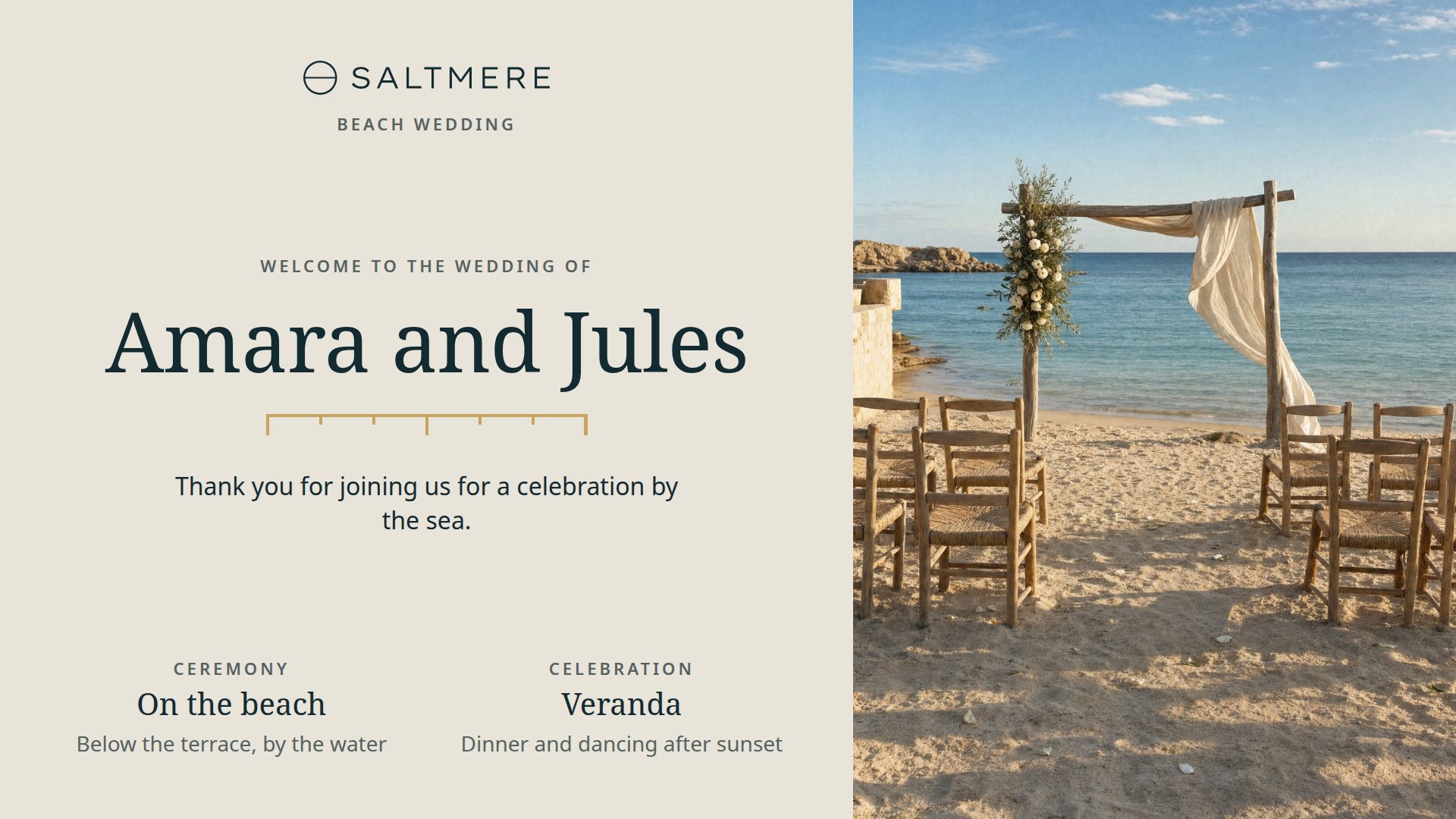
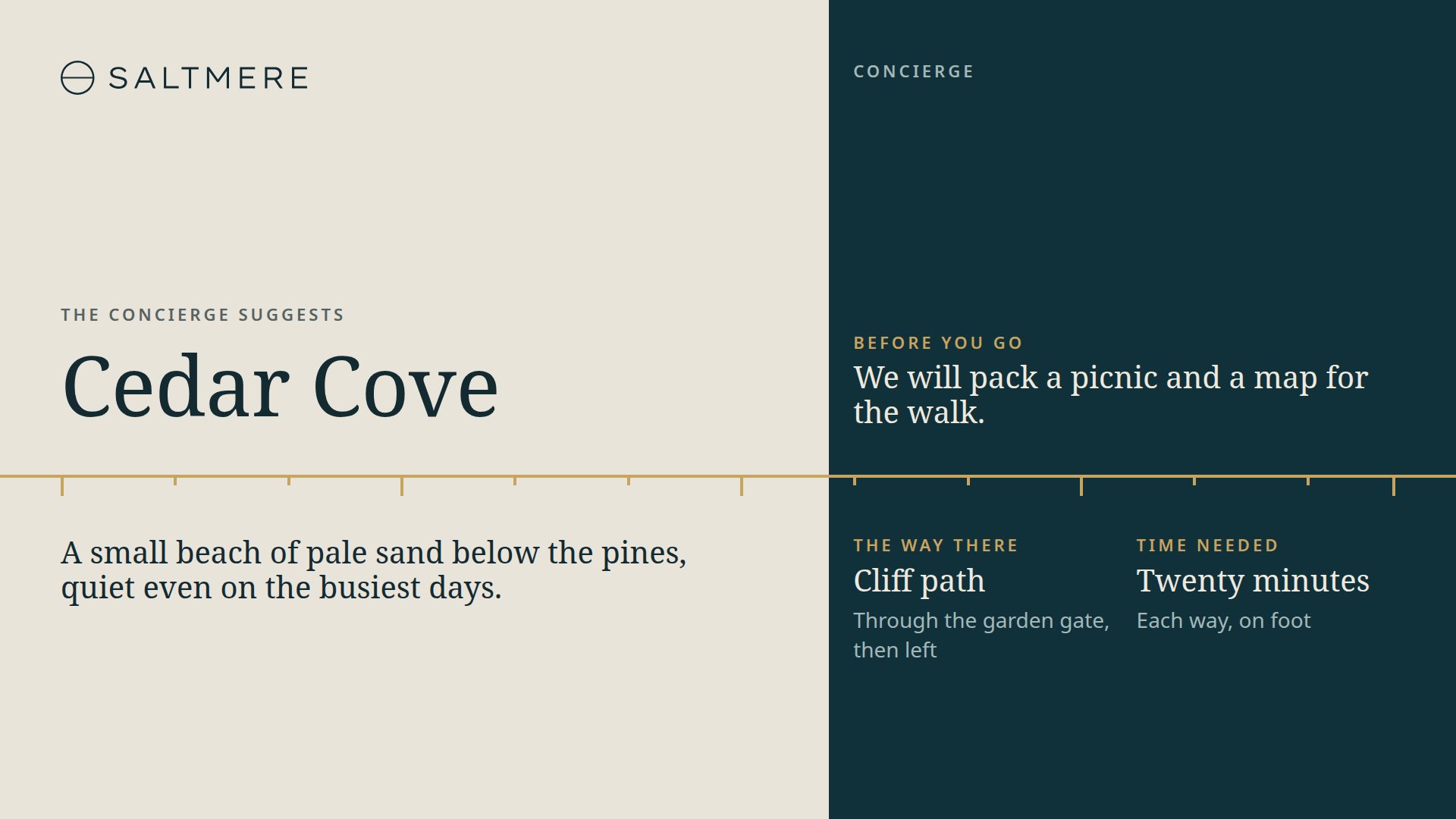
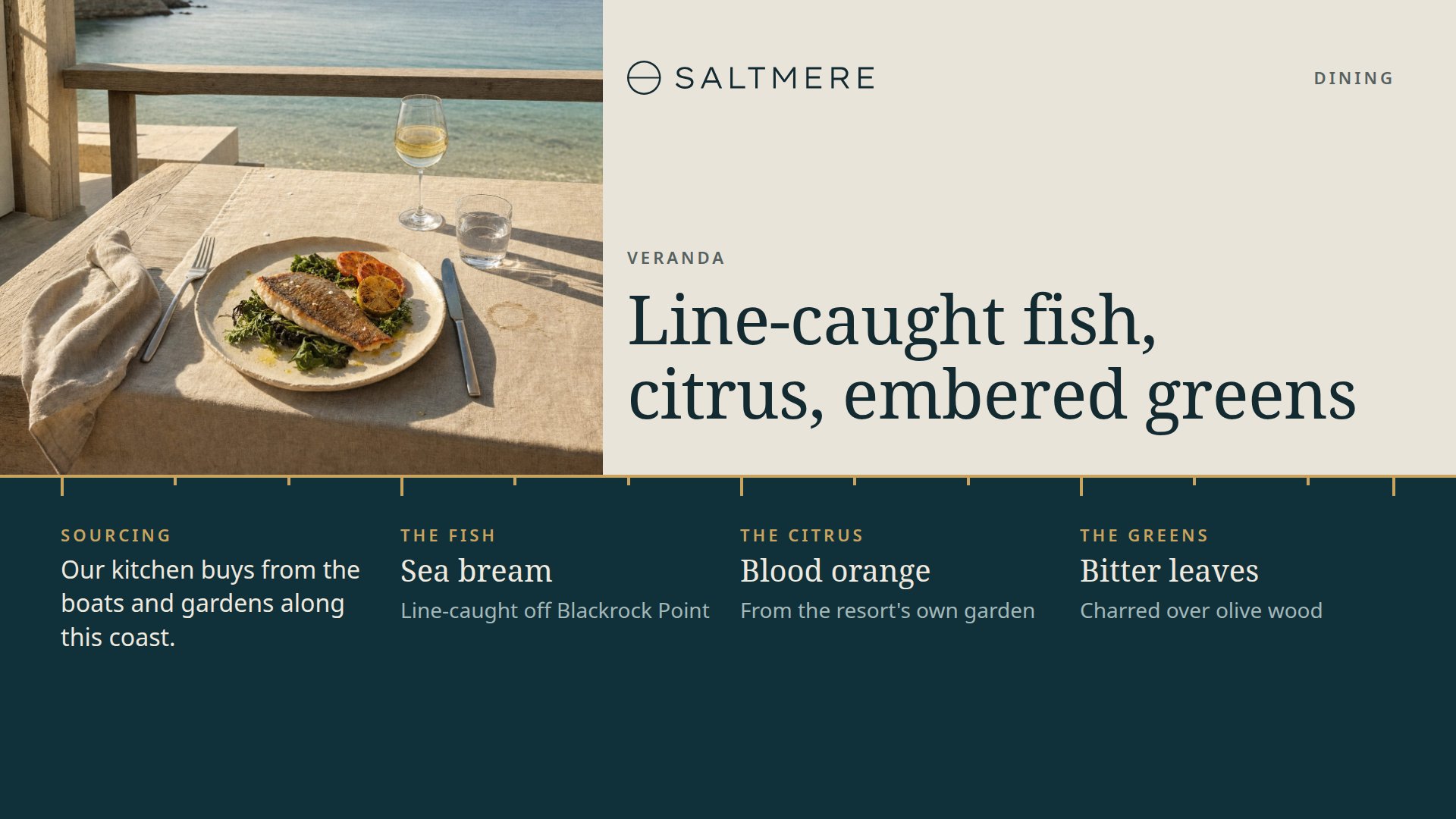
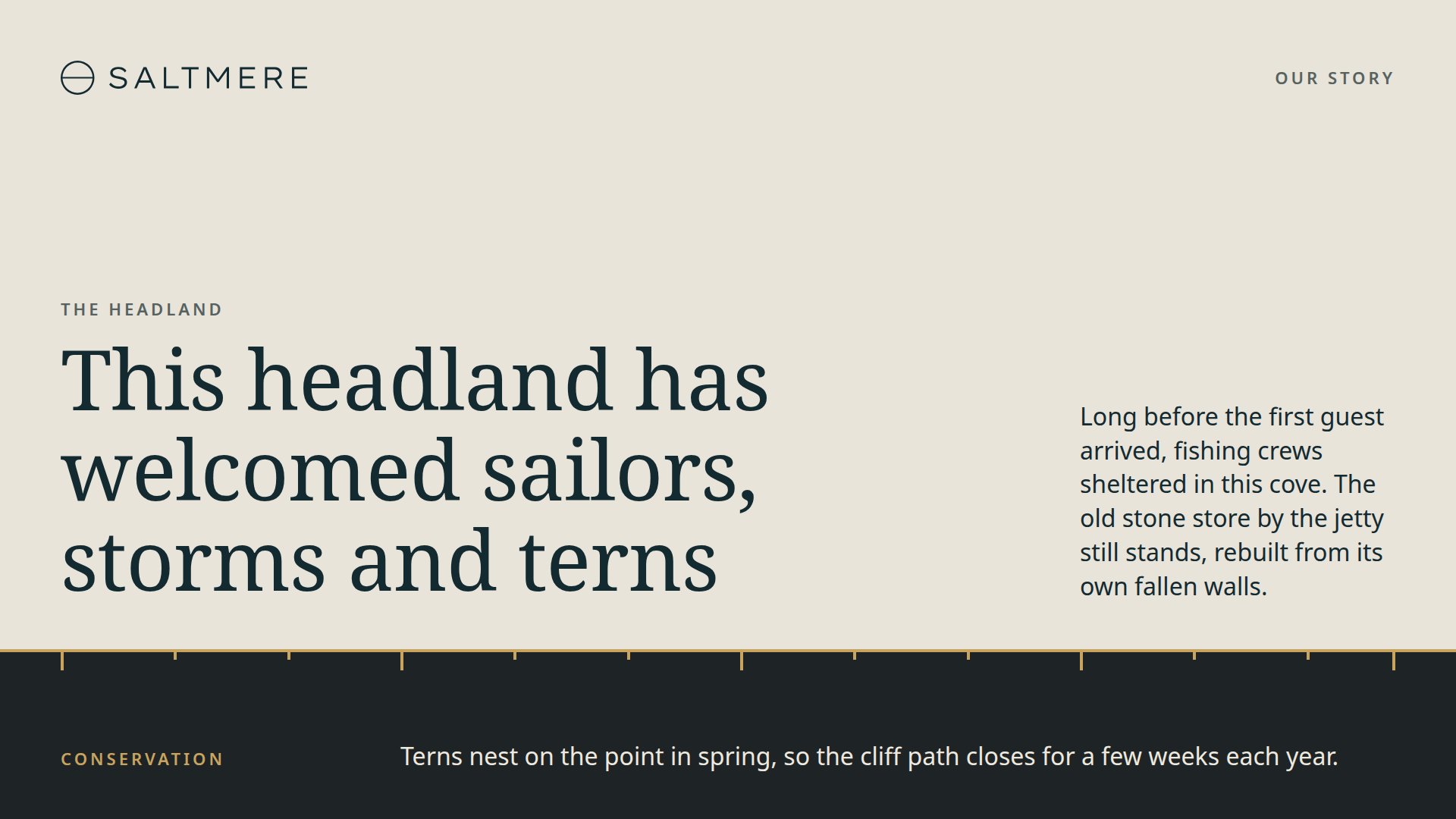
Each design does a different job at the resort: the guest's welcome, the day's sea conditions, the beach club, water sports, an excursion, the sunset bar, the spa, the kids club, a wedding, the concierge's suggestion, the restaurant's signature dish and the story of the headland. None of them depends on another, so a screen by the lift can carry one design while the lobby carries several.
A thin brass line with tick marks runs across every design, cream above it and deep sea blue below. It sits at a different height on each one, and where there is a photograph, the picture runs straight through it. The headlines are set in Noto Serif and the small print in Noto Sans.
Put the Tide Line Designs on Your Screens with FloSync
Start with the HTML download and unzip it somewhere permanent, since FloSync plays the pages from wherever you leave them. The twelve designs are in the coast folder, one page each: arrival-welcome.html, sea-weather.html and so on.
In the composer, leave the mode dropdown on Independent. Right-click a screen box, choose Load HTML File... and pick the design for that screen, then do the same for the next one.
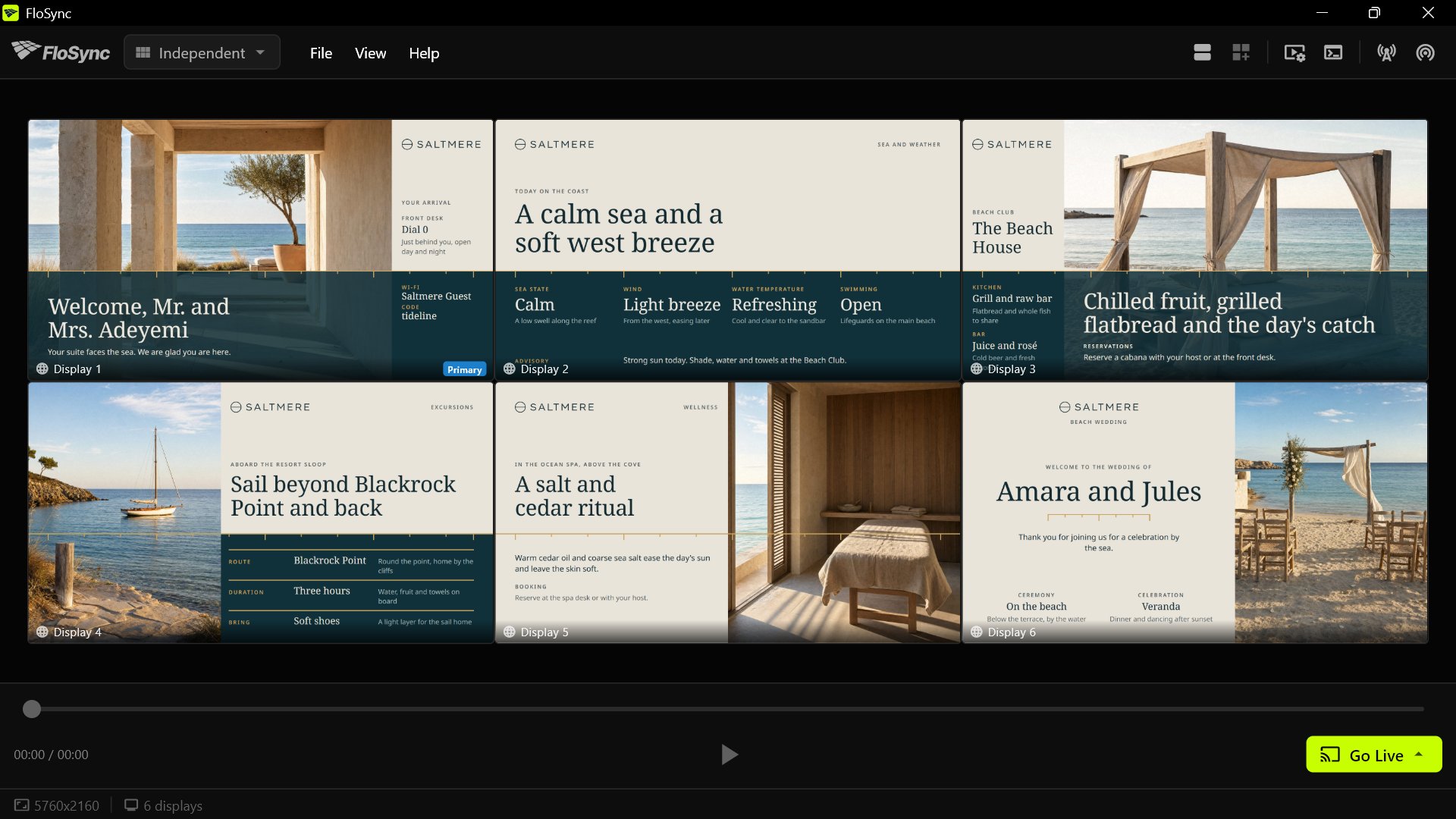
Click Go Live and choose Go Live (Current).
A screen can also change designs through the day. Open the schedule panel, give the morning and the evening a scene each, and load different pages into them: water sports and the beach club while the sun is up, the sunset bar and the dining feature once it goes down. Choose Go Live (Schedule) and the designs change at the times you set. Scheduling covers the panel in full.
Swap In Your Resort's Names, Photos, Colors and Logo
The resort is called SALTMERE, and every name in the template is invented, from the guests arriving to the cove the concierge suggests.
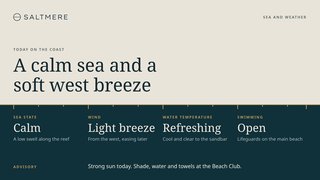
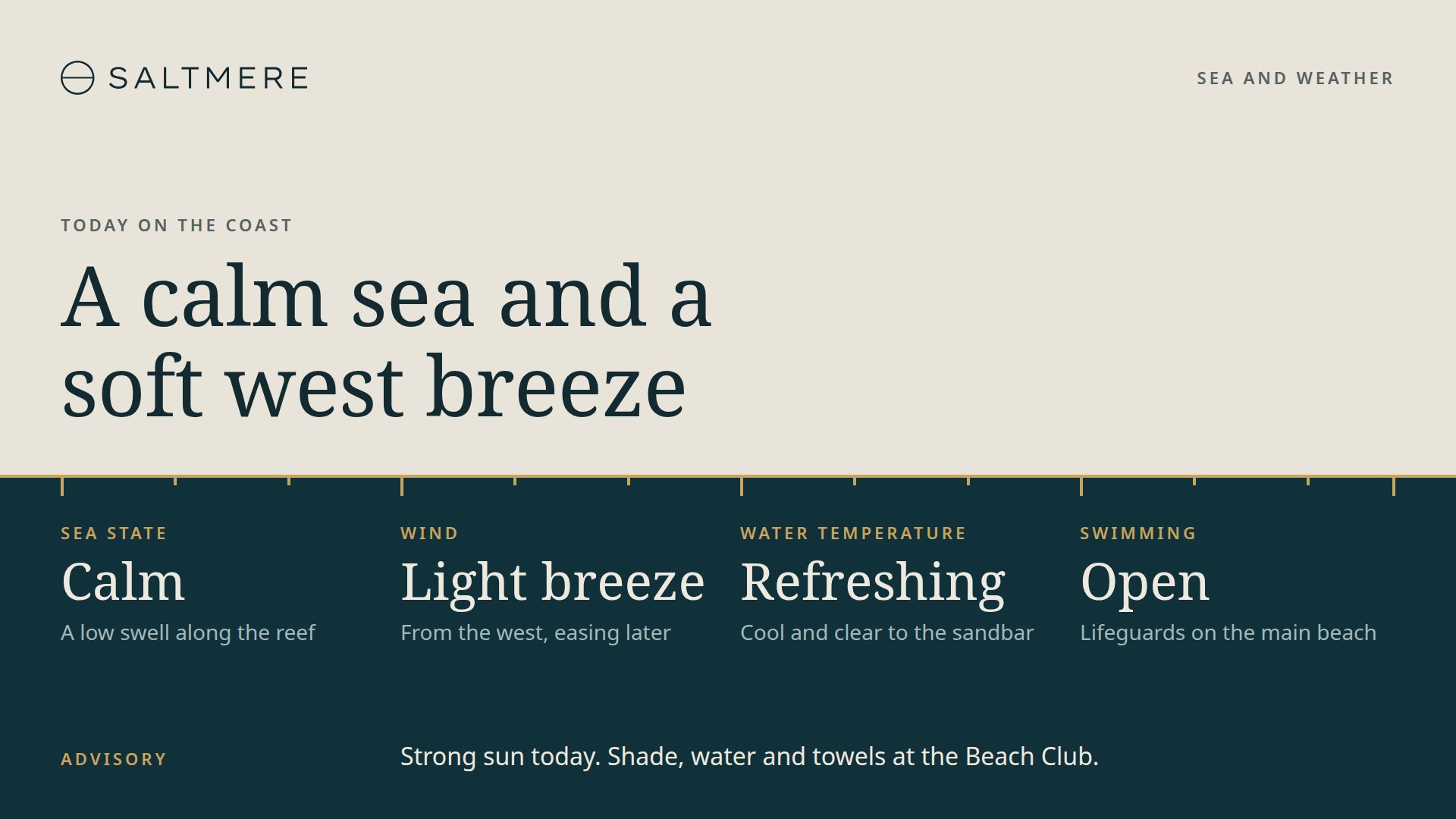
In the HTML pages every word is plain text: open a design in a text editor and type over it. That includes the guest's name on the arrival welcome, the Wi-Fi code and the whole sea and weather page, which reads no forecast, only the conditions you type.
The photographs are square and live in the images folder inside coast. Each design crops its own photograph to fit, so a replacement of the same shape needs nothing else. Replace saltmere-lockup.svg with your logo, as an SVG or a PNG of the same height. The colors and the two font names are set in the :root block at the top of each page.
The PowerPoint deck has one slide per design, with every line and photograph editable, and it opens in Keynote and Canva too. In Illustrator each design is an artboard with live type, and its photographs are linked from the Links folder, so keep that folder beside the file. Install Noto Serif and Noto Sans from the fonts folder before you open either, or the layout will look wrong.
Once a slide or artboard is final, save it as an image or a short video; that file is what FloSync plays.
Every Design in the Set
Each design below is a separate page in the HTML download, and a slide or an artboard of its own in the PowerPoint and Illustrator files.
Frequently asked questions
Can I use Tide Line at my hotel or resort?
Yes, at one property or at every hotel in a group. Change the designs, put them on your screens and use them to sell rooms, meals and trips, with no credit needed on the screens. If you hand the files to another company, or turn them into a template of your own, the credit line and the license go with them. Selling the files as they are is the one thing the license rules out.
Can I show the Tide Line designs without FloSync?
Yes. Each design is a self-contained web page, so a browser in full screen can show it, and the PowerPoint and Illustrator versions work in their own apps. FloSync is free too, and it can put a different design on each screen and change them on a schedule through the day.
Does the sea and weather page update itself?
No. It shows the words you type. The headline, the four conditions and the advisory are plain text in the page, so change them each morning or when the weather turns.
Can I use only some of the designs?
Yes. Every design is a separate page, slide and artboard, and none of them refers to another, so leave out the ones you do not need. A resort with no kids club simply skips that page.
Will Tide Line look sharp on a 4K lobby screen?
Yes. The pages are sized by the screen rather than by pixels, so the type stays sharp on a 4K lobby screen, and the PowerPoint and Illustrator files are 3840 by 2160. Canva asks for a size when you download. The eight photographs are placeholders, so give a 4K screen your own high-resolution pictures of the resort.
What Is FloSync?
FloSync is free software for Mac and Windows that runs images, video, and web pages across one screen or many. Each screen can carry its own content, and a schedule can change them all together at the times you set, so a design like this one keeps itself current while you get on with your day. It is free to download, with no account and no monthly fee.