Digital signage
Tide Line: Free Portrait Resort Signage Template
Twelve designs for a resort's tall screens, from a single totem by the front desk to a screen outside the spa.
The HTML version plays in FloSync as it is. Files from design and presentation apps must be exported as images or video before FloSync can play them.
Free to use under the FloSync Template License.
About the Tide Line Portrait Template
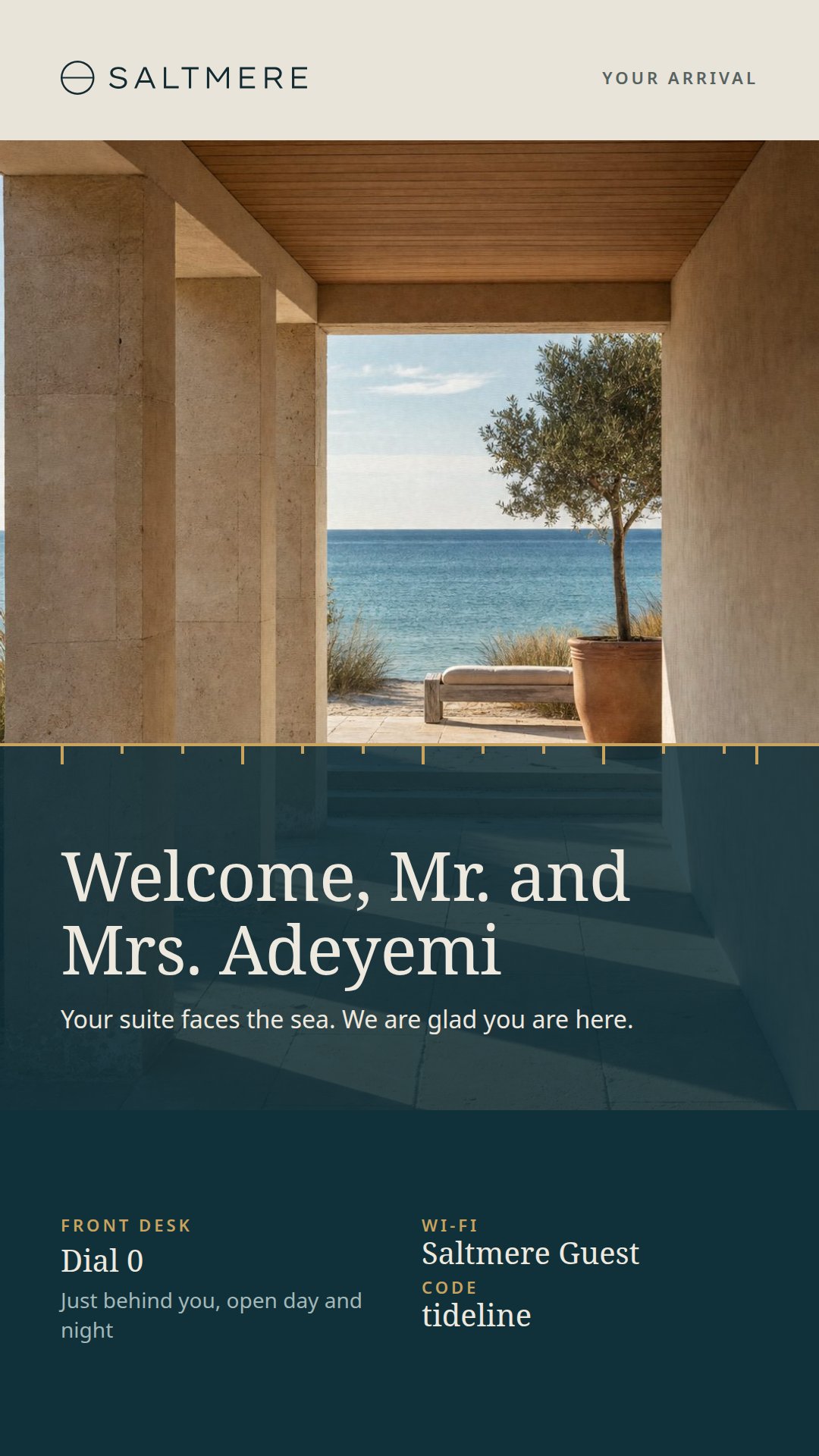
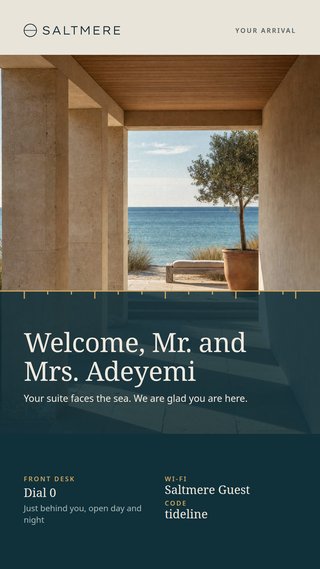
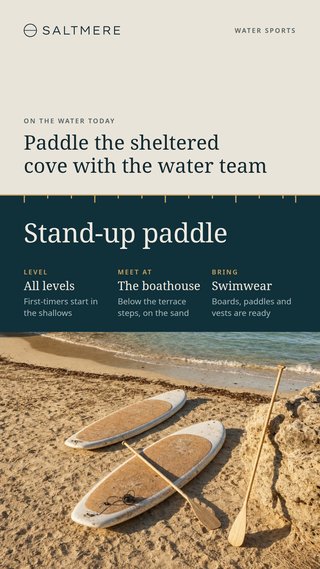
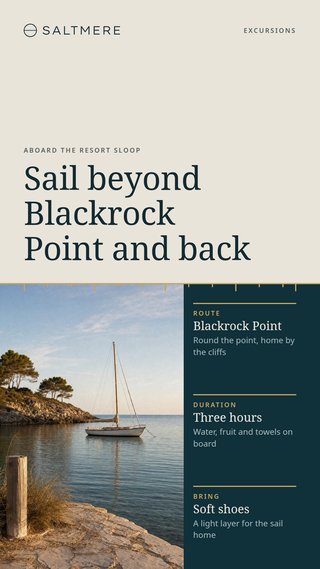
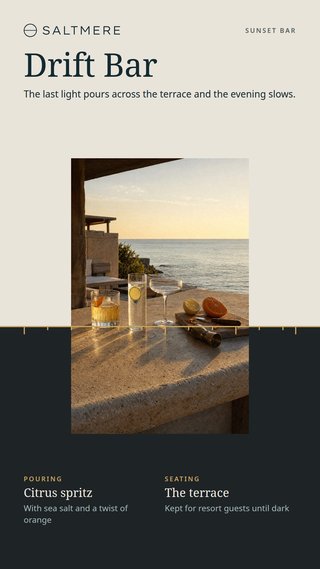
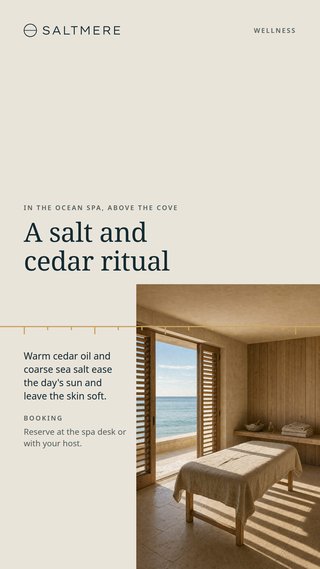
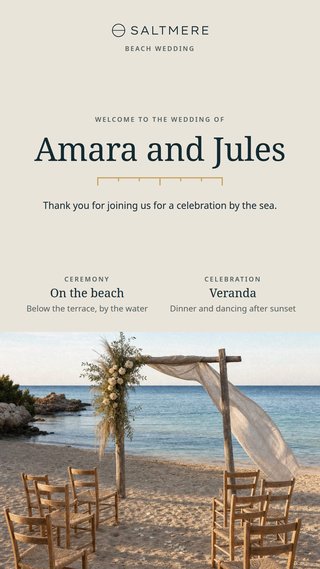
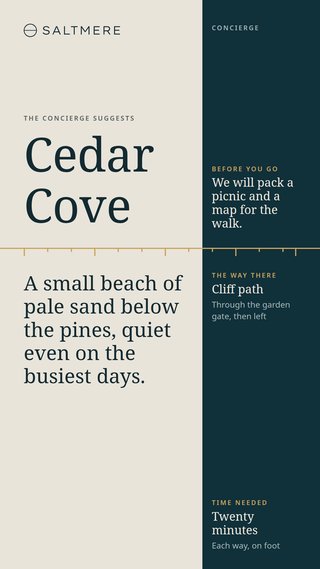
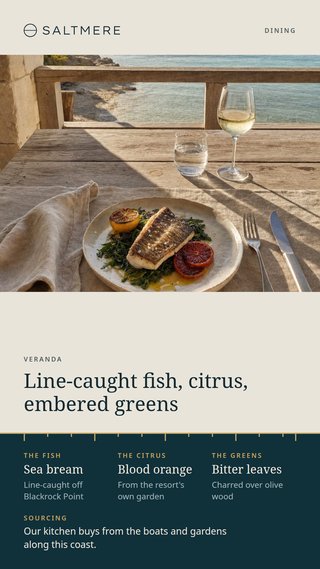
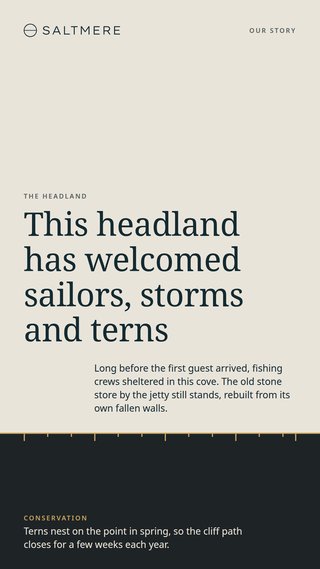
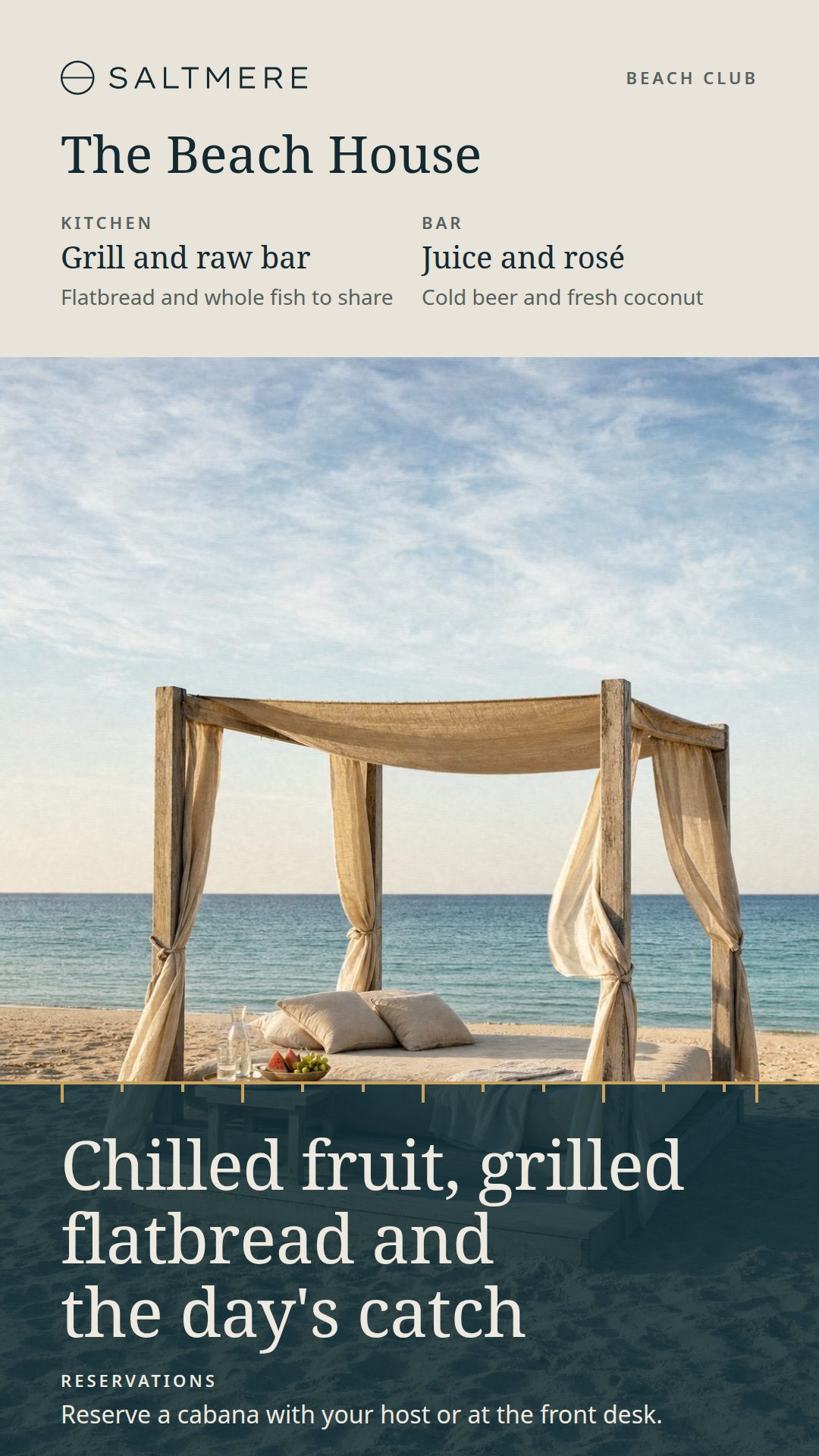
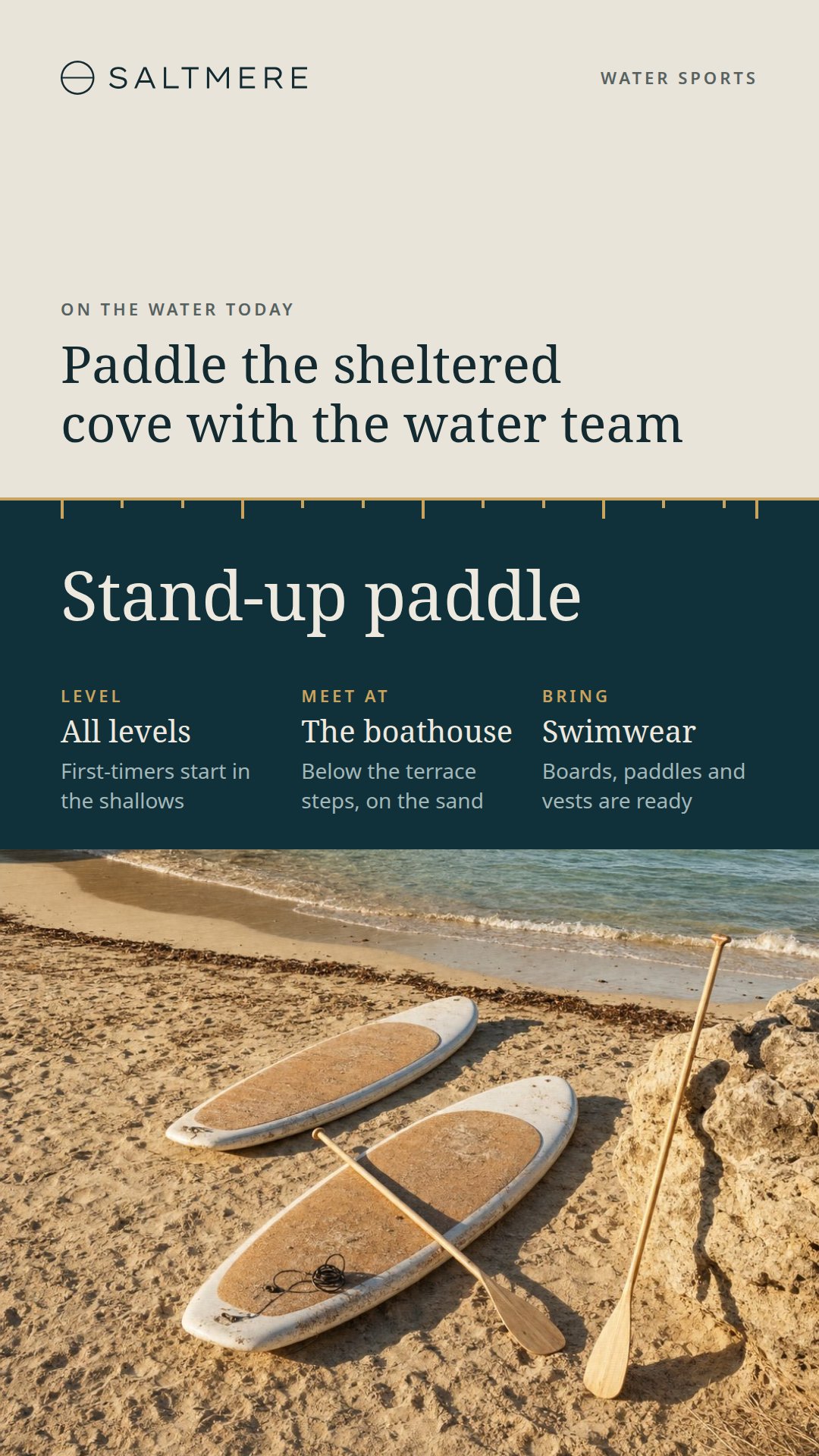
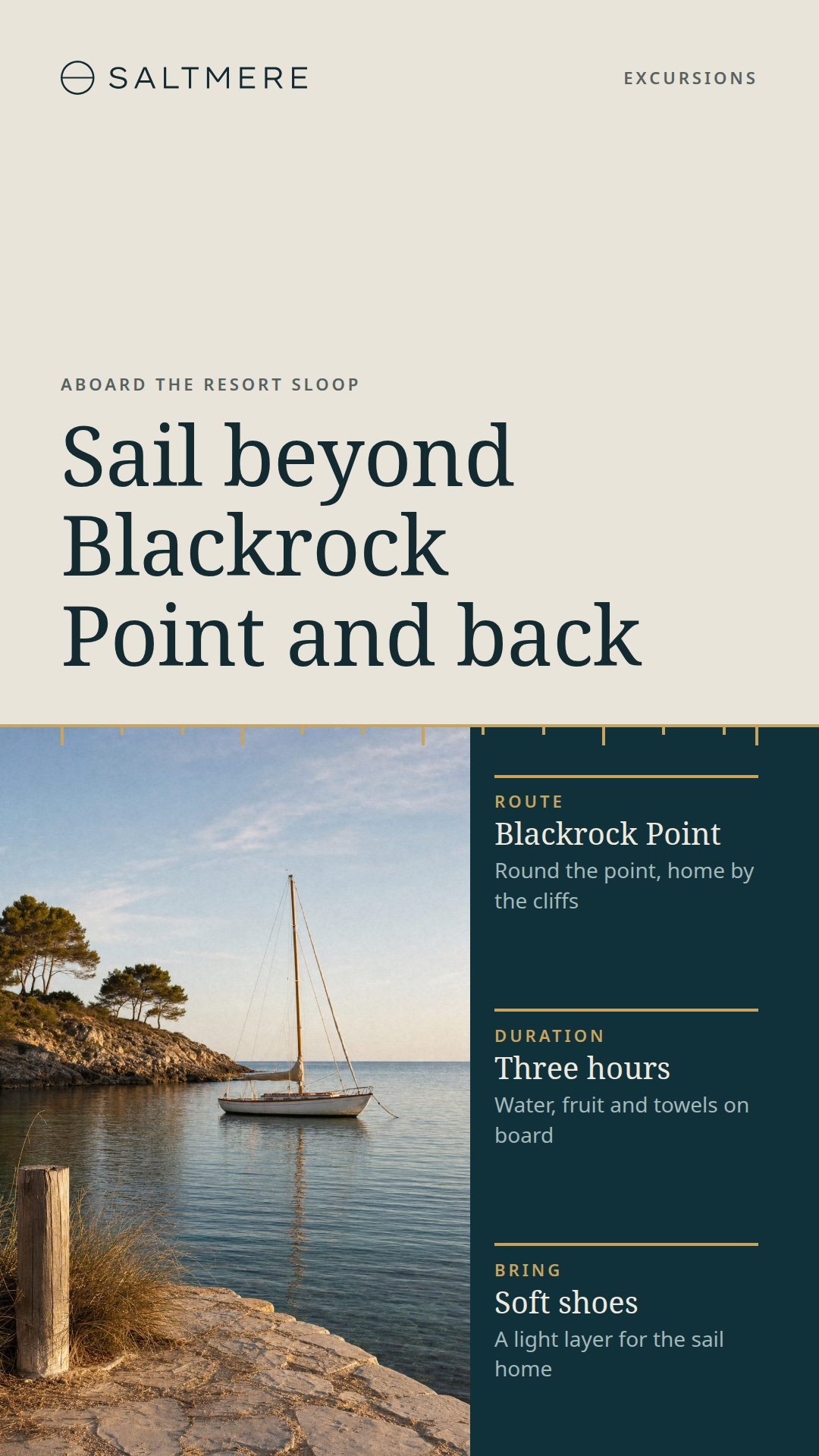
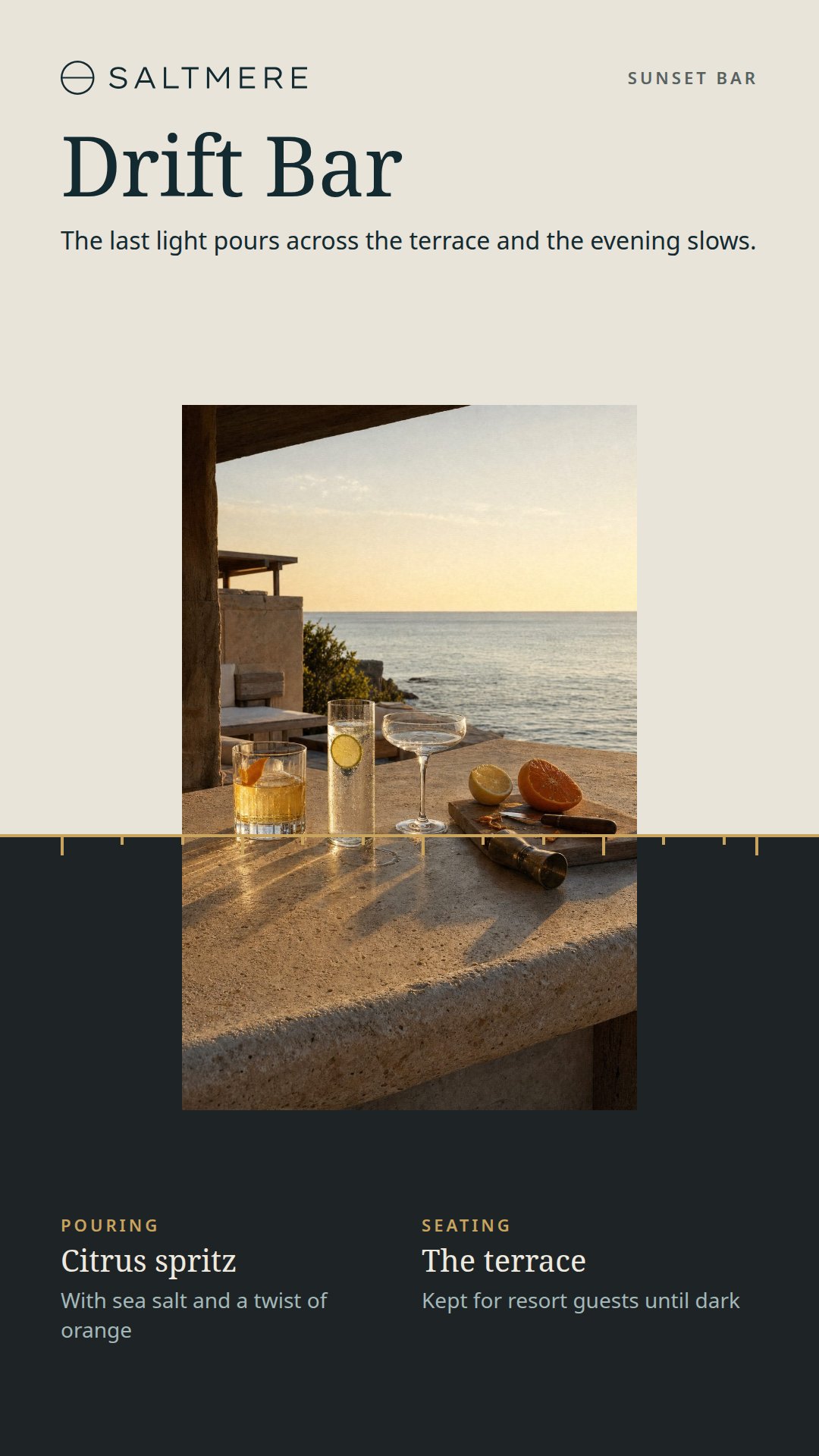
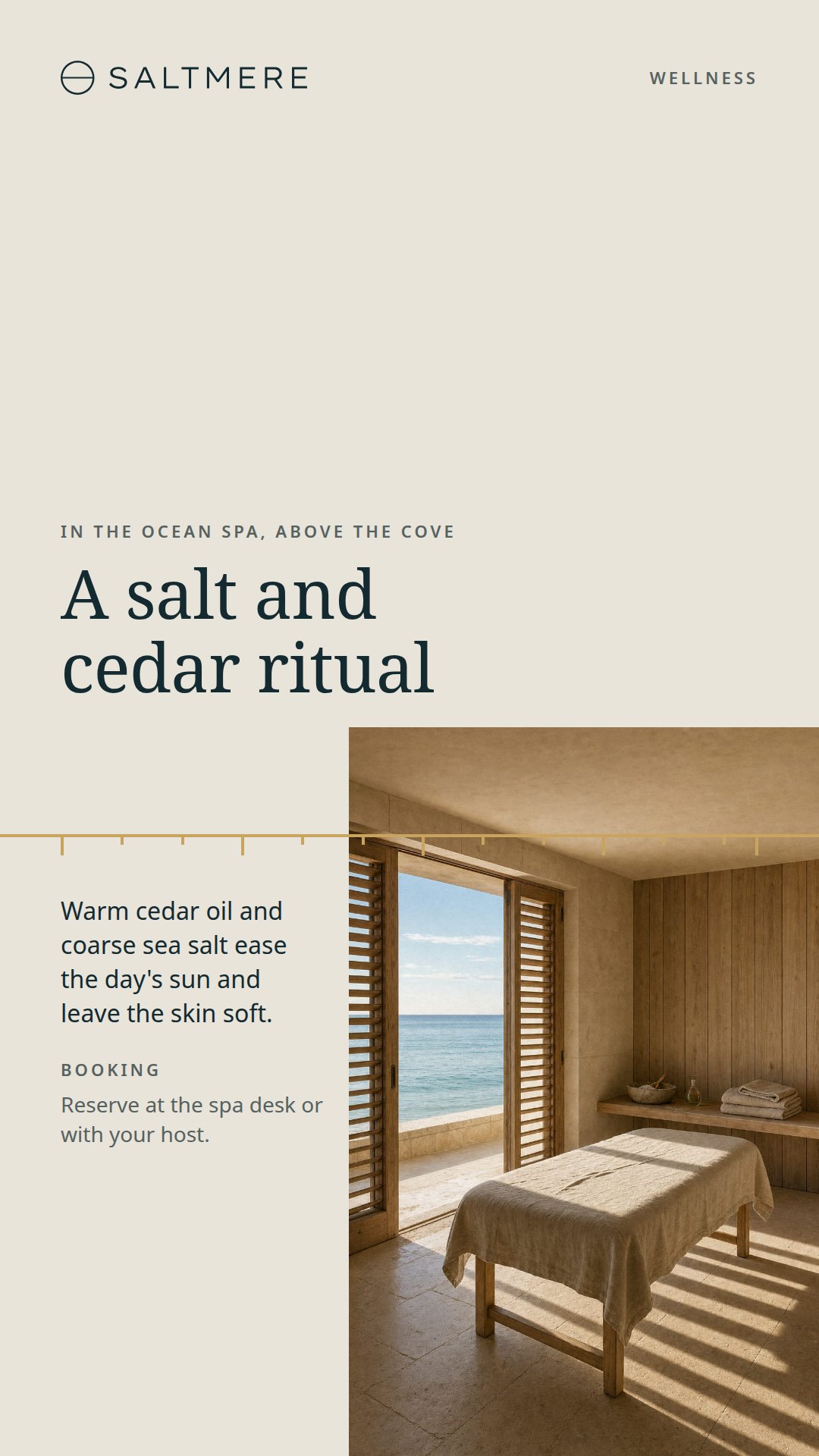
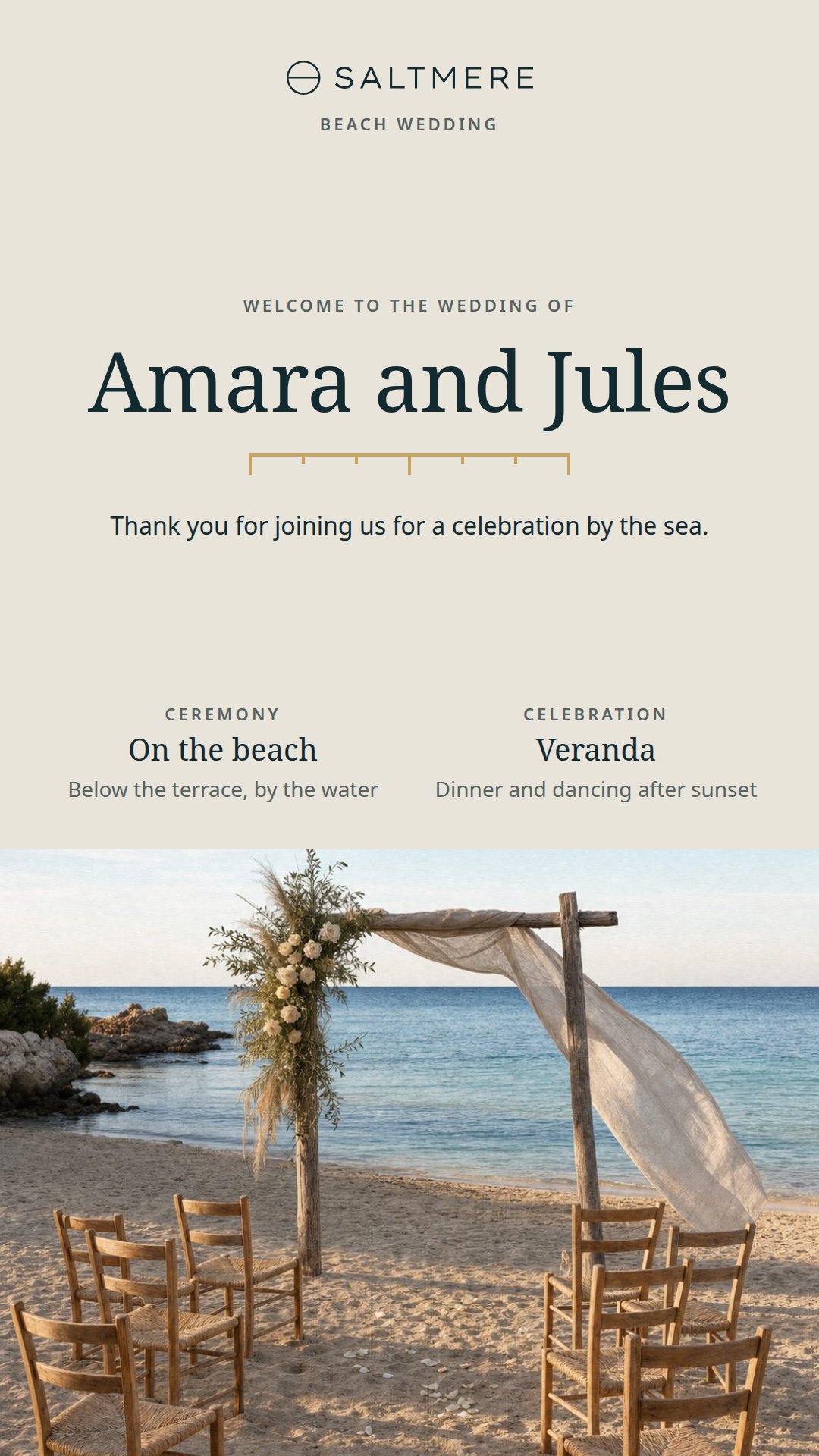
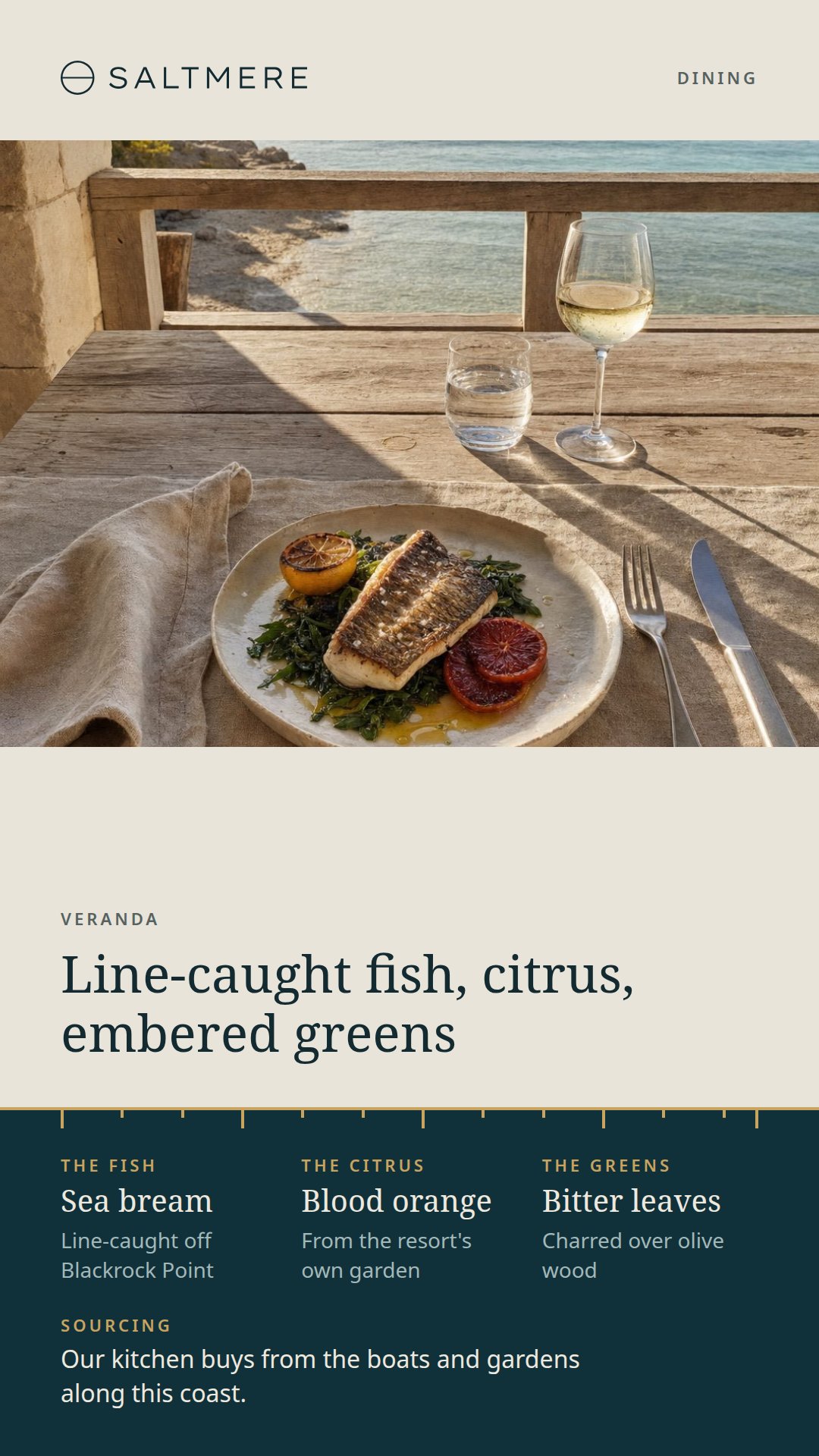
These are the twelve designs of the landscape set, each laid out again for a tall screen. The eight with a photograph carry their own tall picture, framed for the height of the screen.
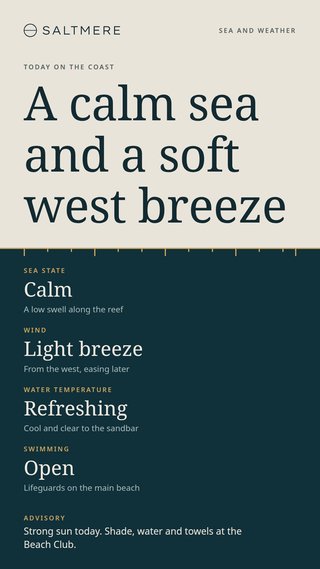
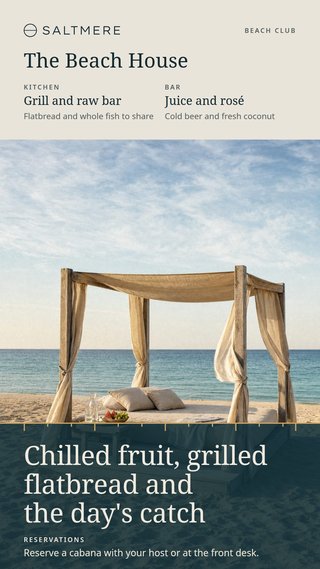
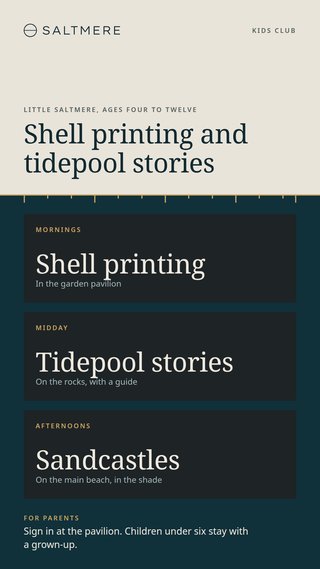
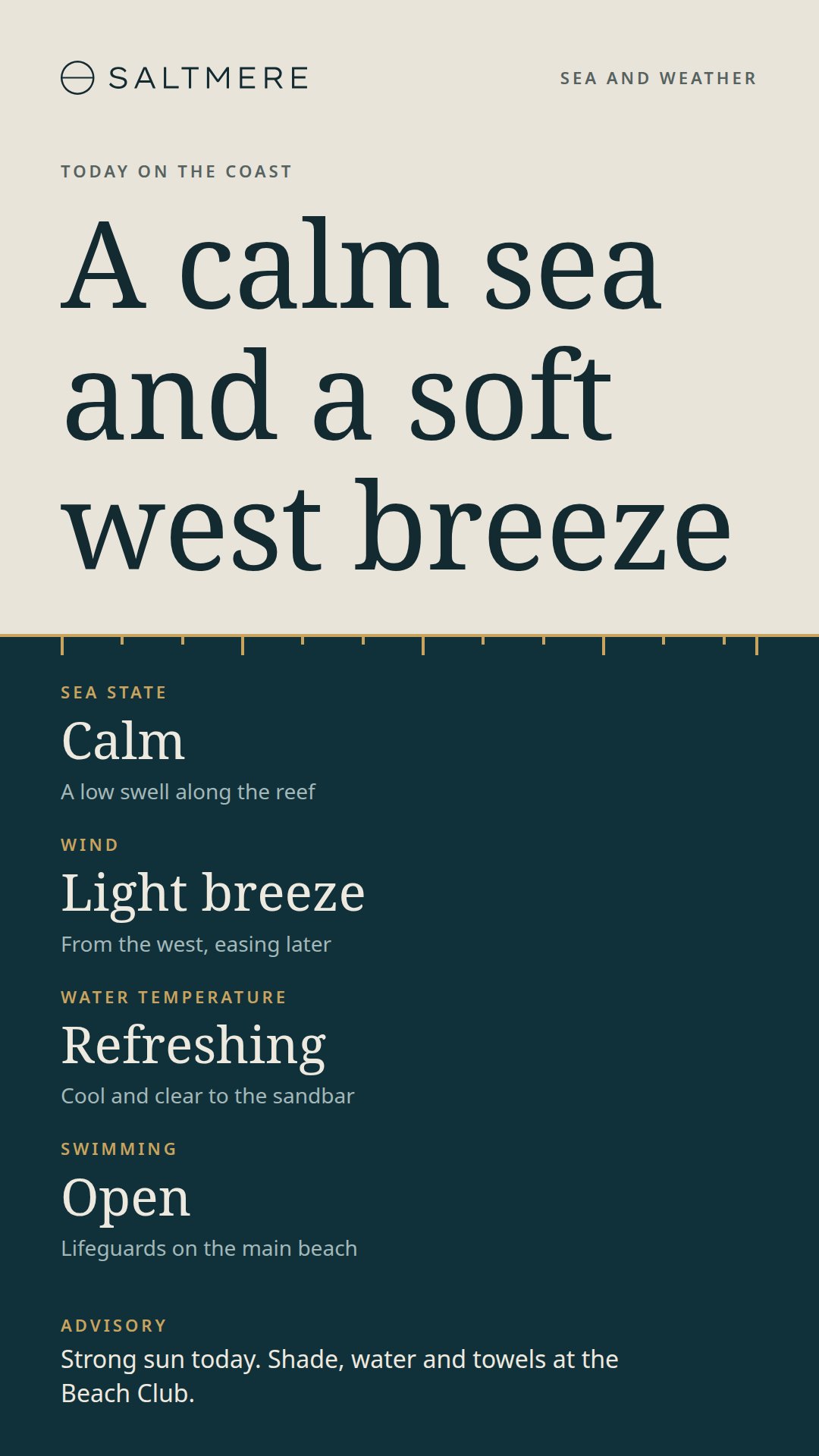
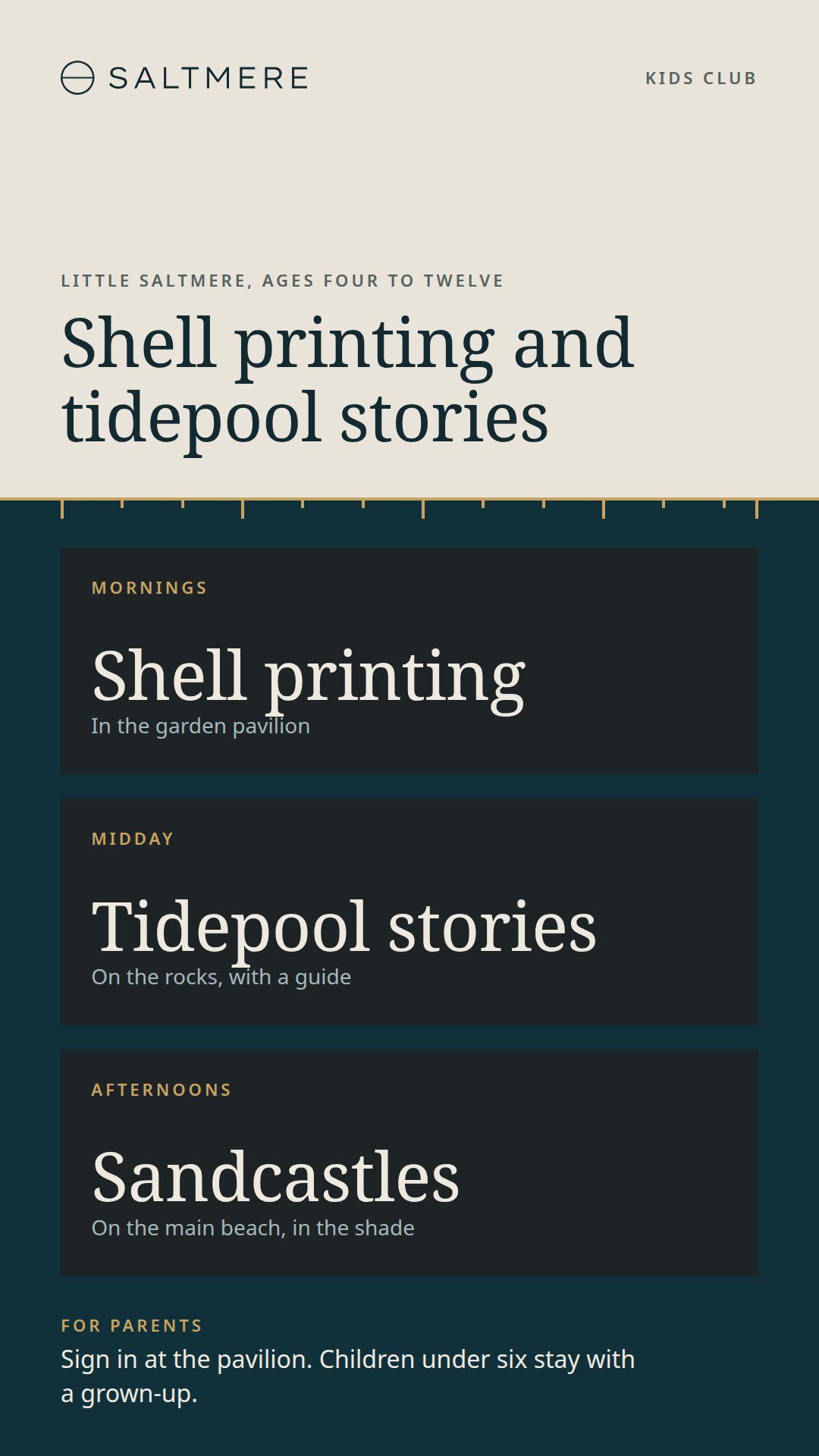
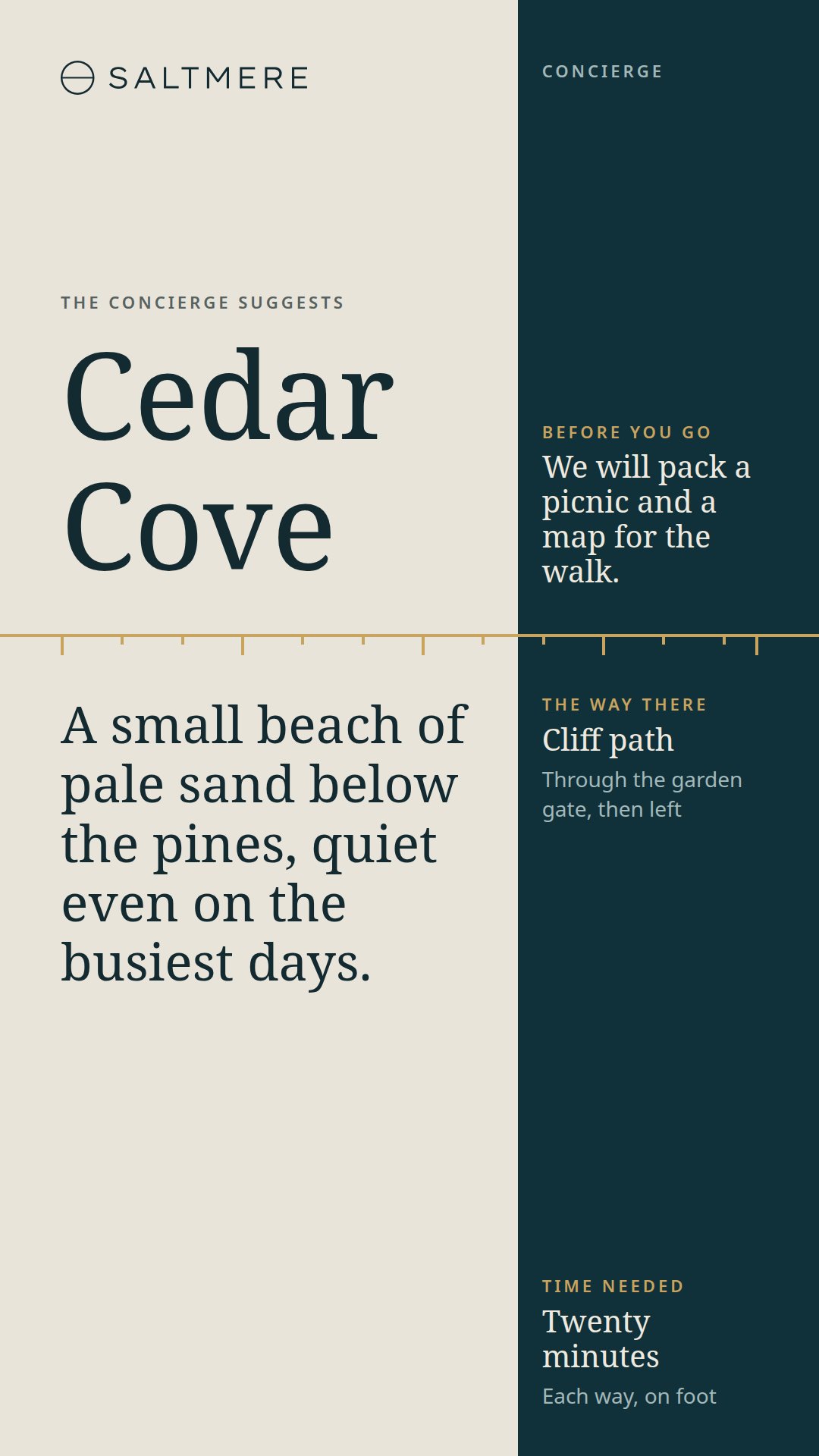
On a tall screen the details stack. The four sea conditions run down a single column, the kids club's three activities become three cards one above the other, and the beach club moves its kitchen and bar up beside the venue's name. The words are the same in both sets.
Put the Tide Line Portrait Designs on Your Screens with FloSync
Unzip the HTML download somewhere permanent. The designs are in its coast folder, one page each.
For the same design on every tall screen a computer drives, such as the sea and weather design along the way to the beach, choose Mirrored from the mode dropdown, right-click any screen box and choose Load HTML File.... The page loads on all of them at once. The Mirrored mode docs picture it with the landscape designs.
For one tall screen that works through several designs, open the schedule panel and switch it to Interval with the timer icon. Give each design a scene: select the scene, right-click the screen box, choose Load HTML File... and pick its page. Set a duration on each scene with its pencil icon, then choose Go Live (Beginning). The screen moves through them and starts again after the last. Interval scenes explains the rest.
Portrait and landscape screens can run from the same computer. In Independent mode each screen box takes its own page, whichever way the screen is mounted.
Make the Portrait Designs Your Resort's Own
SALTMERE and every name in the designs are invented. Each word is plain text in the page, so open a design in a text editor and type your resort's words over it. Nothing updates by itself, the sea and weather page included, so change the day's conditions the same way. A longer line wraps sooner on a narrow screen, so look at each edited design once on the real screen.
The photographs are tall, 2 by 3, and their file names end in -portrait, in the images folder inside coast. A replacement of that shape needs nothing else. The logo is saltmere-lockup.svg, and any SVG or PNG of the same height replaces it; the colors are set at the top of each page.
The PowerPoint and Illustrator files hold the twelve designs as tall slides and artboards. Install Noto Serif and Noto Sans from the fonts folder first. A finished tall slide or artboard goes to FloSync as an exported image or video, one file each.
Every Design in the Set
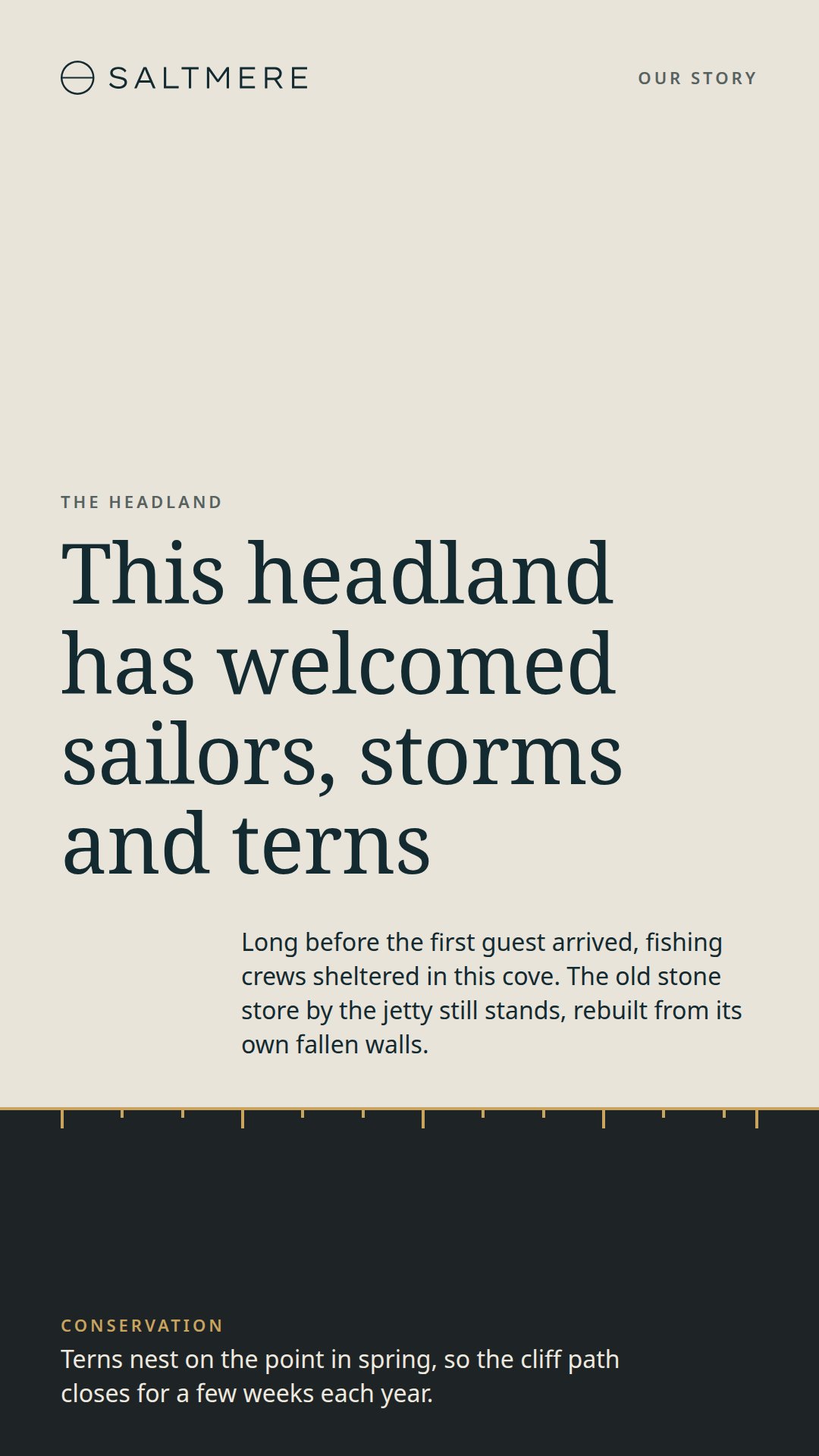
Each design below is a separate page in the HTML download, with the same file name as its landscape counterpart.
Frequently asked questions
Can I use the Tide Line portrait designs at my resort?
Yes. A resort can rewrite them, show them on its tall screens and use them to sell treatments, dinners and excursions, and the screens need carry no credit. The credit line and the license travel with the files only when you pass them on or build another template from them. The only thing the license forbids is selling the files themselves.
Does a tall screen need FloSync to show these designs?
No. Open any page in a browser on a tall screen and it fills the height, and the portrait deck and artboards work in PowerPoint, Keynote, Canva and Illustrator. FloSync, also free, is the way to run one design across several tall screens or rotate several on one.
Can I use portrait and landscape Tide Line designs at the same resort?
Yes. The two sets carry the same words, colors and type, so a tall screen by the lift and a wide one in the lobby read as one resort. Each orientation is its own download, on its own page.
How do I change the guest's name on the arrival welcome?
Open arrival-welcome.html in a text editor and type the new name over the old one. Every word in the designs is plain text, so the Wi-Fi code and the front desk line change the same way.
Can I use the portrait designs on a 4K totem at the resort?
Yes. A 2160 by 3840 screen gets the same layout as a 1080 by 1920 one, because the pages scale with the screen, and the PowerPoint and Illustrator files are already at 2160 by 3840. In Canva, pick the size when you download. The tall photographs are placeholders, so a 4K screen deserves your own high-resolution ones.
What Is FloSync?
FloSync is free software for Mac and Windows that runs images, video, and web pages across one screen or many. Each screen can carry its own content, and a schedule can change them all together at the times you set, so a design like this one keeps itself current while you get on with your day. It is free to download, with no account and no monthly fee.