Digital signage
Harvest Table: Free Portrait Restaurant Menu Template
Breakfast, lunch and dinner menus for tall screens, with three designs to each meal.
The HTML version plays in FloSync as it is. Files from design and presentation apps must be exported as images or video before FloSync can play them.
Free to use under the FloSync Template License.
About the Harvest Table Portrait Menus
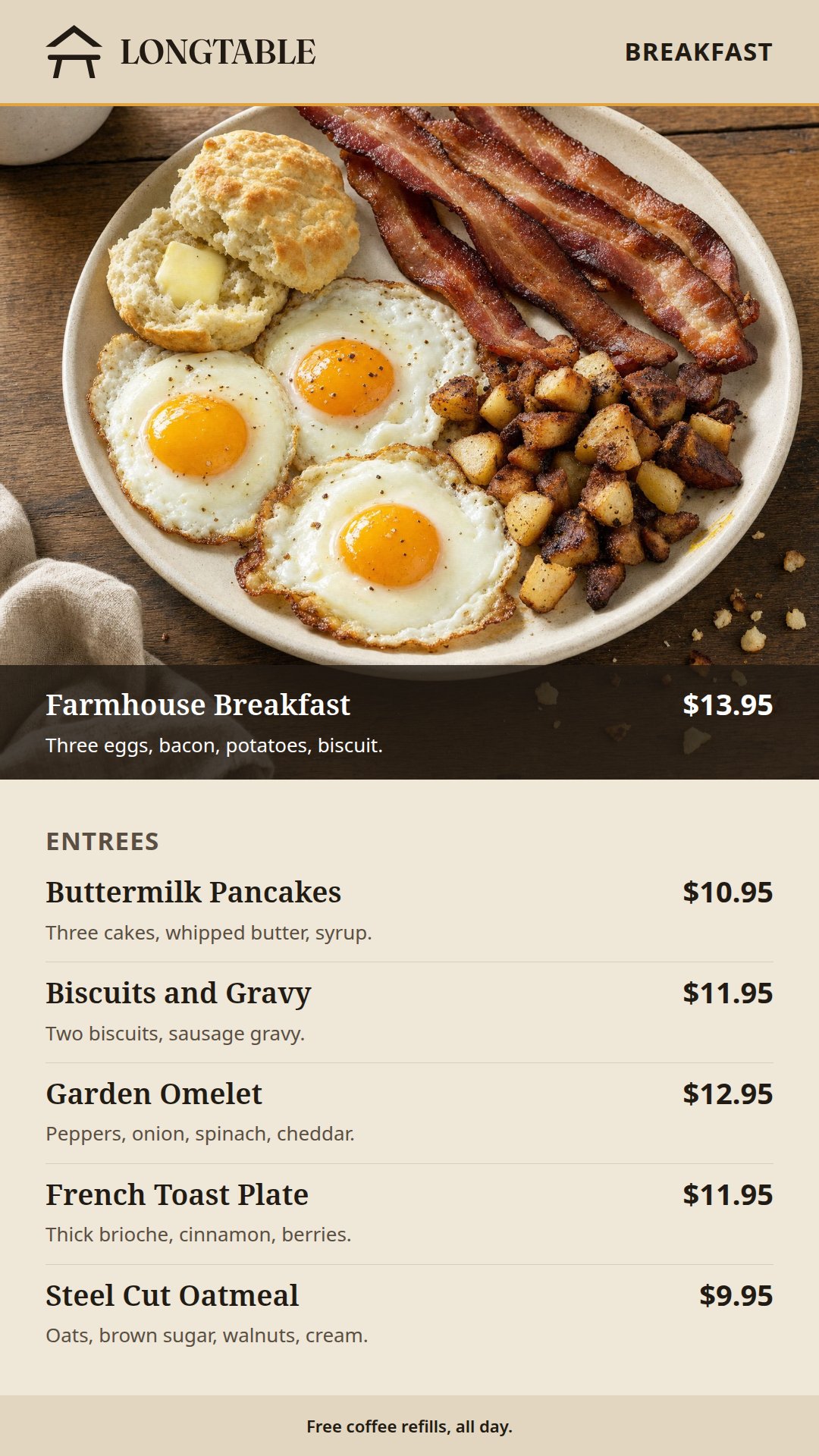
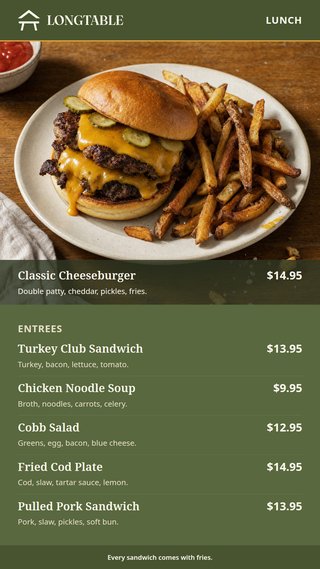
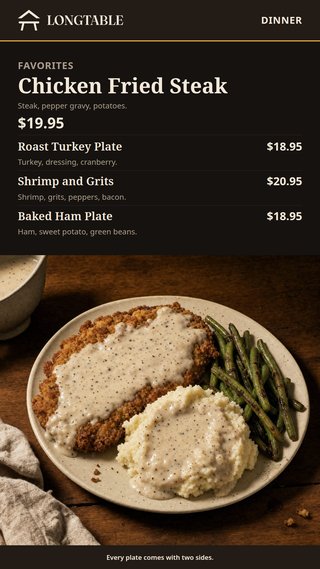
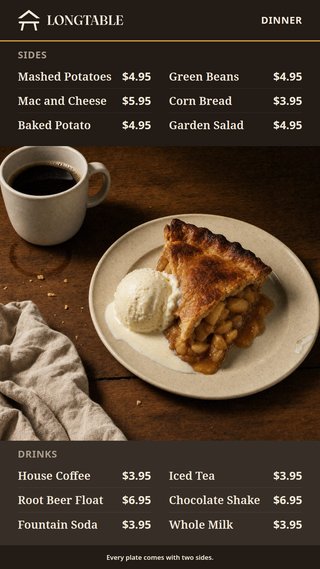
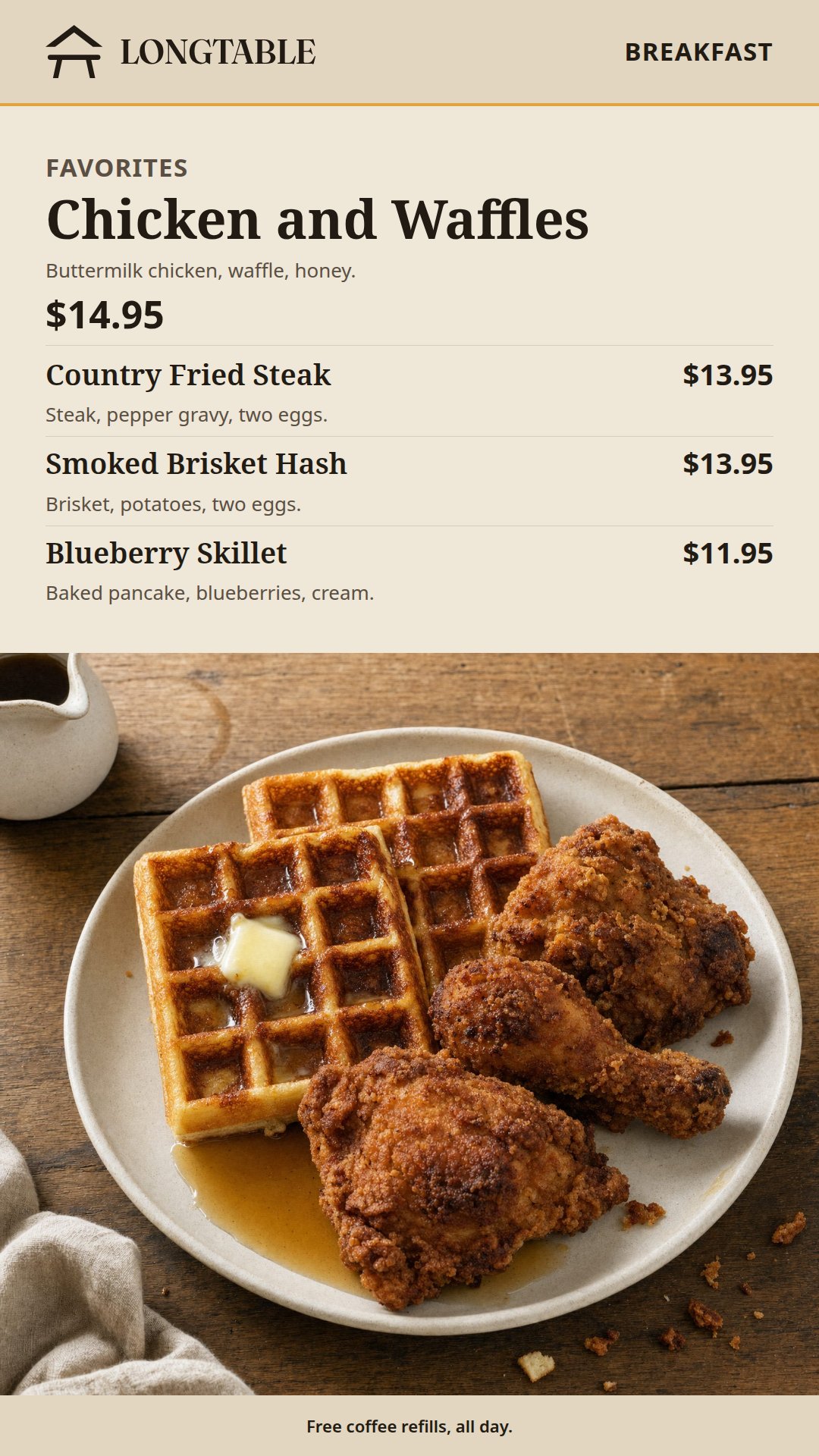
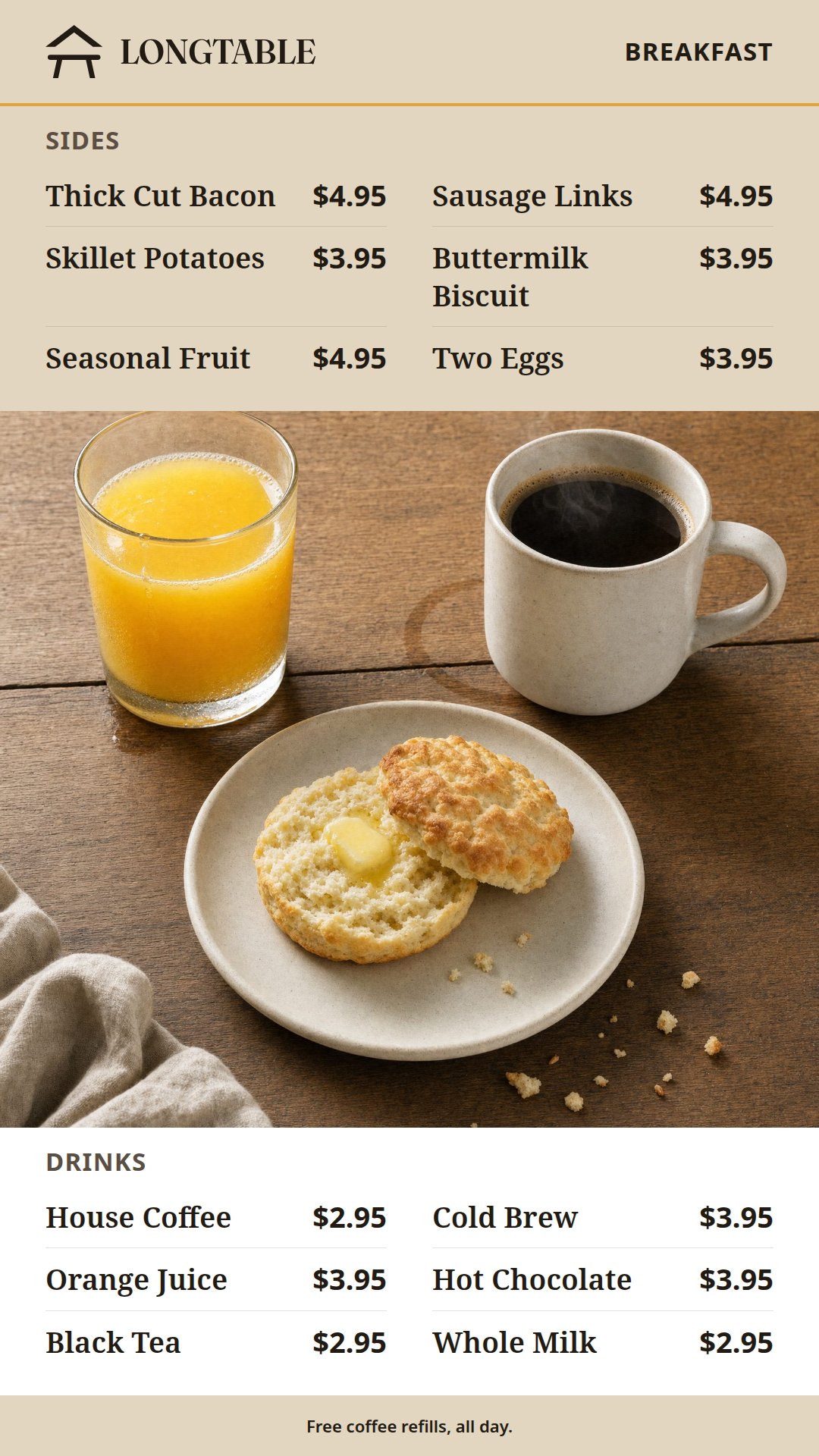
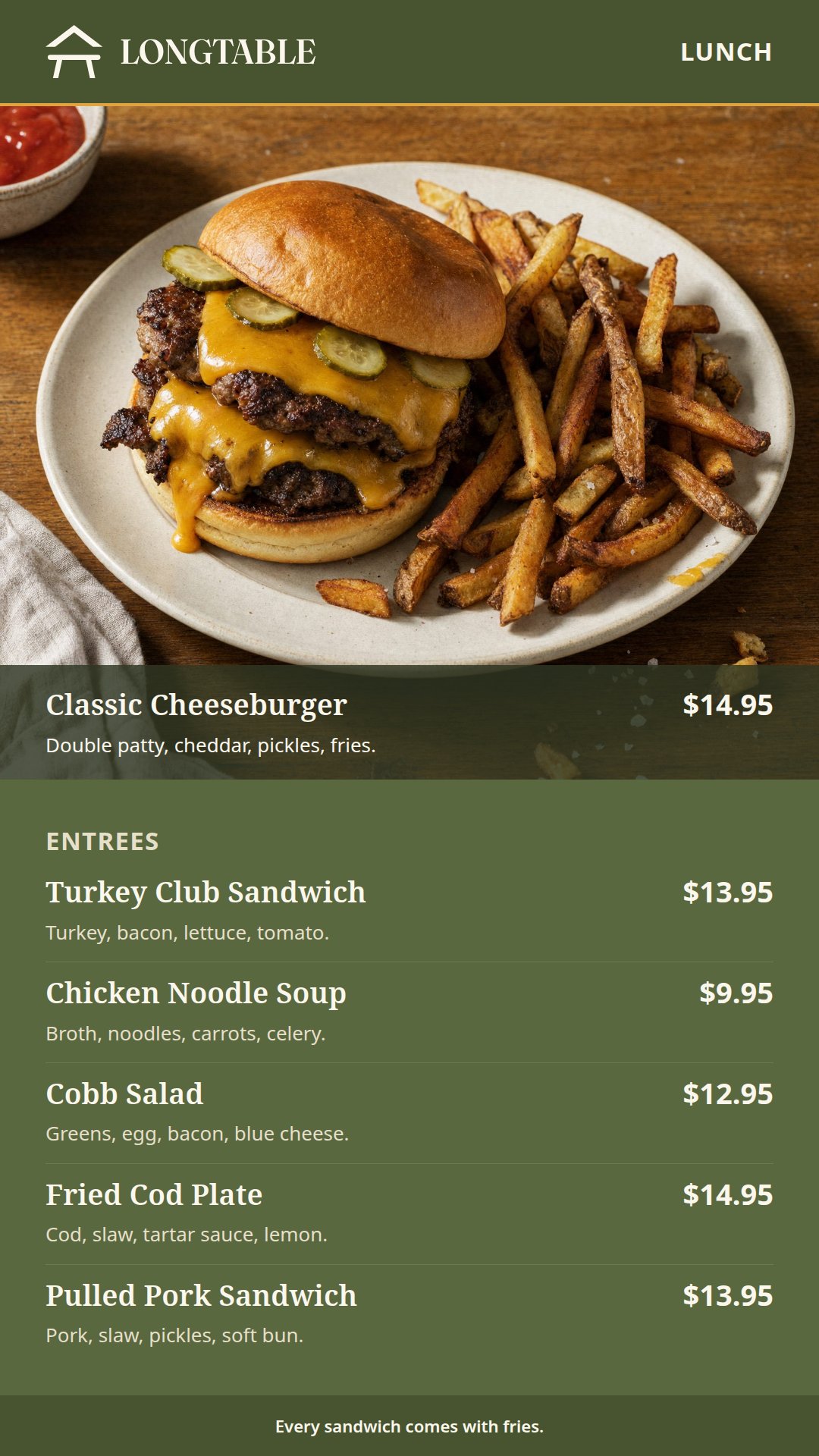
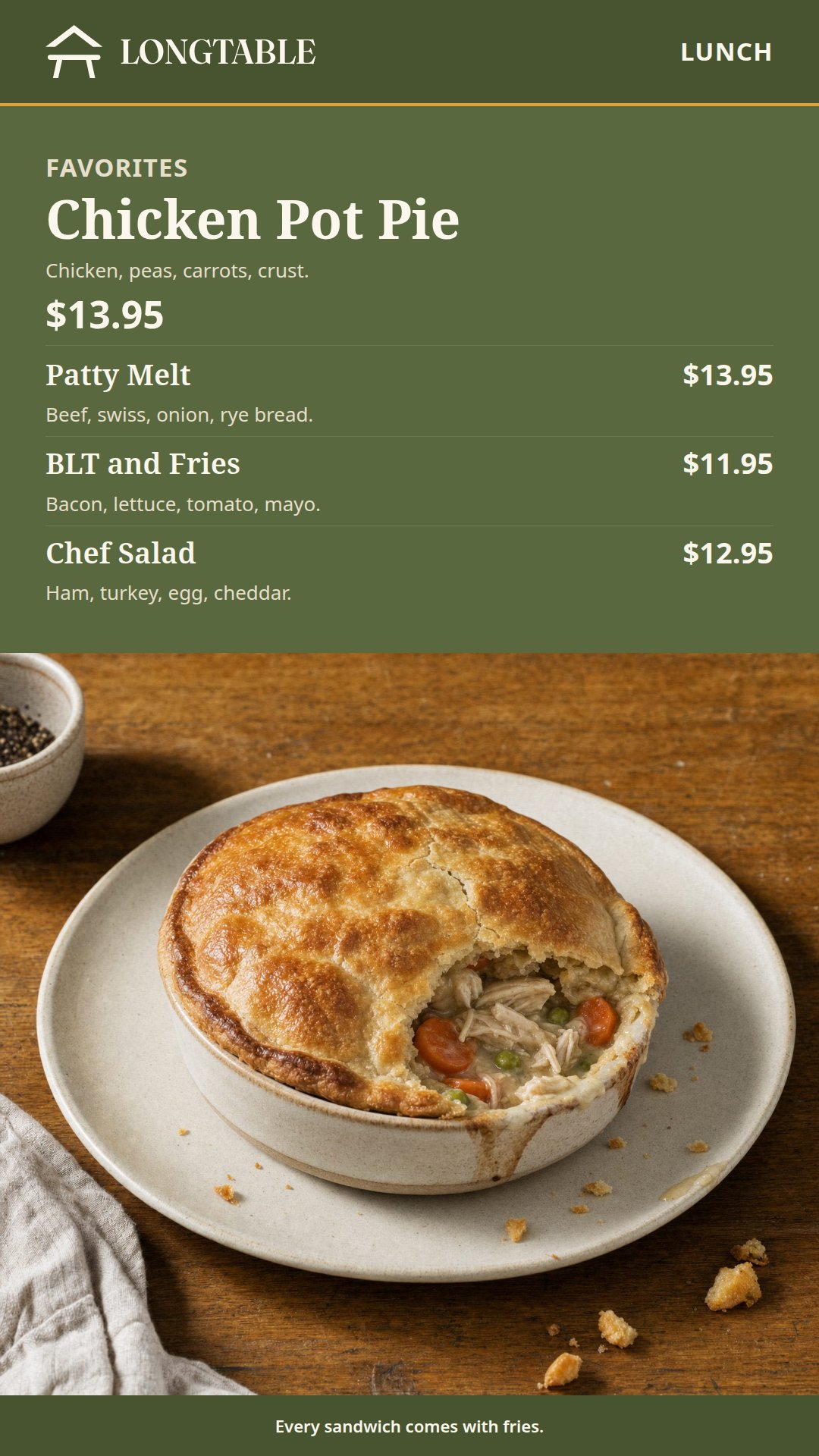
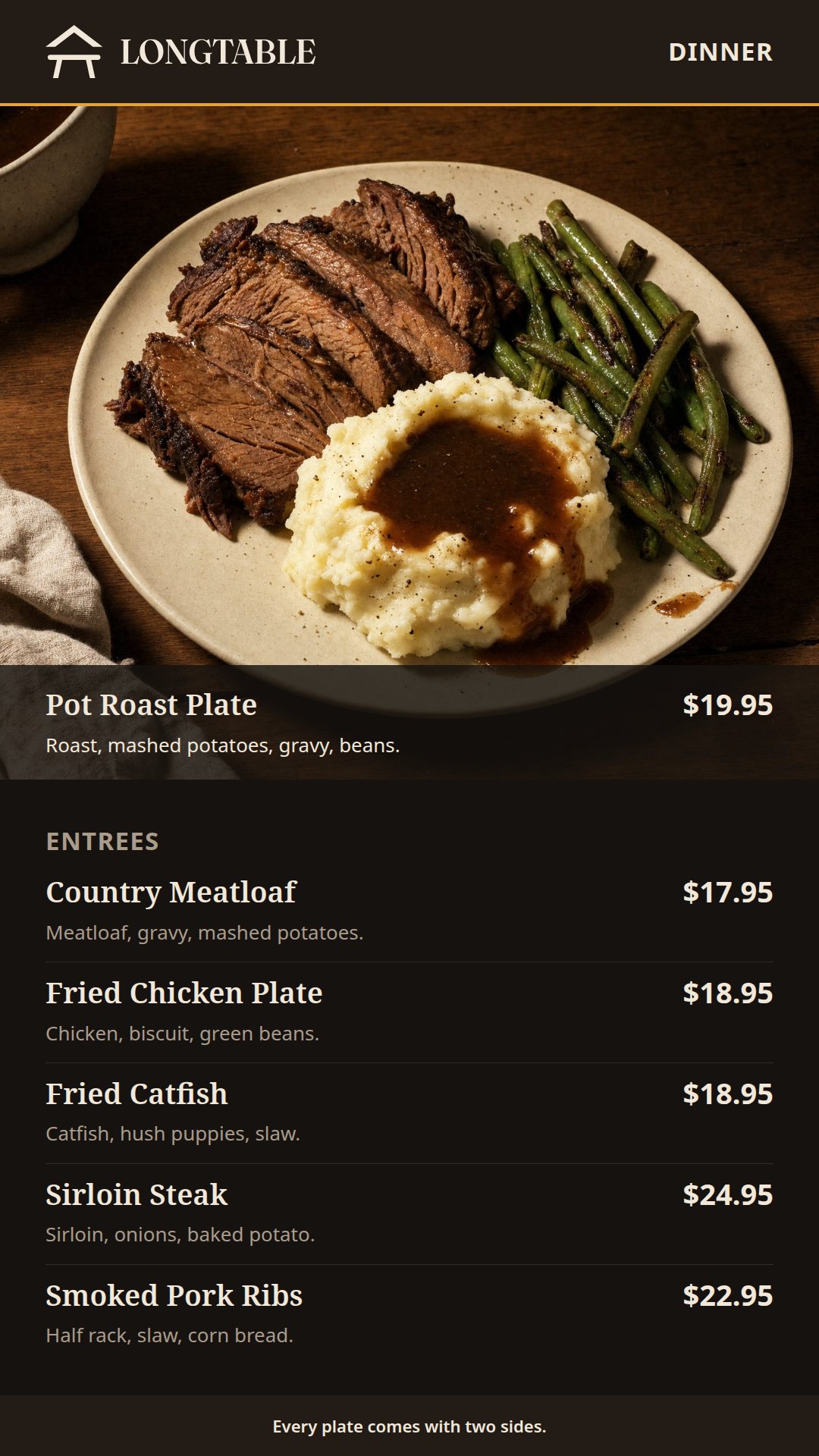
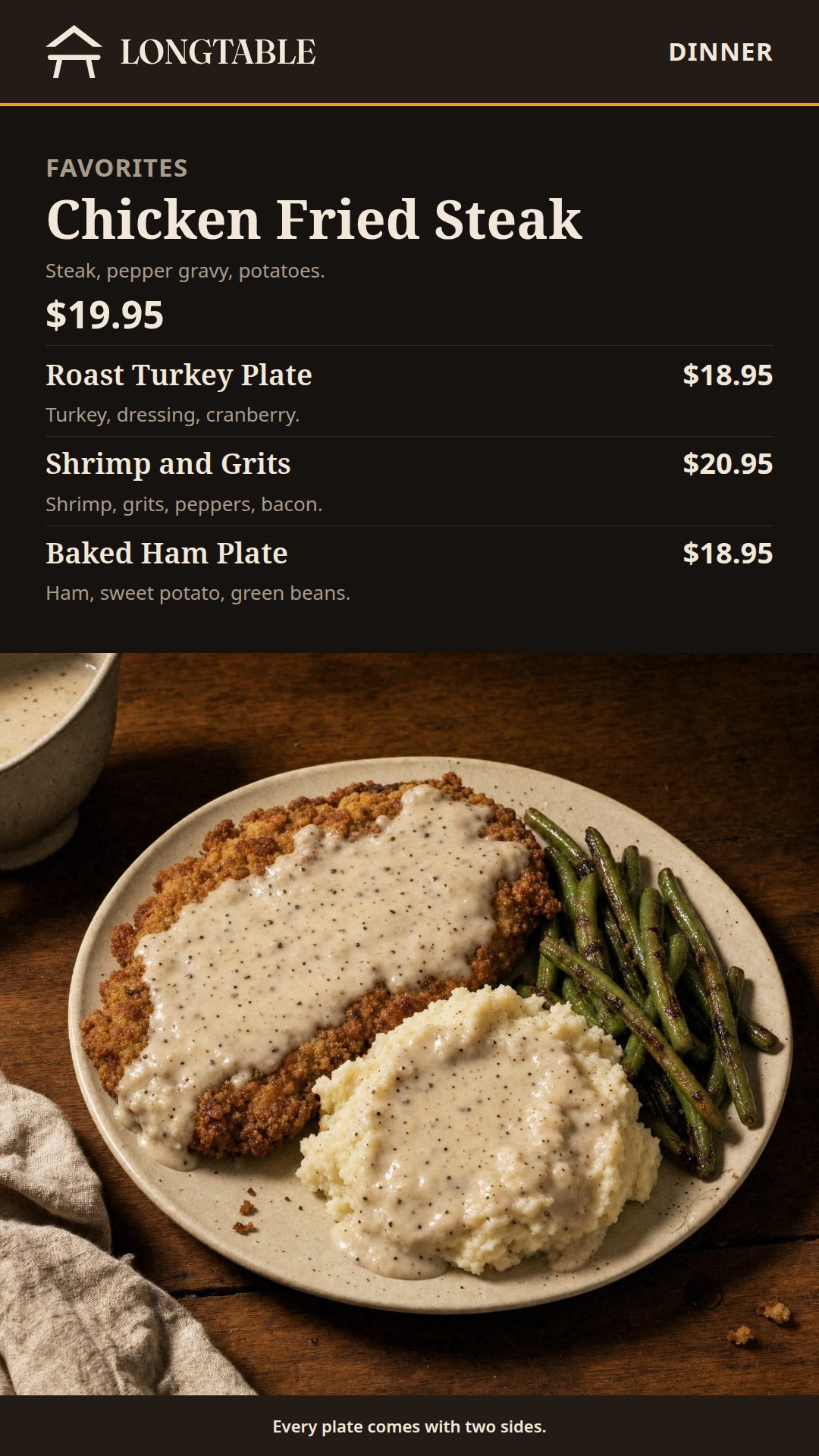
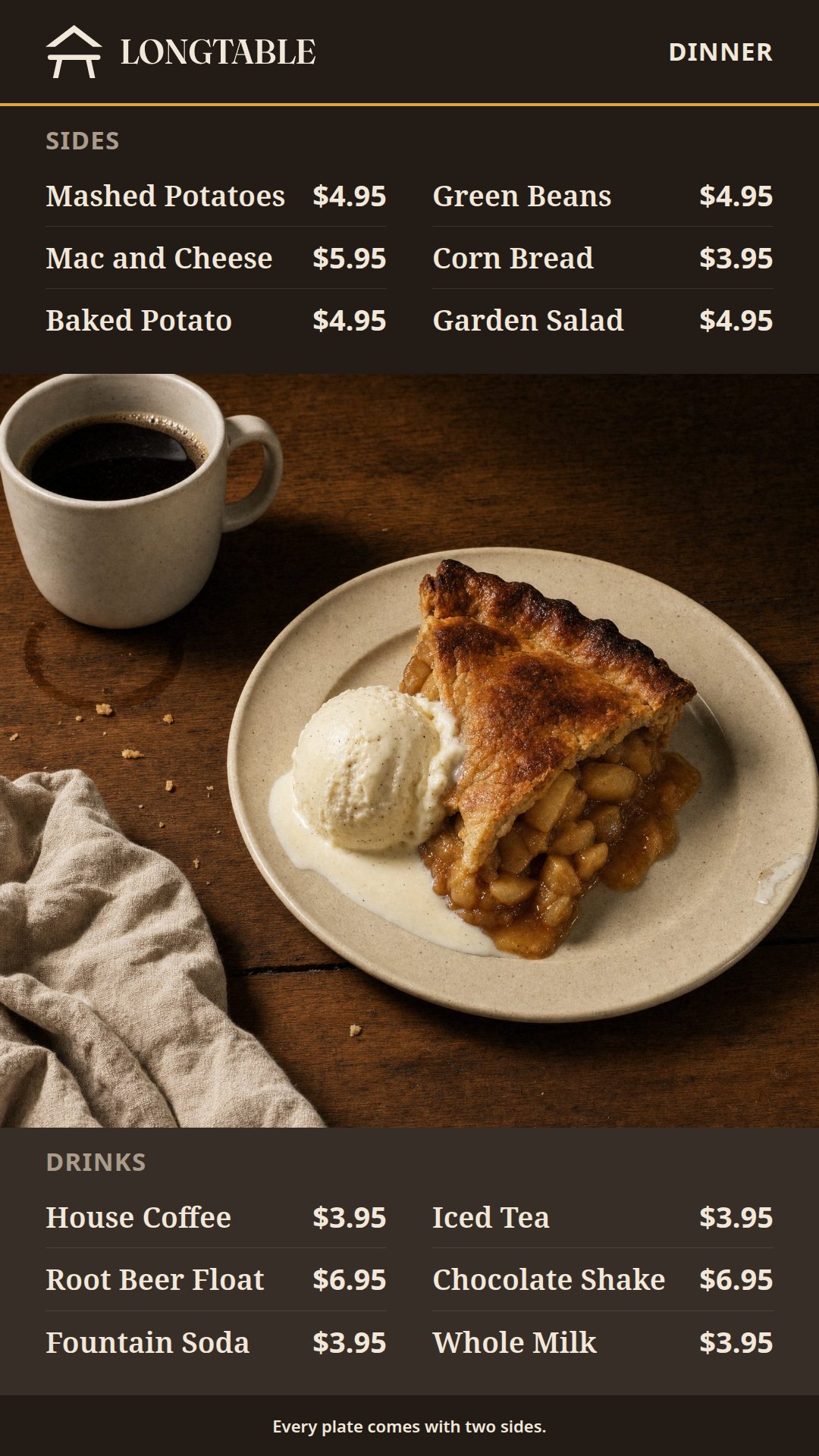
These are the landscape set's menus, dish for dish and price for price, laid out again for a tall screen. The height gives each meal's house plate a photograph the full width of the screen, with the entrees read straight down beneath it, where the landscape design has to share its width between picture and list. Each meal keeps its own colors and the LONGTABLE logo, so wide and tall screens in one restaurant still look like one place.
Put the Harvest Table Portrait Menus on Your Screens with FloSync
Download the HTML set and unzip it somewhere permanent. Its breakfast, lunch and dinner folders hold three pages each, under the same names as the landscape set: left-entrees.html, middle-specials.html and right-sides-drinks.html.
For tall screens in a row, keep the mode dropdown on Independent, right-click each screen box and choose Load HTML File... to give it its page. A single tall screen takes whichever design you choose.
To follow your hours, give breakfast, lunch and dinner a scene each in the schedule panel, load each meal's pages into its scene, and choose Go Live (Schedule). How to Build a Three-Screen Restaurant Menu That Changes by Time of Day walks through the schedule with the landscape designs, and the steps are the same for tall ones.
Change the Dishes, Photos, Colors and Logo
LONGTABLE is a made-up restaurant, and its menu is a stand-in for yours.
Dish names, descriptions and prices are plain text in each page. The left design is laid out for five entrees, the middle for the favorite and three more dishes, and the right for four to six sides and four to six drinks, so a longer menu needs a second copy of that design.
The photographs are the same square pictures the landscape set uses, and each design crops its own to fit, so one new photograph per dish serves both orientations. They sit in the images folder beside each meal's pages, with longtable-lockup.svg, which takes your logo at the same height. The colors and fonts are set in the :root block at the top of each page.
The PowerPoint and Illustrator files hold the nine designs as tall slides and artboards. Install Noto Serif and Noto Sans from the fonts folder before you open them, and save each finished one as an image or a video before it goes into FloSync.
Every Design in the Set
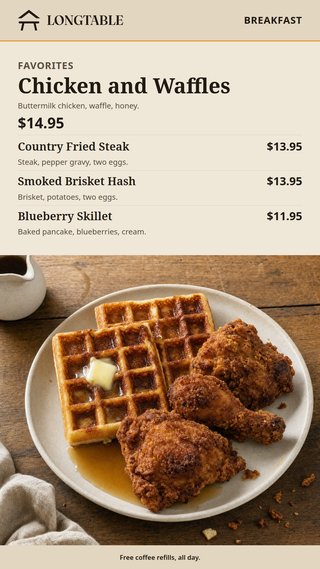
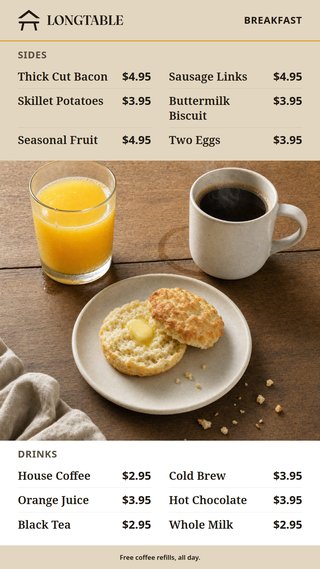
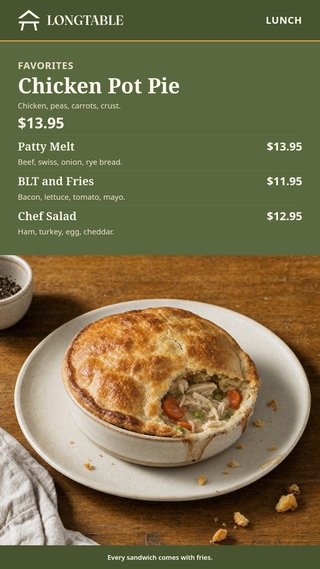
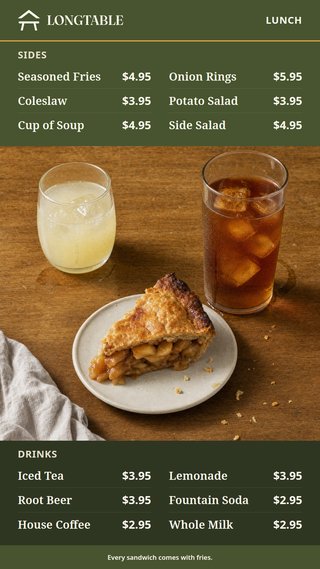
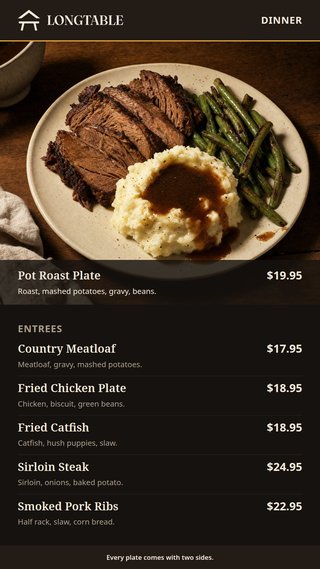
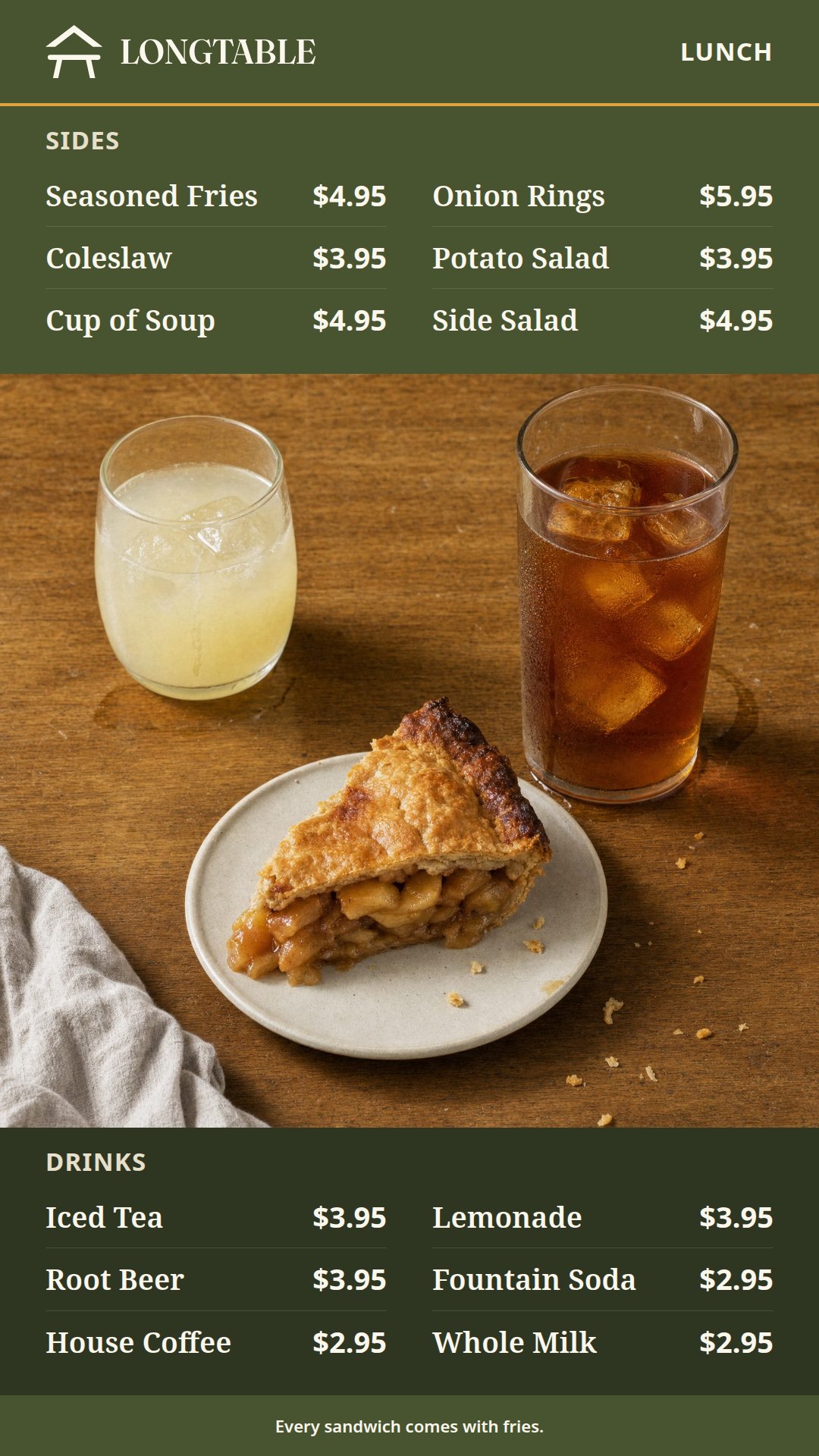
Each meal's three designs, in the order of the landscape set: the house plate and entrees, the favorite, then sides and drinks.
Frequently asked questions
Can I put the portrait menus up in my own restaurant?
Yes, in one restaurant or in every location of a chain. Change the menus, show them and charge for everything they advertise, with nothing to credit on the screens. Anyone you give the files to, or any template you build from them, keeps the credit line and the license. The files themselves cannot be sold as they are.
Can a tall screen show the menu without FloSync?
Yes. Each design is a web page that fills a tall screen in any browser, and the PowerPoint, Illustrator and Canva versions need no FloSync either. FloSync, free as well, is what moves the screens from breakfast to lunch to dinner on their own.
Do the portrait and landscape menus match?
Yes. Both sets carry the same dishes, prices and meal colors, and their pages share file names, so a wide screen over the counter and a tall one by the door show one menu.
Can I run the menu on a single tall screen?
Yes. Every design works alone, so one screen by the entrance can show each meal's favorite and change with the schedule.
Will the portrait menus work on 4K screens?
Yes. The portrait PowerPoint and Illustrator files are 2160 by 3840, Canva asks for the size when you download, and the HTML fills whatever tall screen it is on. The food photographs are placeholders, so bring your own high-resolution pictures of your dishes for 4K.
What Is FloSync?
FloSync is free software for Mac and Windows that runs images, video, and web pages across one screen or many. Each screen can carry its own content, and a schedule can change them all together at the times you set, so a design like this one keeps itself current while you get on with your day. It is free to download, with no account and no monthly fee.