Why Digital Signage Should Run for Weeks, Not Hours
Most signage software is judged on a two-minute demo. What matters is whether it is still right on Thursday, after four days nobody was watching.
 By Daniel Palka
5 min read
By Daniel Palka
5 min read
- 24/7 operation
- Reliability
- Digital signage
Contents
Most signage software is evaluated in the wrong conditions. Someone loads a video, watches it for two minutes, sees that it looks good, and buys it.
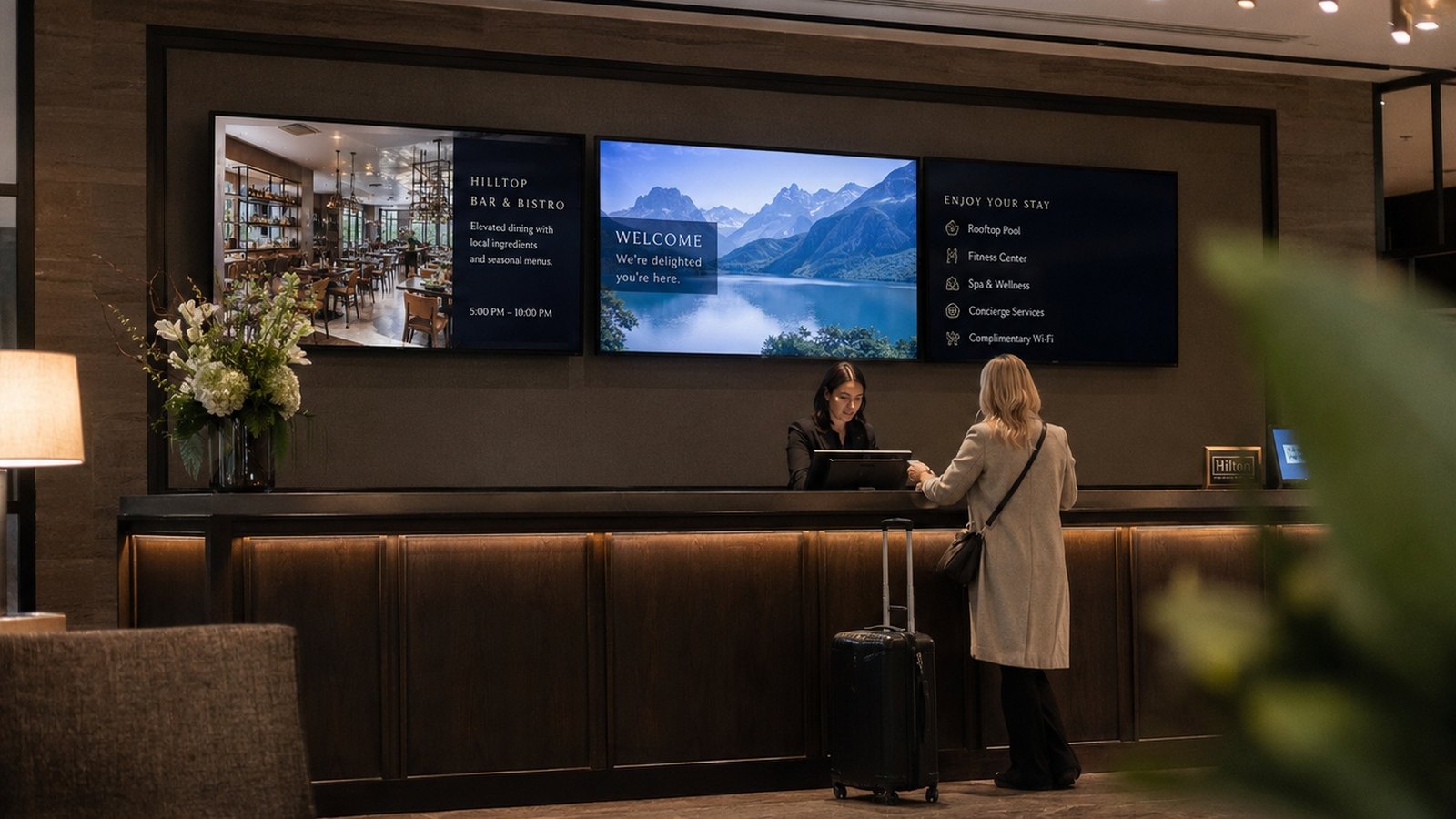
But nobody watches signage for two minutes. A screen in a hotel lobby, a museum gallery or a store window runs for days at a time, unattended, in a building where the person who set it up has gone home. The question that matters is not whether it works. It is whether it is still working on Thursday.
That is a different question, and surprisingly little software is built to answer it.
The demo is not the job
A two-minute demo tests almost nothing. It tests that the file plays.
What it does not test is everything that only appears with time: whether screens that started together are still together at the end of the day, whether an installation survives the building losing power overnight, whether a week of continuous playback leaves things exactly as they started.
These are not exotic failure modes. They are the normal operating conditions of every signage installation, and they are invisible in the conditions most people use to evaluate.
What actually degrades
Three things go wrong in long-running installations, in roughly this order.
Timing. This is the most common and the most visible. Multiple screens that were aligned at setup separate over hours, because independently running players drift apart on their own. Nothing has failed. The wall just looks wrong, and it looks wrong in the specific way that reads as cheap: motion that should be one continuous movement across several panels arriving at slightly different moments.
The insidious part is that it is gradual. There is no moment where it breaks. It just gets worse, and because it gets worse slowly, whoever installed it has stopped looking by the time anyone would notice.
Recovery. Buildings lose power. Cleaners unplug things. A machine that needs a human to bring it back is a machine that will be dark until someone visits, which in a distributed installation might be days.
Wear. Software that runs for an hour and software that runs for three weeks are different problems. Small things build up over a long run in ways an afternoon of testing never reveals.
Unattended is the actual requirement
The useful way to think about signage is not "does it play video." It is "how long can I ignore it."
That framing changes what you look for:
- Does it hold multiple screens together across a full day, or does it need someone to nudge it?
- After a power cut, does the right content come back without a site visit?
- If content is scheduled to change at 9am, does that still happen on day twelve?
- Can you leave the building?
That last one is the real test. An installation you have to stay near is not an installation, it is a performance.
Why this is the harder half of the problem
Playing a video is easy. Every device made in the last fifteen years can play a video.
Playing the same video, on several screens, in step, continuously, for weeks, with nobody watching, is a genuinely different engineering problem. It is also the part that gets the least attention in product comparisons, because it is the part you cannot see in a screenshot.
This is where FloSync has spent its time. The visible features matter, but the reason the software exists is the unglamorous half: screens that are still right on Thursday.
How to actually test it
Before you commit to any signage software, including this one, do this:
- Set it up the way you would really deploy it, with the same number of screens.
- Start it and walk away.
- Come back a day later and look at it properly.
- Pull the power on one machine, restore it, and see what happens without your help.
A day is the minimum. A week is better. If a product only looks correct for the first ten minutes, you will find out eventually, and finding out during a client installation is the expensive version.
The practical shape of it
If you are building something that needs to run unattended, a few things help regardless of what you use:
- Prepare content in a format that plays reliably rather than one that merely plays. Our video preparation guide covers the specifics.
- Keep the network the screens share simple and predictable. A dedicated network is worth it for permanent installations.
- Use scheduling rather than someone remembering to change content. See scheduling.
- For installations running days or weeks at a stretch, schedule a daily restart during off-hours. It's routine maintenance, the same as broadcast and AV systems do, not a failure. Our sync optimization guide covers setting it up so it happens on its own.
The FloSync app is free, including for permanent installations, with no per-screen fees. If you are planning something that needs to run for a long time and want to talk it through, get in touch.
Frequently asked questions
How long should signage run without being restarted?
Plan on one restart a day for long-running, unattended installations, usually overnight. That's standard practice for professional signage and broadcast systems, not a sign of a problem. With Launch at Login and Auto Go Live turned on, FloSync comes back and goes live on its own, so as long as it's scheduled for off-hours, your audience never sees it happen.
What usually goes wrong first in a long-running installation?
Timing. Screens that started together drift apart over hours, and the failure is gradual rather than sudden, so it tends to be noticed by visitors before it is noticed by staff.
How do I test this before committing?
Leave it running for a full day and come back to it, rather than judging by a short demo. Anything looks correct for two minutes.
About the author
Daniel Palka
Creator of FloSync
Daniel has been building multi-screen video software since 2007, when FloSync began as a student project called ArraySync.
Our Story